
RODOGRAU 2.0 Guide: Basic controls and first steps
About
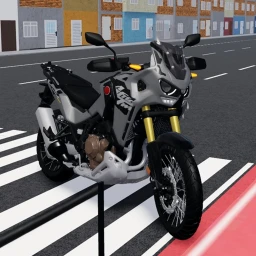
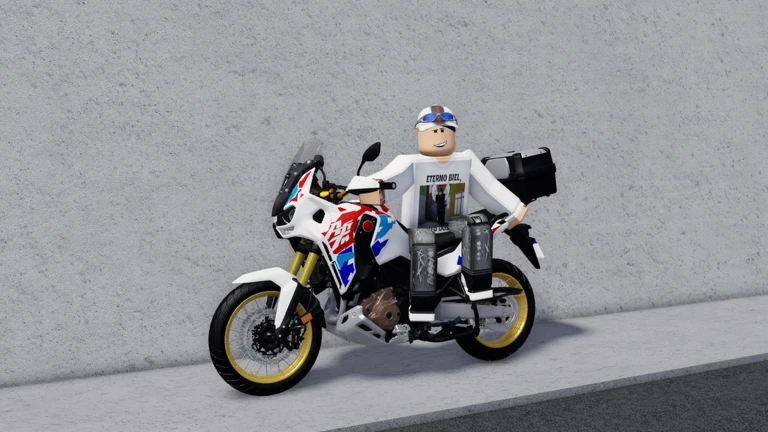
OverviewRODOGRAU 2.0 is an open-world motorcycle simulator on Roblox built around grau, the Brazilian street bike culture of wheelies, stunts, and riding style. You spawn in a large city, pick a bike, and practice tricks at your own pace. This guide covers controls, customization, stunt practice, and the command system so you can get moving right away.
What is on this page
Contents
Basic controls and first steps
Step
When you load in, you are dropped into a wide open-world city with a bike ready to go. The city is free to explore in any direction, so there is no wrong place to start.
- Ride first get your bike moving before you try anything else, because the wheelie key only works when you are already in motion.
- Press T tap T while rolling to lift the front wheel and start a wheelie.
- Explore the map ride around the city to find wide, open stretches that are good for practice runs.
MetaNew Player Survey
The next survey is being prepared.
Stunt practice and where to do it
Tips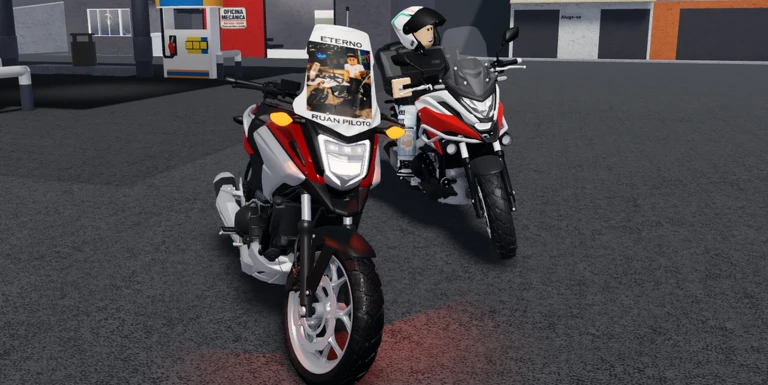
Wheelie riding is the core skill in RODOGRAU 2.0. The city is big enough that you can always find a section with room to build up speed and hold a wheelie for a long distance. Repetition is the only way to improve your success rate.
- Look for long, straight road sections where you can pick up speed without obstacles breaking your run.
- Run the same line repeatedly to increase your success rate with the trick.
Bike and appearance customization
Table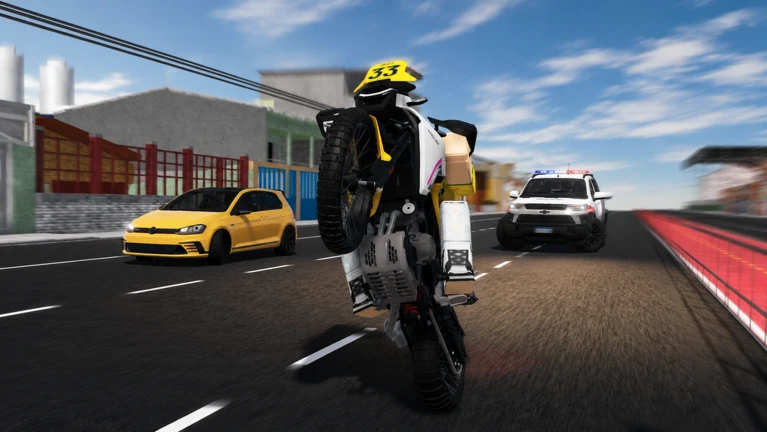
The game gives you three things you can change about your appearance: your motorcycle, your helmet, and your character skin. Each one is independent, so mixing and matching is the whole point.
| Bikes | multiple motorcycles are available to ride, and swapping between them lets you compare how each one handles. |
| Helmets | twenty-three helmet options can be equipped using the /cap1 through /cap23 commands, and /rh removes whichever helmet you have on. |
| Character skins | you can wear your own Roblox look or borrow another player's skin using the command system described in the next section. |
Using the command system
Step
RODOGRAU 2.0 uses chat commands for some customization. Type them directly into the chat box at any time during a session.
- Wear another player's skin type /char followed by that player's username in the chat box to copy their character appearance.
- Equip a helmet type /cap1 through /cap23 to put on one of the twenty-three available helmets.
- Remove your helmet type /rh to take the helmet off and go back to a bare-head look.
Playing without spending Robux
Check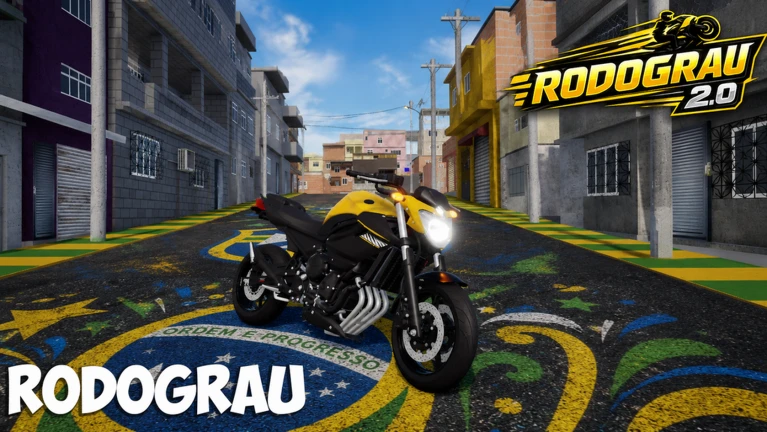
Every player starts in the same open city with access to bikes and the command system right away. Practicing wheelies, exploring the map, and using the helmet and skin commands cost nothing at all.
- You can ride and explore the full open-world city map from the start.
- Stunt practice, including wheelies, has no paywall attempt it as many times as you want.
- All twenty-three helmet commands and the /char skin command are available to every player.
- Borrowing another player's character skin with /char is free and works at any time.
Glossary
Glossary- Grau
- A Brazilian street bike culture built around wheelies, stunts, and expressive riding style — the theme the whole game is based on.
- Wheelie (Empinar)
- Riding on the back wheel only while the front wheel is lifted off the ground; triggered in-game by pressing T while moving.
- Open world
- A game map you can explore freely in any direction without loading screens or locked zones.
- /char
- A chat command that copies another player's character skin onto your own character when you type their username after it.
- /cap1–/cap23
- A set of chat commands, one for each of the twenty-three helmets, that equip the matching helmet on your character.
- /rh
- A chat command that removes whatever helmet your character is currently wearing.
Common questions
FAQHow do I do a wheelie?
Make sure your bike is already moving, then press T. The bike needs to have some speed before the key works, so roll forward first and then tap T to lift the front wheel.
Can I ride more than one bike?
Yes, multiple motorcycles are available in the game and you can switch between them.
How do I change my helmet or remove it?
Type /cap1 through /cap23 in the chat box to equip one of the twenty-three helmets. If you want to take it off, type /rh.
How do I use another player's character skin?
Type /char followed by that player's Roblox username in the chat box. Your character will switch to their appearance.
Game updates can change what is on this page. If you spot something, get in touch and let us know.
