
Games listed 43,069
Game guide

Realistic Hand RP Without VR Guide: Getting into Hand Mode for the first time

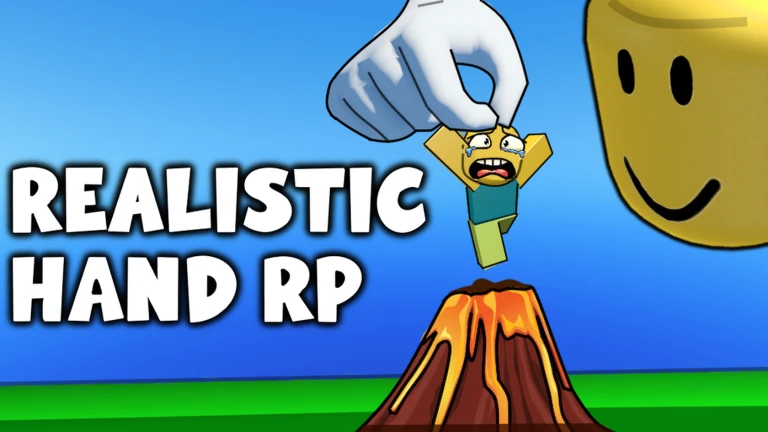
[🍎] Realistic Hand RP 🖐🤏 Without VR
Blοx Universe, Playing 3.7K, Rating 86.0%
Creator Blοx Universe
Playing 3.7K
Rating 86.0%
Is this game fun?6 votes
Fun 100%6Average 0%0Not fun 0%0

About

Overview

Realistic Hand RP lets you play as a hand — grabbing, carrying, and throwing objects — without needing a VR headset. This guide covers how to get started on any device, how to master the controls, and how to get the most out of Build Mode and multiplayer.

What is on this page

Contents
01

Getting into Hand Mode for the first time

Step
In short Opening the Options menu and switching to Hand Mode is all you need to do before the real fun starts.

When you first load in, you are not yet playing as a hand. The Options menu is where that changes. Once you make the switch, your character becomes a hand and you can start interacting with the world straight away. No VR hardware is required on any platform.

  1. Find the Options menu look for the settings button on your screen.
  2. Select Hand Mode choose the option that turns your character into a hand.
  3. Try the basics pick something up, move it around, and drop it to get a feel for the controls.
Ask on the board
02

Controls across PC, mobile, and console

Table
In short Every platform can do the same things, but the input method changes.

The game supports PC, mobile, console, and headsets, and the core actions — grabbing, carrying, and throwing — work the same way on all of them. What changes is how you tell the hand to do those things.

PCmove the hand with the mouse and click to grab or release.
Mobiletouch the screen to move the hand and tap to grab or release.
Consoleuse the analogue stick to move the hand and the trigger button to grab.
Carrying (all devices)keep the grab input held and move the hand to drag the object with you.
Throwing (all devices)release the grab while the hand is in motion and the object flies free.
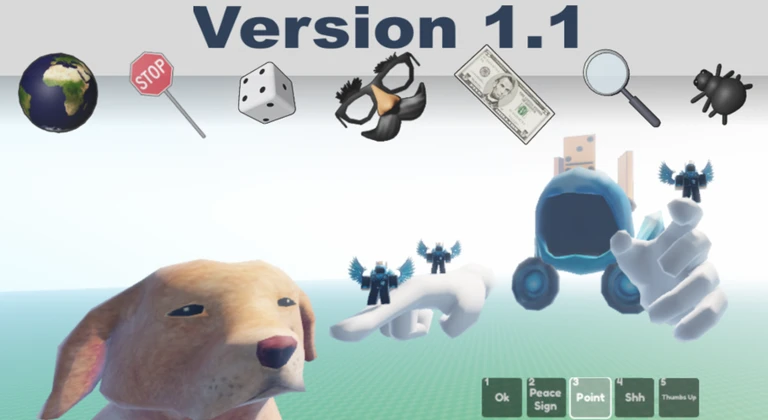
Finger control (all devices)individual fingers can be moved for more detailed interactions.
03 Live and upcoming events Events

Events running now or coming soon. They have fixed dates, so check them first.

Live now –

Halloween

- New NPCs! - New Props! - New Hands! - New map theme!

See the whole schedule
04

Things to check when the controls feel wrong

Check
In short Most control problems come down to a setting that is off or a device that is not connected properly.

If your hand is not responding the way you expect, work through these checks before assuming something is broken.
  • Hand Mode is switched on in the Options menu, not just opened.
  • Your mouse, touchscreen, or controller is properly connected and recognised by your device.
  • Sensitivity settings in the Options menu feel comfortable for your play style.
  • Nothing changes after the above close the game completely and relaunch it.
  • The game is up to date check for any update notifications inside Roblox.
05

Build Mode basics

Step
In short Build Mode uses the same grab mechanic you already know.

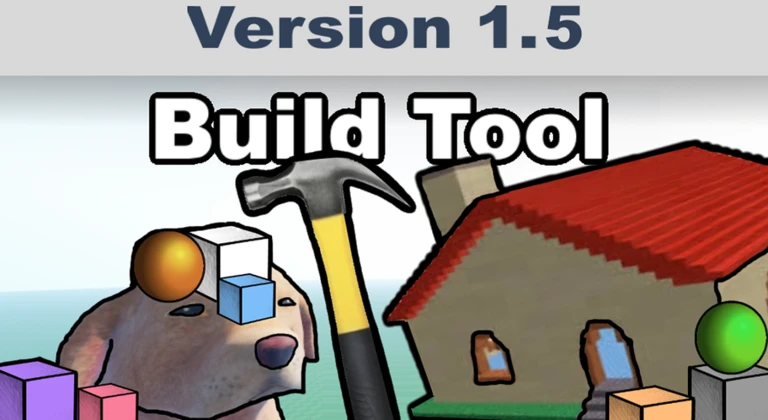
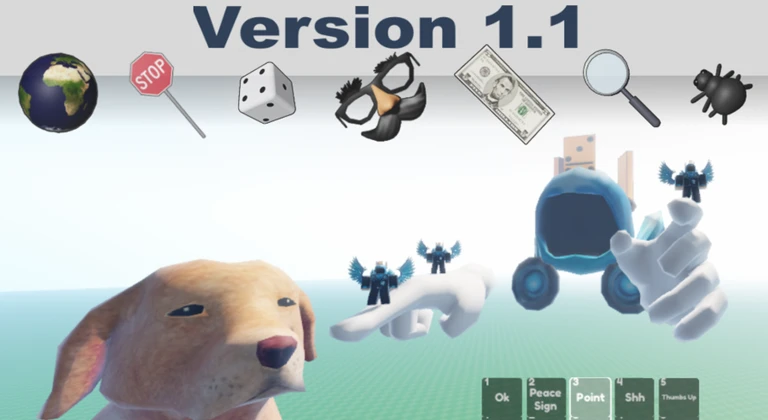
Build Mode was added to give players a creative outlet on top of the roleplay side of the game. You switch into it from the Options menu, then use the same grabbing controls to place and remove blocks. Other players' creations are visible in the same world, so you can explore what others have built while you work on your own.
  1. Switch to Build Mode open the Options menu and select the Build or Creative option.
  2. Open the block palette browse the available blocks and items before you place anything.
  3. Place a block grab it from the palette and set it down where you want it.
  4. Remove a block grab any block you want gone and delete it.
  5. Explore other builds walk around the world to see what other players have made.
06

What you get without spending anything

Summary
In short Every core feature of the game is free, so there is no pressure to spend anything to enjoy it fully.

Hand Mode, Build Mode, and multiplayer are all available to any player at no cost. You can explore, build, and play with friends from the moment you join.

  • Hand Mode free and available immediately through the Options menu.
  • Grabbing, carrying, and throwing free core mechanics on every platform.
  • Build Mode free and fully usable for any kind of construction project.
  • Multiplayer free; join friends or other players in the same world at any time.

Community strategy ideas

Community

These ideas and tips come from people playing the game. Share your discoveries too!

ゲスト

Nice

Nothing

Glossary

Glossary
Hand Mode
The setting that transforms your character into a hand, which is how you play the game.
Options menu
The in-game settings screen where you switch to Hand Mode, adjust sensitivity, and access Build Mode.
Build Mode
A mode where you place and remove blocks to construct whatever you like, using the same grab controls as the rest of the game.
Grabbing
The action of closing the hand around an object, done with a click, tap, or trigger press depending on your device.

Common questions

FAQ

Do I need a VR headset to play?

No. The game works on PC, mobile, and console without any VR hardware. You control the hand with a mouse, touchscreen, or controller instead.

Can I play by myself, or do I need other players?

You can play solo. Build Mode and open-world exploration give you plenty to do on your own. Multiplayer is also available at no cost.

Is Build Mode hard to learn if I have never built anything before?

Placing blocks uses the same grab action you already use in Hand Mode, so there is no new mechanic to figure out.

Updated Sep 11, 2026
Game updates can change what is on this page. If you spot something, get in touch and let us know.
[🍎] Realistic Hand RP 🖐🤏 Without VR Blοx Universe, Playing 3.7K, Rating 86.0%
See the game pageAsk on the board
Add it to your home screen and it works like an app. One tap to open, and it loads faster after that.