
BedFight — Controls to learn before your first match
About
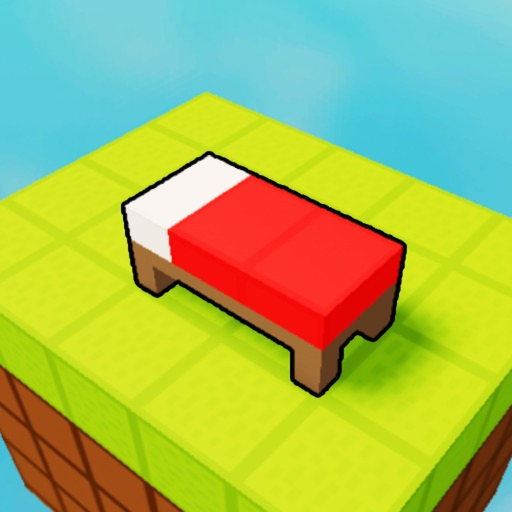
OverviewBedFight is a team PvP game where you collect resources, upgrade your gear, and destroy the other team's bed before they destroy yours. The last team with a bed standing wins. This guide covers controls, early-game priorities, attack and defense, and how to break losing streaks.
What is on this page
Contents
Controls to learn before your first match
Check
BedFight has a short control set, so there is no excuse for not knowing it cold. Shift makes you sprint, which matters when you need to reach a bed quickly or escape a bad fight. Ctrl toggles shiftlock, a mode that locks your camera angle and makes it easier to aim while moving. E opens your backpack, the menu where you buy and equip gear.
- Shift key sprint to close distance or retreat fast
- Ctrl key toggle shiftlock for steadier aim while moving
- E key open the backpack menu to purchase and equip gear
Early-game priorities
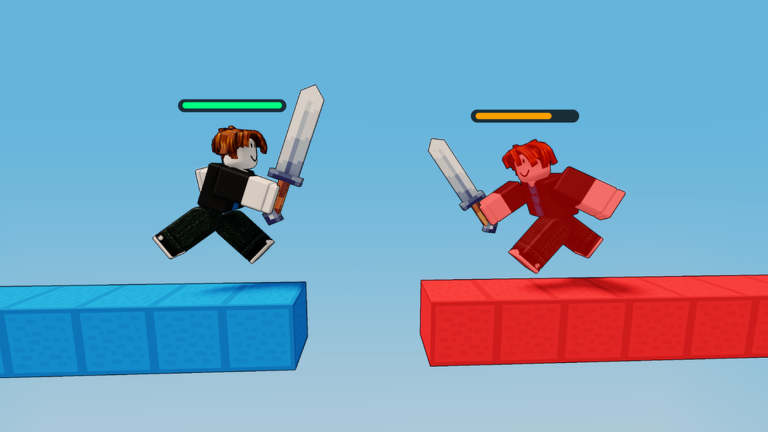
StepThe opening of a match is about building strength, not picking fights. Resources scattered across the map are the currency that funds every upgrade, so collect them first. Once you have enough, open your backpack and upgrade your gear.
- Sweep the map pick up every resource gem you can find
- Open backpack press E and spend your resources on gear upgrades as soon as you have enough
- Equip teammates work toward matching or beating the enemy team's gear level across the whole squad
Attacking and defending at the same time
Tips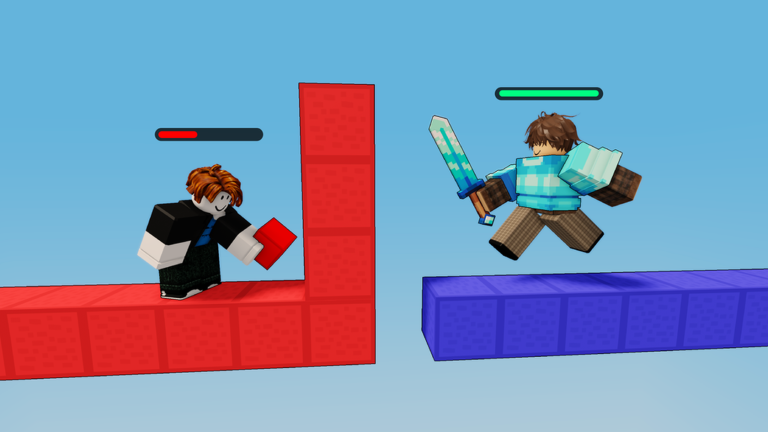
Pure defense lets the other team gear up and overwhelm you eventually. Pure offense leaves your own bed exposed. The winning approach keeps some players back to hold the home bed while others push the enemy base. You do not need to wipe the entire enemy team — reaching and breaking their bed is enough to win.
- Post at least one teammate near your bed to block enemy rushes
- Push the enemy bed as a group rather than sending one player alone
- Strike when the enemy team is thin — wait for them to overextend before rushing their base
- Take high ground when available so you can see enemy movement across more of the map
- If your own bed falls, you stop respawning, so never leave it completely unguarded
Breaking a losing streak
TableWhen you keep losing, resist the urge to just play more aggressively. Instead, check which of these four problems is actually happening. Each one has a different fix, and throwing more fights at the wrong problem just costs more time.
| Not enough resources | explore the full map, including edges and corners you skipped |
| Gear gap | check whether the enemy team has visibly stronger equipment than yours |
| Bad positioning | see if you are getting surrounded or cut off from teammates |
| Poor coordination | check whether your team is scattered instead of moving together |
Gear selection for your team
Table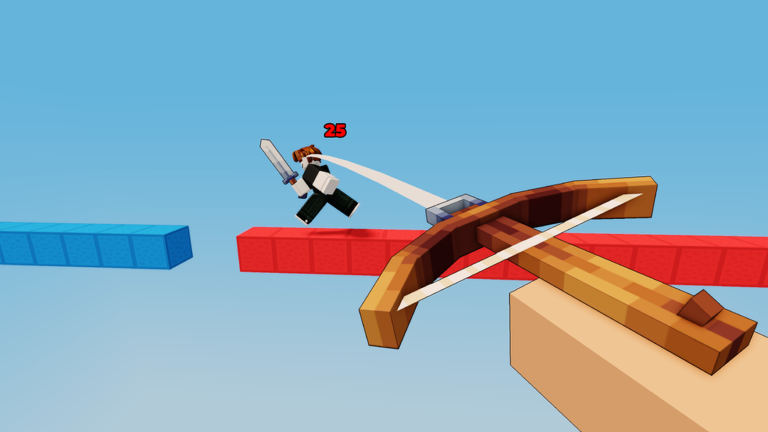
BedFight offers both close-range and long-range gear options. Neither type alone covers every situation, so a team that diversifies handles more scenarios. Start with cheaper gear and upgrade as resources come in.
| Close-range gear | strong in bed-rush situations and tight corridors |
| Long-range gear | useful for stopping enemy pushes before they reach your base |
| Team spread | assign different gear types across players rather than everyone running the same build |
Free-to-play viability
SummaryEvery piece of gear in BedFight can be obtained by collecting in-game resources, so a player who has never spent a penny can reach the same equipment level as anyone else. The factors that actually decide matches are how efficiently you gather resources, how well your team coordinates, and how quickly you read and react to the enemy.
- All gear obtainable through in-game resources without spending real money
- Win factor team coordination and strategy, not spending
Glossary
Glossary- Bed
- The structure at your team's base that keeps you respawning — if the enemy destroys it, you cannot come back after dying.
- Resources
- Gems found across the map that you spend on gear upgrades from the backpack menu.
- Gear
- Weapons and armor you buy with resources; upgrading gear increases your team's combat strength.
- Backpack
- The menu you open with E to purchase and equip gear during a match.
- Shiftlock
- A camera mode toggled with Ctrl that locks your view angle to help you aim while moving.
- Sprint
- Holding Shift makes you run faster, useful for rushing a bed or escaping a losing fight.
Common questions
FAQWhat happens when I die?
You respawn at your team's spawn point after a short wait. However, if your team's bed has already been destroyed, you cannot respawn at all, which is why protecting the bed is essential.
Do I need friends to play, or can I join alone?
You can join alone — the game automatically places you onto a team with other players.
How do I actually destroy the enemy bed?
Get close to the enemy bed and keep attacking it with your weapon. The enemy team will try to stop you, so going in as a group rather than alone gives you a much better chance of finishing it off.
Is there anything stopping a new player from joining a match right away?
Nothing. Opening the game puts you in the lobby and matchmaking finds you a game from there, regardless of experience level.
Game updates can change what is on this page. If you spot something, get in touch and let us know.
