
TIMELESS Guide: PC and controller keybinds

About
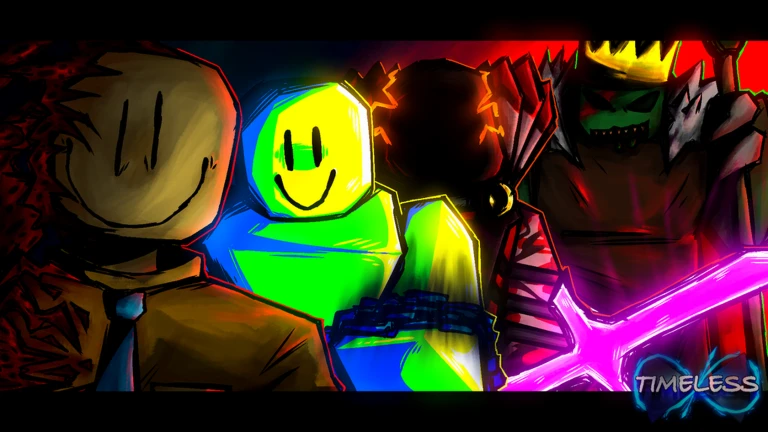
OverviewTIMELESS is a 1v8 asymmetrical horror game set during a violent outbreak in Robloxia, where one player faces off against up to eight others. You and your fellow emissaries investigate dangerous areas together, using skills and teamwork to survive. This guide covers the controls, abilities, teamwork tools, and key safety warnings so you can hit the ground running.
What is on this page
Contents
PC and controller keybinds
Table
Each action has a separate binding for PC and controller. You can edit any of these in the settings menu if the defaults do not suit you.
| Action | PC key | Controller button |
|---|---|---|
| Use abilities | Q, F, R, T | Y, L1, R1, L3 |
| Sprint | (default run) | L2 |
| Toggle ShiftLock | Left Control | DPad Up |
| Toggle POV | V | — |
| Revive | R | B |
| Carry downed teammate | C | DPad Right |
| Emote | G | DPad Down |
| Open / close chat wheel | X | X |
MetaNew Player Survey
The next survey is being prepared.
Using your four abilities
TipsYou have four ability slots available at all times.
- On PC, your ability keys are Q, F, R, and T.
- On controller, the same slots sit on Y, L1, R1, and L3.
- Combine sprinting (L2 on controller) with your abilities.
- Keybinds can be edited in settings.
Teamwork in an eight-versus-one match
StepUp to nine players share one server, with one player on the opposing side and up to eight working together.
- Open the chat wheel press X on both PC and controller to bring it up without needing a microphone.
- If someone goes down, press C on PC or DPad Right on controller to carry them.
- Press R on PC or B on controller to revive downed allies.
ShiftLock and POV toggle
TipsTIMELESS gives you control over your camera and movement style through two separate toggles.
- ShiftLock — PC uses Left Control, controller uses DPad Up.
- POV toggle — press V on PC (no controller equivalent is listed).
- Both keybinds can be remapped in settings.
Glossary
Glossary- Asymmetrical horror
- A game format where one player takes on a very different role from the rest, here pitting one player against up to eight others.
- Carry
- The action of picking up a downed teammate and moving them, activated with C on PC or DPad Right on controller.
- ShiftLock
- A toggle activated with Left Control on PC or DPad Up on controller.
- Chat wheel
- An in-game radial menu opened with X on both PC and controller that lets you send quick messages to teammates without using voice chat.
- Revive
- The action of bringing yourself back into the fight after being downed, using R on PC or B on controller.
Common questions
FAQHow many players can be in one server?
Up to nine players join a single server. Eight of them work together as emissaries against the one on the opposing side.
What do I do when I get downed?
Press R on PC or B on controller to revive yourself. A teammate can also carry you using C on PC or DPad Right on controller.
Can I change the controls?
Yes. Keybinds can be edited in the settings menu.
What games inspired TIMELESS?
The game draws heavy inspiration from The Disaster by OutLaikRBLX and Left 4 Dead.
Game updates can change what is on this page. If you spot something, get in touch and let us know.
