
NO LIMIT STRONGEST PUNCH SIMULATOR — Your first steps in the game
About
OverviewNo Limit Strongest Punch Simulator is a Roblox game where you punch through walls, travel across worlds, and grow powerful enough to outlast everyone else. This guide covers how to get started, how to use the Reborn system, and the settings that make the game run better.
What is on this page
Contents
Your first steps in the game
Step
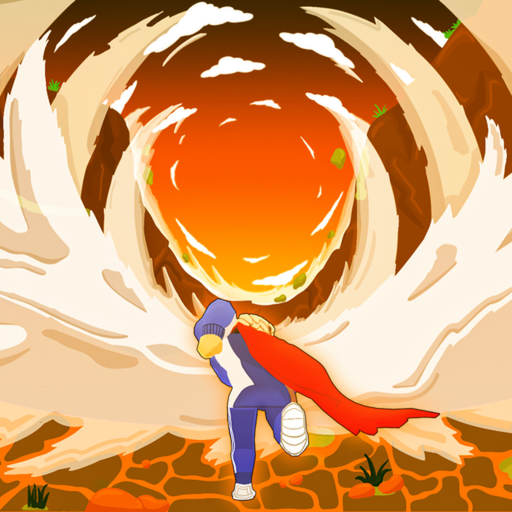
The loop is simple: punch the walls in front of you, collect the power those walls give you, and keep moving forward until you hit the world border. Once you reach it, you teleport to a higher world and start the cycle again.
- Punch the walls hit the terrain around you to start gaining power
- Keep moving forward each destroyed wall opens the path to the next
- Find the world border this is the exit point at the edge of each world
- Teleport to a higher world once you reach the border, the game sends you up
- Collect power-ups check behind walls as you go, because power-ups are hidden there
Upgrading your punch multiplier
Tips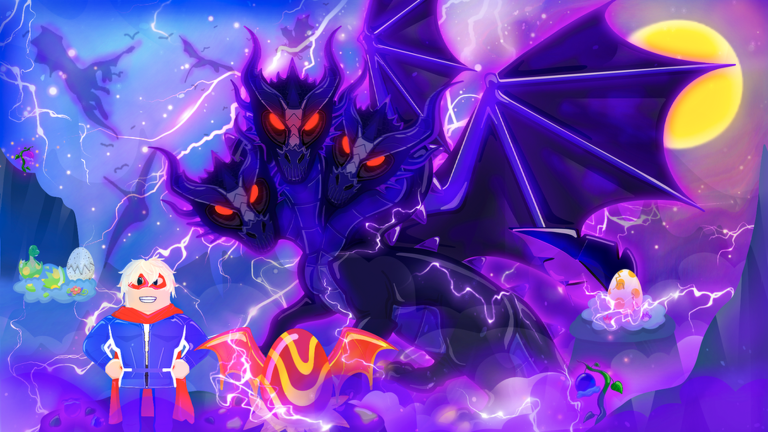
The punch multiplier determines how much damage each punch deals. Upgrading it means every wall you hit rewards you with far more power than before.
- Upgrade the punch multiplier — it multiplies the power you earn from every wall
- Train in higher worlds — denser terrain means more power per session, even if your explosion radius is smaller there
- Look behind walls for hidden power-ups — they add extra damage and power
- Feed your mythical pets and evolve them — evolved pets boost your training and help you grow stronger
- All passes and multipliers are currently discounted
How the Reborn system works
SummaryReborn lets you restart with a stronger body each time. The bonuses stack up across every rebirth.
- X10 Punch Power Gain each rebirth multiplies the power your punches earn by ten
- X10 Orb Gain you also collect ten times as many orbs after every rebirth
- HP and Damage Multiplier both your health and damage output increase with each rebirth
Higher worlds and explosion radius
Table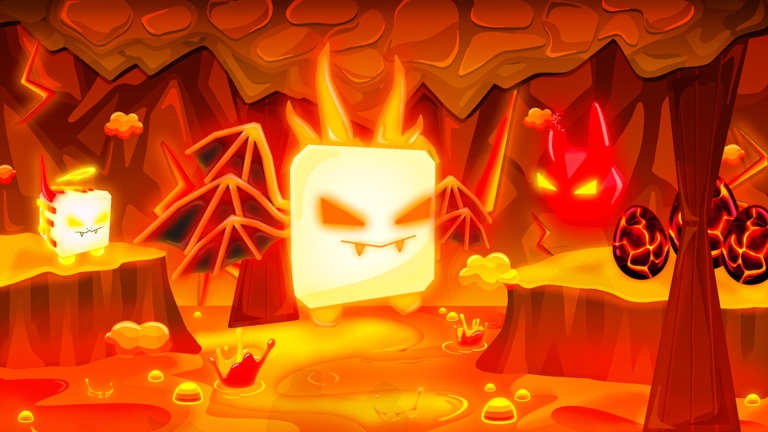
Each world has denser terrain than the one before it. That density shrinks the area your punch explosion covers, but you gain more power.
| Explosion radius | gets smaller as terrain density increases in higher worlds |
| Power gained per session | increases significantly in higher worlds despite the smaller blast area |
| Hidden power-ups | found behind walls in higher worlds |
Reputation and damage reflection
WarnWhen you punch a hero who is stronger than you, their damage reflects back onto you. On top of that, attacking good heroes lowers your reputation.
Fixing lag with Fast Mode
StepLarge punch explosions generate a lot of visual effects. Fast Mode strips back the graphics so the game runs smoothly again.
- Open the settings menu
- Turn on Fast Mode toggle it to the on position
Glossary
Glossary- Reborn
- A system that restarts your run with a stronger body, adding an X10 power and orb gain bonus plus higher HP and damage multipliers each time.
- Punch Multiplier
- An upgrade that multiplies the amount of power your punches earn, making every wall you break more rewarding.
- World Border
- The far edge of each world; reach it by destroying walls and you teleport to the next, higher world.
- Mythical Pet
- A special pet you feed and evolve to boost your training and grow stronger.
- Power-Up
- A hidden pickup found behind walls that increases your damage or power.
- Explosion Radius
- The area your punch blast covers when it hits terrain; it shrinks in higher worlds because the terrain is denser.
- Damage Reflection
- A mechanic where punching a stronger hero sends their damage back at you.
- Fast Mode
- A setting that simplifies the game's graphics to reduce lag on slower devices.
Common questions
FAQWhen should I use Reborn?
After each rebirth you get an X10 gain on both punch power and orbs, plus higher HP and damage multipliers.
Why is my explosion radius getting smaller in higher worlds?
Higher worlds have denser terrain, which reduces how far your punch blast spreads. You also earn more power per session in those worlds.
How do I stop losing reputation?
Go into settings and filter which heroes you can attack — you can restrict yourself to only good heroes or only bad heroes to avoid unwanted reputation losses.
What do I do if the game lags?
Turn on Fast Mode in settings. This simplifies the graphics and reduces the load on your device.
Game updates can change what is on this page. If you spot something, get in touch and let us know.
