
GHOUL:// RE Guide: Controls to learn first

About
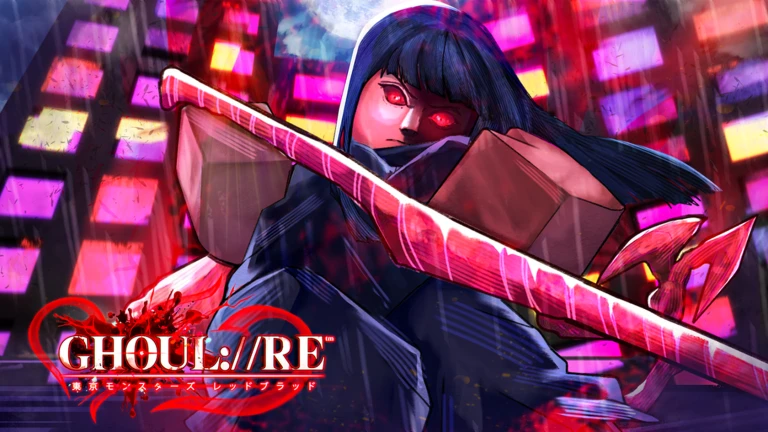
OverviewDungeons GHOUL:// RE is a dungeon-crawling action game set in the world of Tokyo Ghoul, where you fight enemies using punches, Quinque weapons, and Kagune. This guide walks you through the controls, combat, weapon choices, and leveling so you can stop getting stuck and start making real progress.
What is on this page
Contents
Controls to learn first
Step
This game has a lot of keys, and trying to memorize all of them at once will slow you down. Start with the three that matter most and add more as you get comfortable.
- Open your stat menu press M to see your level, HP, and gear before you do anything else.
- Practice basic attacks tap M1 repeatedly to get a feel for the attack rhythm against a weak enemy.
- Learn to dash Q moves you quickly in any direction, while Left Shift keeps you sprinting over longer distances.
- Try jumping Space gets you airborne, and pressing Space then LMB while in the air throws out an aerial attack.
- Flip Shift-lock if needed Left Alt toggles Shift-lock on and off, which makes the camera easier to control for some players.
Combat system and combos
Tips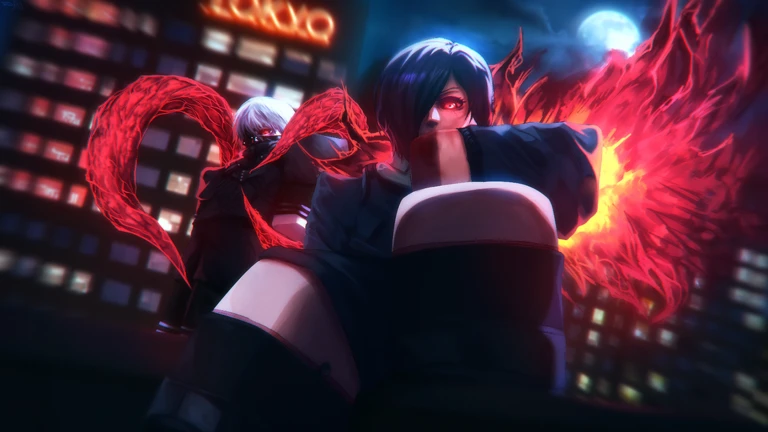
Spamming M1 will get you through early fights, but mixing in other inputs raises your damage and keeps you safer.
- Press M1 + Ctrl to launch an uppercut that lifts the enemy into the air, then follow with Space + LMB for an aerial attack.
- Use M1 + M2 as a feint to throw off enemies that are reading your attack pattern.
- Tap R to land a critical hit when you want a burst of high damage.
- Hold F to block or parry — a well-timed parry opens the enemy up for a counter.
- During a dash, press RMB or hold RMB and tap Q to cancel the dash and instantly change direction.
- Press V to carry an enemy and B to grip them, both of which limit what they can do while you follow up.
Quinque weapons versus Kagune
Table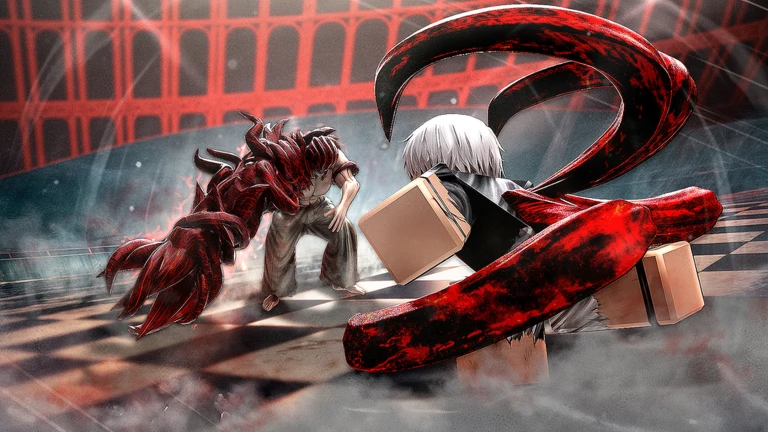
You have three ways to fight: bare fists, Quinque weapons, and Kagune. Each has a different key and a different role depending on where you are in the game.
| Fists | the simplest option, great for practicing combos with no setup required. |
| Quinque | press E to equip, then use Z, X, C, or Y to activate four different skills. |
| Kagune | press Ctrl + E to equip; higher damage ceiling than Quinque but takes longer to unlock. |
| Kagune stages | press Ctrl + 1 through 0 to move between power stages of your Kagune. |
| Arata Mode | Ctrl + J activates a powered-up state that gives you stronger attacks, useful for tougher enemies. |
| Devour | Ctrl + B together with Ctrl + RMB lets Ghouls absorb certain enemies for significant damage. |
When you keep losing fights
WarnIf you are losing repeatedly to the same enemy, work through this short list before assuming you need to grind more.
Glossary
Glossary- Quinque
- A weapon type used by humans against Ghouls in the Tokyo Ghoul world, equipped with the E key and operated through the Z, X, C, and Y skill keys.
- Kagune
- A biological weapon Ghouls extend from their body, equipped with Ctrl + E and switchable between power stages using Ctrl + 1 through 0.
- Arata Mode
- A powered-up state activated with Ctrl + J that allows stronger attacks than normal.
- Devour
- An action performed with Ctrl + B and Ctrl + RMB that lets Ghouls absorb certain enemies for heavy damage.
- Dash Cancel
- Pressing RMB during a dash, or holding RMB and tapping Q, to cut the dash short and change direction instantly.
- Parry
- A perfectly timed press of F that deflects an incoming attack and creates an opening to counter.
- Shift-lock
- A camera mode toggled with Left Alt that keeps your character facing the same direction as the camera.
- Combo
- A sequence of attacks chained together, such as an uppercut into an aerial attack, to maximize damage in one exchange.
Common questions
FAQThe controls are overwhelming — where do I start?
Focus only on M1 for attacking and Q for dashing until those feel automatic. Once they do, add the uppercut (M1 + Ctrl) and guard (F), then layer in the rest gradually.
A redeem code I entered is not giving me anything — what is wrong?
Each code can only be used once per account, so entering the same code a second time will not work. Also check that the code has not expired, and confirm you are entering it in the correct in-game location.
Game updates can change what is on this page. If you spot something, get in touch and let us know.
