
Your Zoo — Getting started
About
OverviewYour Zoo! is a tycoon game where you buy crates, collect animals, and place them in your zoo to earn cash — even while you're offline. This guide covers how to get started, make the most of your earnings, and redeem codes for free rewards.

What is on this page
Contents
Getting started: crates, animals, and your zoo
Step
Everything in Your Zoo! begins with buying a crate from the Shop. Each crate gives you a random animal, and the moment you place that animal in your zoo it starts earning money. Once you have a steady stream of cash coming in, you can afford crates that produce rarer, higher-earning animals.
- Open the Shop tap the SHOP button on the main screen and choose a crate you can afford.
- Open your crate the crate gives you a random animal; rarity varies by crate type.
- Place your animal drag the animal into your zoo so it begins earning cash immediately.
- Upgrade your crates when you have enough cash, switch to crates with higher rarity animals to grow your earnings faster.
Offline earnings and why they matter
Tips
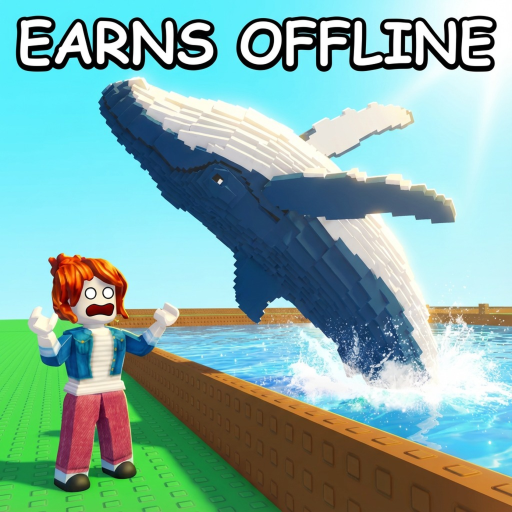
Animals continue earning money even when the game is closed, so every session you come back to a pile of cash ready to spend. Free-to-play players can make steady progress simply by logging in regularly and reinvesting what has built up.
- Check your accumulated cash the moment you log back in so you can decide on your next crate purchase.
- There is no need to spend real money; offline earnings alone let you expand your zoo over time.
Redeeming codes for free rewards
StepCodes hand out free rewards such as the 'Special' chat tag, which displays next to your name in chat and in the lobby. As of October 7, 2026, five working codes are available on this page. Enter them as soon as you can — codes expire and cannot be used again on the same account once they have been redeemed.
- Open the Shop press the SHOP button on the main screen.
- Scroll to the bottom the code entry box is at the very bottom of the Shop menu.
- Type the code exactly capital letters, lowercase letters, and numbers all matter.
- Press Use the reward is added to your account immediately.
 RELEASE
-
ZooFish829
-
valentines100
100 Hearts
10kspecial
Special Chat Tag
RELEASE
-
ZooFish829
-
valentines100
100 Hearts
10kspecial
Special Chat Tag
Code safety and common mistakes
Warn
A code that has already been redeemed on your account cannot be used a second time. Expired codes will not work no matter how accurately you type them.
Glossary
Glossary- Crate
- An item you buy from the Shop that opens to give you a random animal; different crates have different rarity pools.
- Rarity
- A measure of how rare an animal is — higher-rarity animals earn more cash per animal placed.
- Offline earnings
- Cash your placed animals generate automatically while the game is closed.
- Chat tag
- A label that appears beside your name in chat, obtainable through code rewards such as the Special tag.
Common questions
FAQCan I make progress without spending Robux?
Yes. Animals earn cash offline, so every time you log back in you have more to spend on crates.
Where exactly do I enter a code?
Open the SHOP from the main screen and scroll all the way to the bottom of the menu. There you will find the code entry box — type your code and press Use.
Do animals earn money when the game is closed?
Yes, placed animals continue earning while you are offline.
Game updates can change what is on this page. If you spot something, get in touch and let us know.
