
 Live now
–
Live now
–
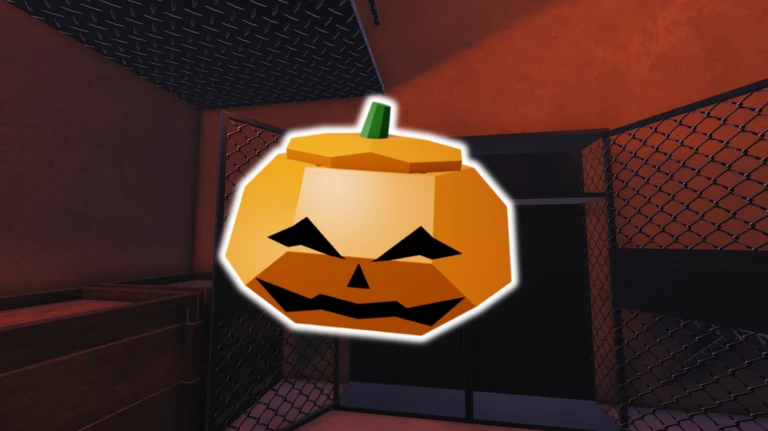
Halloween
Halloween crate is back (with some extra new cosmetics) New Gamemode + Balance changes, Derelict Map changes, and more …

[SEASON 3] Operation One is a dark-themed 4v4 first-person shooter on Roblox where two teams of four fight to secure a building using guns, explosives, and sound-based intel. This guide covers how to set up before your first match, how to fight effectively, and how to push through when your team is stuck.
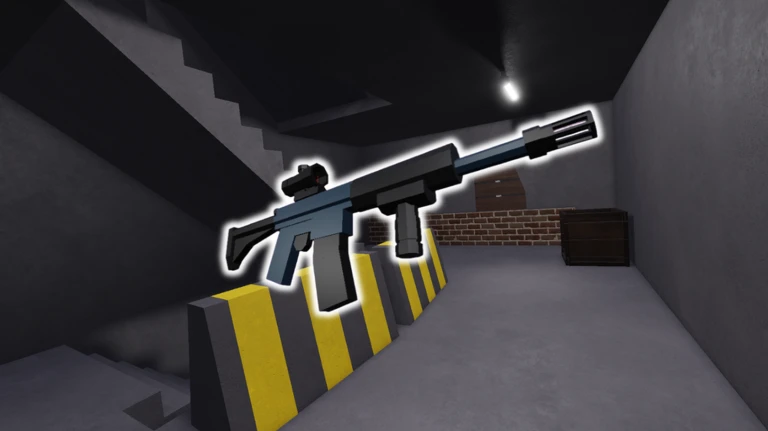
The game is still in early development, so expect occasional bugs and changes as you play. Two settings matter more here than in most Roblox games: your graphics level and whether you are using headphones. Sound travels through any hole blown in a wall or ceiling, so what you hear tells you a great deal about where enemies are. Flashing lights and loud sounds are present throughout the game, so check your comfort with those before jumping in.
Any hole created in a wall or ceiling lets sound pass through it. That means footsteps, gunshots, and explosions carry information about enemy positions even when you have no line of sight. With headphones on you can detect opponents approaching from directions completely outside your field of view. Keep listening even when you are not actively shooting.
Events running now or coming soon. They have fixed dates, so check them first.
Live now
–
Halloween crate is back (with some extra new cosmetics) New Gamemode + Balance changes, Derelict Map changes, and more …
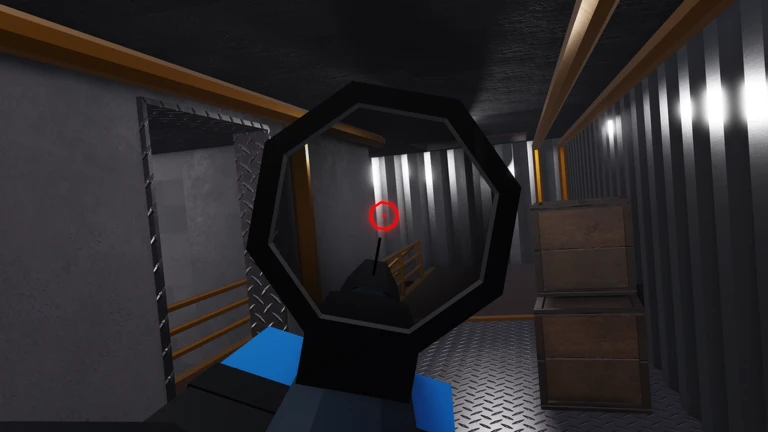
When enemies are dug into a building, attacking through one entrance lets them focus their defense in a single spot. Explosives let you punch new holes through walls and ceilings to create additional angles. Because the sound of an explosion is audible to everyone, your timing matters — enemies will react the moment they hear a breach. Bringing your whole team in from different directions at the same moment makes it very hard for four defenders to hold.
Listen for footsteps, gunshots, and explosions — these sounds reveal where opponents are even through walls. Any hole already blown in a surface lets sound travel freely through it, giving you earlier warning. Turn to face the direction a sound comes from rather than waiting for an enemy to appear in your view.
Join the social group linked on the game's Roblox page and post your report there. The development team uses that channel to collect feedback while the game is still in early development.
Before you start
Please check the following before using MetaNew.
* You can change your email preference any time from your profile.
