Games listed 43,683
Game guide

Fix a Phone Guide: Your first repair, start to finish

📱 Fix a Phone!
§_§, Playing 1.4K, Rating 83.7%
Creator §_§
Playing 1.4K
Rating 83.7%
Is this game fun?
No votes yet. Cast the first one.

About

Overview

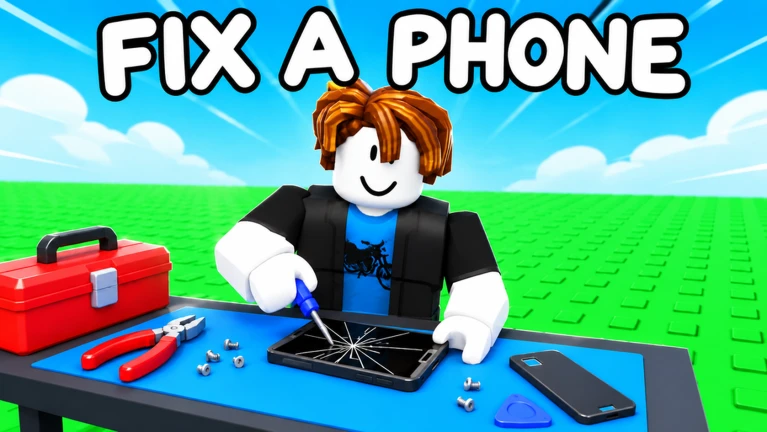
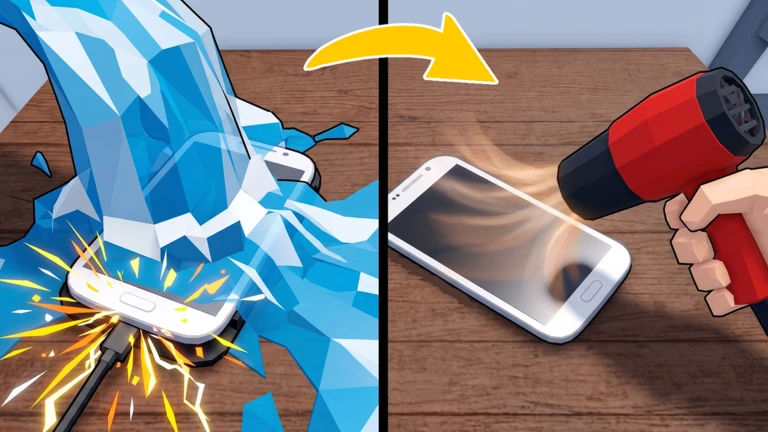
Fix a Phone! is a Roblox simulation game where you run your own phone repair shop, fixing cracked screens, dead batteries, water damage, and even bug-infested phones. You haggle prices with customers, do the repairs by hand, hire staff, and gradually grow your shop into a full two-floor operation. This guide walks you through the repair process, leveling up, staffing your shop, and unlocking new content through Rebirth.

What is on this page

Contents

Player notes and tips

Found a useful trick? Share it with everyone! Notes with screenshots are welcome!

01

Your first repair, start to finish

Step
In short Every session follows the same loop — negotiate, fix, return, collect — so learning it early makes everything else easier.

When you first load in, your shop opens automatically and customers start arriving. Each repair follows a clear sequence that you will repeat hundreds of times as you level up.

  1. Haggle the price a customer walks in with a damaged device; agree on a repair fee before you touch it.
  2. Sit at your bench take a seat at a workstation to begin the hands-on repair.
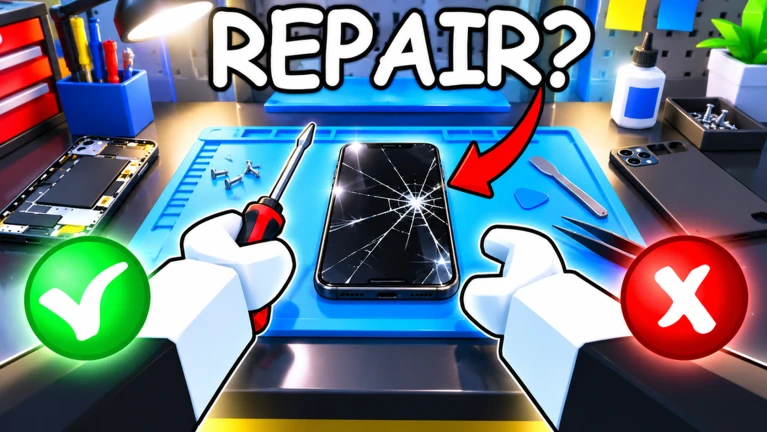
  3. Work through the steps unscrew, heat, pry open, solder connections, and swap out the broken parts.
  4. Hand it back return the finished device to the customer and collect your payment.
  5. Watch your reviews satisfied customers leave five-star reviews, which grows your shop's reputation over time.
Ask on the board
02

Key level milestones and what they unlock

Table
In short Levels 5, 10, and 20 are the most important thresholds — each one opens a major new part of the game.

The game tracks your progress through level badges. Reaching certain levels does not just reward a badge; it opens systems that change how your shop runs.

Level 5you can hire your first employee through Bloxedin.
Level 10your first Rebirth becomes available.
Level 15customers come from all over town to get their devices fixed by you.
Level 20the final level badge marks you as a legendary technician.
03 Live and upcoming events Events

Events running now or coming soon. They have fixed dates, so check them first.

Live now –

🌊 Tide Turn

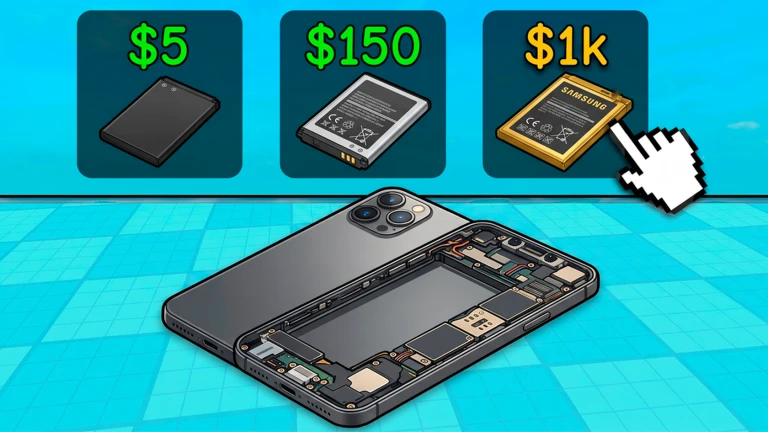
Add a mechanic for a vending machine Add a mechanic for buying broken phones

Upcoming –

⏳ Time Warp

Add the Employees boost Add the Best Employee The shop's skin
Upcoming –

🚀 Project X

Add a server-side event mechanic

See the whole schedule
04

Hiring staff through Bloxedin

Tips
In short A fully staffed shop earns money even when you are not actively playing.

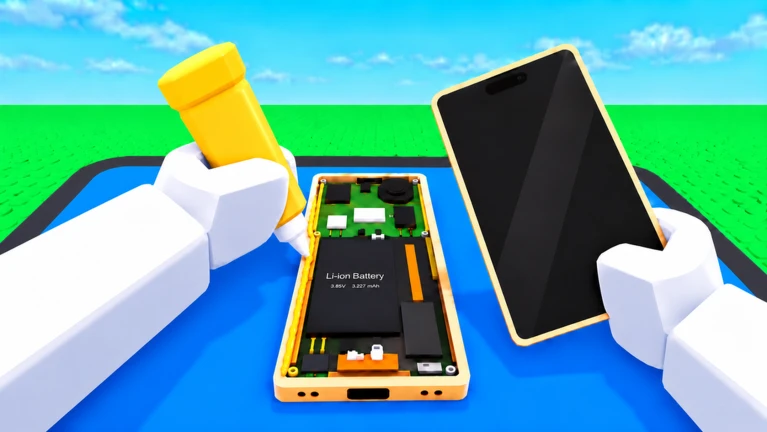
Once you hit level 5, the Bloxedin system lets you recruit technicians and cashiers to work your shop. Staff keep earning for you whether you are playing or not.
Tips worth knowing
  • Open Bloxedin at level 5 to start recruiting technicians and cashiers.
  • Staff keep earning while you are away from the game.
  • Your shop has ten workstations in total, with four on the second floor.
  • The second-floor workstations only become available after you unlock the second floor through Rebirth.
  • Fill all ten workstations to earn the Fully Staffed badge and have your shop run almost on its own.
05

How Rebirth expands your shop

Step
In short Rebirth is the main way to reach new devices and facilities.

Rebirth resets your shop in exchange for unlocking new content. Each time you rebirth, more device types and shop features become available.

  1. Reach level 10 that is when the first Rebirth option opens up.
  2. Gain new repair targets tablets, laptops, consoles, and PCs are unlocked progressively through Rebirth.
  3. Unlock the second floor it becomes accessible through Rebirth, adding four more workstations for staff.
  4. Keep rebirths going each one expands the range of devices your shop can handle.
06

Tools, robots, and extra income

Tips
In short Combining better tools, RoboFix robots, daily rewards, and your glass case display gives you several income streams at once.

Beyond raw repair volume, a few systems help you earn faster and more efficiently.

Tips worth knowing
  • Visit Gadget Galaxy to buy better tools that make repairs more efficient.
  • Build RoboFix robots to automate device repairs without you sitting at the bench.
  • Display repaired phones in your glass case and set your own selling price.
  • Collect free daily rewards every time you log in.
  • Enter redeem codes from the in-game code field to claim bonus rewards — codes can expire or be single-use, so enter them as soon as you get one.
  • Your Roblox friends appear as customers.
07 Working codes Codes
RELEASE
Every code, and the votes on it, are on the codes page
08

Devices fixed — repair count checkpoints

Table
In short The repair-count badges mark your grind progress; hitting 1,000 devices is the top milestone.

These badges unlock automatically as your total repair count climbs. Use them as checkpoints to gauge how far along your grind is.

Devices fixedWhat the game says about it
100Word is getting around about your shop.
250Cracked screens fear you.
500A mountain of screws, glue, and spare parts.
750Your screwdriver deserves a vacation.
1,000You are a true repair legend.

Glossary

Glossary
Rebirth
A system unlocked at level 10 that resets your shop in exchange for access to new device types and facilities like the second floor.
Bloxedin
The in-game hiring platform where you recruit technicians and cashiers starting at level 5.
Gadget Galaxy
An in-game shop where you buy upgraded repair tools.
RoboFix
A robot you build in your shop that repairs devices automatically without you at the bench.
Workstation
A repair bench where staff can be placed; your shop has ten in total, with four on the second floor.
Ghost
An in-game character who sells dummy phones — dealing with Ghost comes with a risk of police attention.

Common questions

FAQ

When can I start hiring staff?

You can hire your first employee once you reach level 5. At that point, Bloxedin opens up and lets you recruit both technicians and cashiers. Staff keep earning money for your shop even when you log off.

How do I unlock the second floor?

The second floor unlocks through Rebirth. It adds four workstations to your shop, bringing the total to ten. You can assign staff to those extra spots just like the ones on the ground floor.

What happens when I Rebirth?

Rebirth becomes available at level 10 and resets your shop's progress. In return, it opens up new device types — tablets, laptops, consoles, and PCs — and facilities like the second floor. Repeating Rebirth is how you keep expanding what your shop can handle.

Does my staff earn money when I'm not playing?

Yes. Technicians and cashiers you hire through Bloxedin continue generating income while you are away from the game. Filling all ten workstations makes your shop run almost independently.

Updated Nov 5, 2026
Game updates can change what is on this page. If you spot something, get in touch and let us know.
📱 Fix a Phone! §_§, Playing 1.4K, Rating 83.7%
See the game pageSee working codesAsk on the board
Add it to your home screen and it works like an app. One tap to open, and it loads faster after that.