
+1 Speed Squirrel Escape Guide: Core controls every player needs
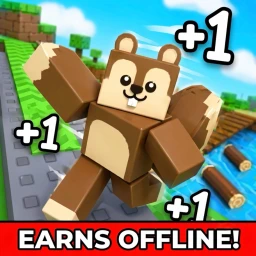
About
OverviewSpeed Squirrel Escape is a Roblox obstacle course where you play as a squirrel gliding through the air, dodging obstacles, and getting faster with every step you take. This guide covers the core controls, how upgrades and rebirths work, and how to keep making progress without spending Robux.
What is on this page
Contents
Core controls every player needs
Check
Movement is simple on purpose. You hold the jump button to start gliding as a squirrel, and you keep holding it for as long as you want to stay airborne. Ziplines along the course attach to you automatically when you get close, and they release you automatically too, so you never have to press anything extra for them. On PC the jump button is the spacebar; on mobile it is the on-screen jump button.
- Hold jump press and keep holding to glide through the air
- Ziplines walk near one and it latches on without any input from you
- Zipline exit the line releases you on its own when you reach the end
MetaNew Player Survey
The next survey is being prepared.
Upgrades and rebirth progression
Step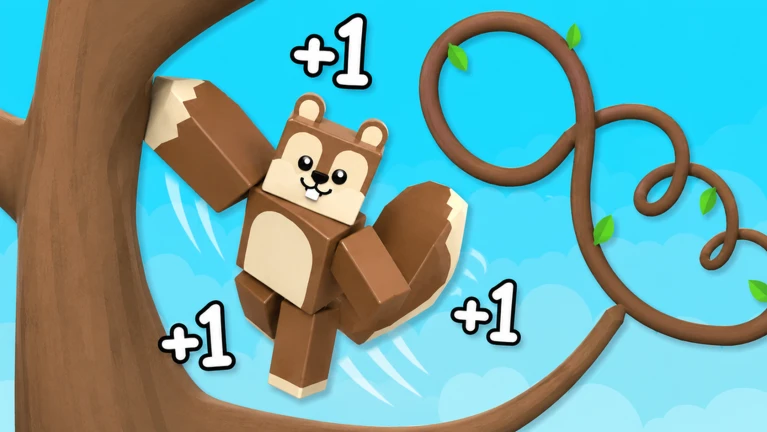
Progression works in a loop: clear obstacles, unlock upgrades, rebirth, repeat. Each time you overcome the obstacles in a stage, a new upgrade unlocks and makes your squirrel stronger. When you rebirth, you start the course again from the beginning, but the upgrades you have earned carry over.
- Clear obstacles overcoming them is what unlocks each new upgrade
- Rebirth when ready choose rebirth to restart while keeping all your upgrades
- Repeat the loop use the carried-over upgrades to clear more obstacles and unlock the next tier
Playing without spending Robux
Summary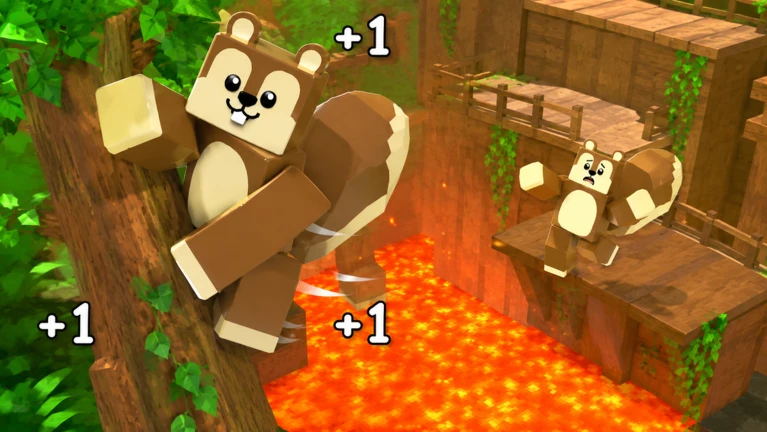
- Upgrade access all unlocked through stage clears, not purchases
- Rebirth cost free to use as many times as you want
Glossary
Glossary- Glide
- The squirrel's airborne movement, activated by holding the jump button.
- Zipline
- A track on the course that your squirrel attaches to and detaches from automatically.
- Upgrade
- A permanent strengthening that unlocks when you clear obstacles and carries through rebirths.
- Rebirth
- Restarting the course from the beginning while keeping all upgrades you have earned.
Common questions
FAQHow do I start gliding?
Hold the jump button — spacebar on PC, the on-screen button on mobile.
Do I lose my upgrades when I rebirth?
No. Upgrades carry over through rebirth. You restart the course, but your squirrel keeps every strengthening you have unlocked.
Why does the game feel harder the longer I play a run?
Your speed increases with every step, so by the time you are deep into a run you are moving much faster than when you started.
Game updates can change what is on this page. If you spot something, get in touch and let us know.
