
Find or Die Guide: Core rules in one place
About
OverviewFind or Die! is a spot-the-difference puzzle game where you compare two side-by-side images and click every part that doesn't match. Each correct find earns you blocks, and everyone's score goes on a leaderboard so you can see who has the sharpest eyes. This guide covers the core rules, how to spot differences faster, what to do when you're stuck, and how to get better over time.
What is on this page
Contents
Core rules in one place
Summary
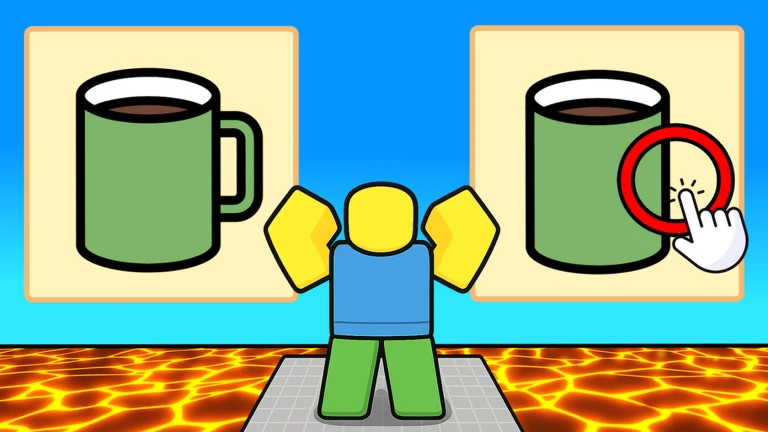
Every round, two images appear on screen at the same time. Your job is to find the parts where they differ and click on them. Click correctly and you earn three blocks. Rounds cycle through new images continuously, so your block total keeps climbing as long as you keep finding differences. At the end, the leaderboard shows where you stand against everyone else in the session.
- Goal find and click every difference between the two images
- Reward per correct click three blocks added to your score
- Round structure new image pair appears after each round
- Scoring system total blocks determine your leaderboard position
- Competition all players in the session share the same leaderboard
MetaNew Player Survey

The next survey is being prepared.
Getting started
Step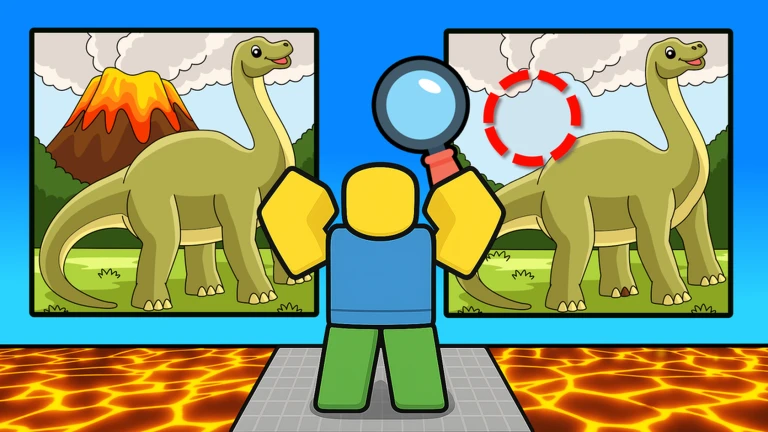
When you load in, stand at your spawn point and wait for the game to begin. Once the two images appear, compare the whole picture before committing.
- Stand at your spawn point before the round begins
- Study both images before clicking anything
- Watch the judgment the game tells you whether your click was correct
- Check the leaderboard after the round ends, see how your block count compares
Spotting differences faster
Tips
Random searching wastes time and causes you to revisit the same spots over and over. Instead, train your eyes to move in a fixed pattern across the image. Differences can be subtle — a slightly different shade, one extra object, a shape that's been nudged slightly — so slow and steady scanning catches more than frantic clicking ever will.
- Scan from top to bottom and left to right so no area gets skipped
- Look at colour, shape, count of objects, and position
- When several similar objects appear together, that cluster is a common hiding spot for a difference
- Tiny changes in background texture or shading count, so don't only look at the main subjects
- Before clicking, glance one more time to confirm
When clicks aren't registering
Check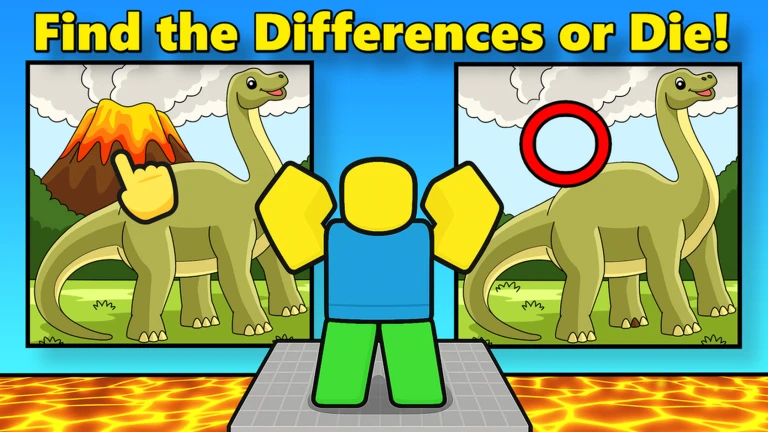
If you tap a spot and nothing happens, the most common reason is that your click landed beside the difference rather than on it. Connection lag is the other main culprit — if your internet hiccups, the click signal reaches the server late.
- Re-aim your click to the very centre of where the images differ
- Confirm you are comparing the correct halves left image against right image, not the same side twice
- If nothing responds, check that your internet connection is stable
- After thirty or more minutes of play, eye fatigue makes differences harder to see take a short break and come back
Getting better over time
Tips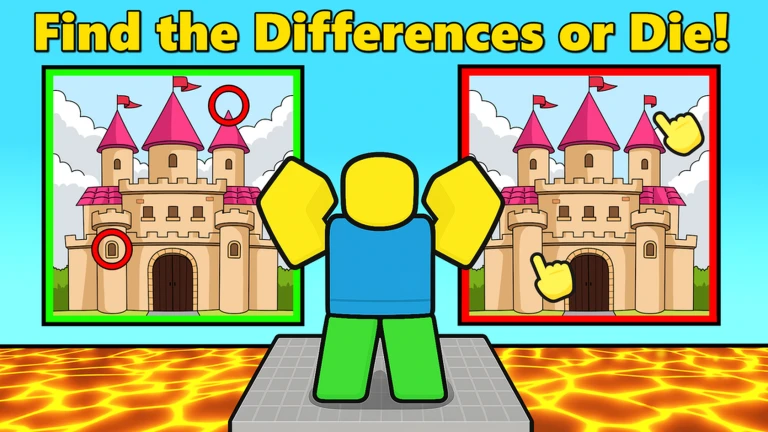
Spot-the-difference is a skill that improves with repetition. Long continuous play sessions are less effective for improvement because concentration fades. Short, focused sessions let you finish while you're still sharp.
- Play a little every day rather than one very long session
- Set a personal target based on the leaderboard — aim to beat the player just above you
Community strategy ideas
CommunityThese ideas and tips come from people playing the game. Share your discoveries too!
No strategy ideas yet. Share a tip you discovered.
Share a strategy idea
Find or Die! 🔎
Glossary
Glossary- Block
- The scoring unit in Find or Die! — you earn three blocks every time you correctly click a difference.
- Round
- One complete spot-the-difference puzzle; a new image pair loads when the round ends.
- Leaderboard
- The ranking screen that shows each player's total block count for the session.
- Judgment
- The game's instant decision on whether the spot you clicked counts as a real difference.
- Spawn point
- The fixed location where your avatar starts at the beginning of a session.
Common questions
FAQWhat do I do when I can't find any more differences?
Slow down and scan the image from scratch using a top-to-bottom, left-to-right path. Pay close attention to background areas and clusters of similar objects, since those spots are easy to overlook on a first pass.
Does spending money give you a scoring advantage?
Your block count is determined entirely by how many differences you find correctly — three blocks per correct click. The ranking is based on that total alone, so a player with sharp eyes and no spending can reach the top of the leaderboard.
Why does my click sometimes seem to hit the right spot but still not count?
The game evaluates the exact location of your click, so landing slightly beside the difference rather than on it is enough for the judgment to fail. Unstable internet can also delay or drop the click signal, so check your connection if the problem keeps happening.
Game updates can change what is on this page. If you spot something, get in touch and let us know.
