
Roll in a Cart Guide: Basic controls
About
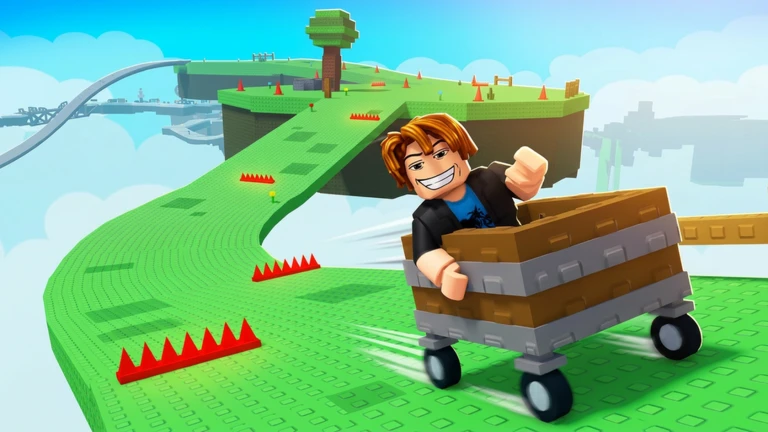
OverviewRoll in a Cart is an obstacle-course game where you ride a cart through a series of tricky stages, using your brakes to control speed and reach each checkpoint without wrecking the cart. This guide covers the controls, how to push through tough stages, and what to do when the cart keeps breaking on you.
What is on this page
Contents
Player notes and tips
Found a useful trick? Share it with everyone! Notes with screenshots are welcome!
Write a guide note
Roll in a Cart
Basic controls
Table
You steer the cart with either the arrow keys or WASD. When the cart picks up too much speed or an obstacle is coming up fast, the brake is your most important tool.
| Move forward/back | arrow keys or W/S |
| Steer left/right | arrow keys or A/D |
| Brake | slows the cart and softens impacts with obstacles |
MetaNew Player Survey

The next survey is being prepared.
Working through each stage
Step
Every stage is built around obstacles and checkpoints. Hitting a checkpoint moves you on to the next stretch.
- Cut your speed early start braking before you reach an obstacle, not as you hit it.
- Take narrow passages slowly drop your speed down at the entrance.
- Watch downhill sections carts accelerate fast on slopes, so be ready to use the brake.
- Reach the checkpoint once you touch it, the next section opens up.
Keeping the cart in one piece
Warn
Breaking the cart stops your run and sends you back to retry the stage. There is no penalty beyond the lost time. On sections that keep beating you, try adjusting your braking timing.
Free play and retries
CheckAll stages are open without any purchase. You can retry a failed stage as many times as you like with no penalty, and there is no time limit forcing you to rush.
- All stages are playable without spending Robux.
- Retrying a stage after the cart breaks carries no penalty.
- No time limit you can take each section at whatever pace you need.
Chart performance and reach
SummaryAs of September 11, 2026, the game had nearly 49 million total visits and over 574,000 favourites. It appeared in the Roblox top 50 charts in Italy, the United Kingdom, and Spain on that date.
- Total visits (September 11, 2026) 48,663,384
- Favourites (September 11, 2026) 574,471
- Positive vote share 78.48%
- Italy chart position (September 11, 2026) 35
- United Kingdom chart position (September 11, 2026) 48
- Spain chart position (September 11, 2026) 49
Glossary
Glossary- Checkpoint
- A target point inside a stage that, once reached, lets you advance to the next section.
- Brake
- The control input that slows your cart down, used to reduce impact force before hitting an obstacle.
- Cart breaking
- What happens when the cart hits an obstacle too hard — the run ends and you restart the stage.
Common questions
FAQWhat do I do when I keep failing the same stage?
Adjust your braking timing. On stages that keep ending in a crash, try braking earlier.
What happens when the cart breaks?
You restart the current stage. There is no penalty beyond having to try again.
Do I need to spend Robux to play the whole game?
No. Every stage is available without any purchase. You can play through the entire game and retry as many times as you like completely for free.
Game updates can change what is on this page. If you spot something, get in touch and let us know.
