
FIRE FORCE ONLINE Guide: Core combat controls
About
OverviewFire Force Online is a Roblox team deathmatch game where you fight other players using fire-based abilities. You build damage through light and heavy attack combos, protect yourself with blocks and counters, and use dashes and aerial moves to control space.
What is on this page
Contents
Core combat controls
Check
Every action in the game maps to a single key or mouse button.
- M1 (left mouse button) light attack
- M2 (right mouse button) heavy attack
- F block; hold it to stop incoming hits
- F then M1 counter while blocking
- Q dash for a quick burst of movement
- Shift or double-tap W run to build speed
- E equip or remove a weapon from the field
MetaNew Player Survey

The next survey is being prepared.
Building combos with light and heavy attacks
Tips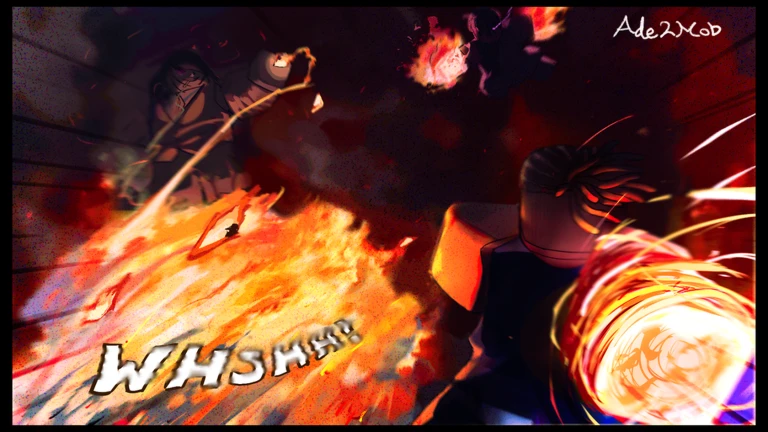
Light attacks come out fast and are good for closing distance. Heavy attacks hit harder and change your attack pattern, so weaving them into a string of light attacks makes your combos harder to read. You can also attack while running — pressing M1 during a run lets you deal damage without stopping.
- Chain light attacks to pressure an opponent and close gaps quickly.
- Drop a heavy attack into a light string to deal extra damage and break your rhythm.
- Attack while running to keep moving and still deal damage at the same time.
- Slide then press M1 for the Entry Attack.
- Slide then press M2 for the Entry Guardbreak, which shatters a blocking opponent's defense.
Block and counter
Tips
Hold F to block incoming attacks. Press M1 while F is held and the counter fires.
- Hold F — hold it down whenever an attack is coming toward you.
- Press M1 while blocking — this fires the counter and punishes the attacker.
Aerial and slam attacks
Table
There are two dedicated air moves. Both require a jump, but one needs a running start and the other does not.
| Aerial Attack (Run + Jump + M1) | attacks from above at an unexpected angle |
| Ground Slam (Jump + M2) | lands with an area hit on impact |
Movement and positioning
Tips
Running with Shift or a double-tap of W raises your movement speed, and the Q dash adds a fast directional burst on top of that.
- Run toward an opponent to close distance faster than walking.
- Dash with Q to move quickly away from or toward an opponent.
- Combine running with aerial attacks to arrive from above instead of straight ahead.
Weapons on the field
StepWeapons spawn as pickups around the map. Once equipped they boost your attack, and you have two extra options beyond simply swinging them.
- Walk over an item and press E this equips the weapon; press E again to remove it.
- Press B executes the weapon's active ability once you have it equipped.
- Press V throws the weapon at an enemy.
Redeem codes and the menu
SummaryThe menu is your hub for codes, map switching, and party management. All navigation keys are listed below.
- Menu open with M
- Code entry find the code field inside the M menu and type your code there
- Map locations toggle with U
- Party display toggle with P
- Code re-use each code works once per account
 KNIGHTKING
ENDGATEKEEP
LONGAWAITEDUPDATE
Community strategy ideas
CommunityThese ideas and tips come from people playing the game. Share your discoveries too!
No strategy ideas yet. Share a tip you discovered.
Share a strategy idea
[TDM] FIRE FORCE ONLINE
Glossary
Glossary- Light Attack (M1)
- A fast hit that chains quickly and forms the backbone of most combos.
- Heavy Attack (M2)
- A hit that deals more damage and changes your attack pattern when mixed into a combo.
- Counter
- A retaliatory strike triggered by pressing M1 while holding the block key.
- Dash
- A short, rapid movement burst activated with Q.
- Ground Slam
- An aerial heavy attack (Jump + M2) that deals area damage to nearby enemies on landing.
- Entry Guardbreak
- A sliding heavy attack (Slide + M2) that breaks through an opponent's block.
- Entry Attack
- A sliding light attack (Slide + M1).
Common questions
FAQI keep losing every fight — what should I work on first?
Blocking and countering are available to you from the start. Hold F to stop incoming damage, and press M1 while blocking to counter the attacker.
How do I enter a redeem code?
Press M to open the menu, then find the code input field inside it and type your code there. Each code can only be redeemed once on a given account.
What does the Entry Guardbreak actually do?
It breaks through an opponent's block. Activate it by sliding and pressing M2.
Game updates can change what is on this page. If you spot something, get in touch and let us know.
