 Live now
–
Live now
–
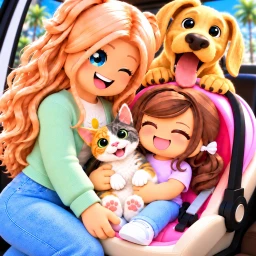
Pet Update! 😺
Customizable and interactive cats and dogs are here! 😺 Cats 🐶 Dogs 🐅 Customizable Patterns 🎩 Advanced Accessory Adj…

Dreamville is a life roleplay game on Roblox where you own a home, drive vehicles, and build whatever story you want alongside other players. This guide walks you through getting started, making the most of free content, using the kids update, and keeping your roleplay going strong.
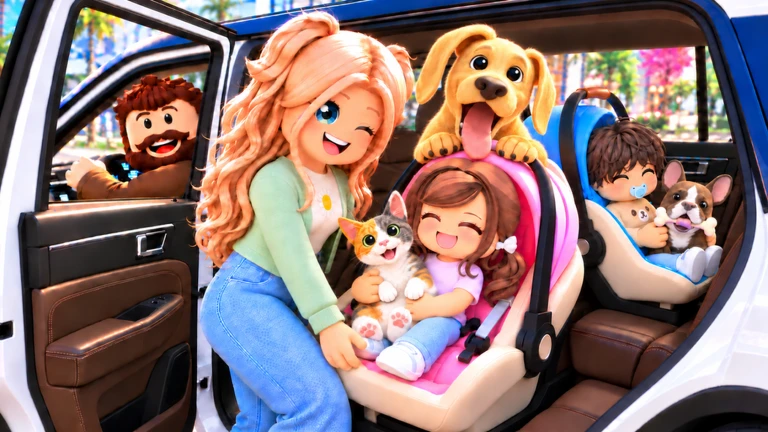
When you first load into Dreamville, a tutorial walks you through how the town works. From there, two things set you up for everything else: your avatar's look and your choice of home.
Dreamville is built around roleplay and socialising, so the core experience costs nothing. On top of that, the developers add free homes and vehicles for everyone when the game hits certain like counts. Past milestones have already rewarded players with a Construction House and Work Truck at 110,000 likes, a Stonecrest House and Train Mount at 125,000 likes, and a Contemporary House and Sports Car at 175,000 likes. The next target is 250,000 likes, which will unlock another free house and vehicle.
Events running now or coming soon. They have fixed dates, so check them first.
Live now
–
Customizable and interactive cats and dogs are here! 😺 Cats 🐶 Dogs 🐅 Customizable Patterns 🎩 Advanced Accessory Adj…
 Live now
–
Live now
–
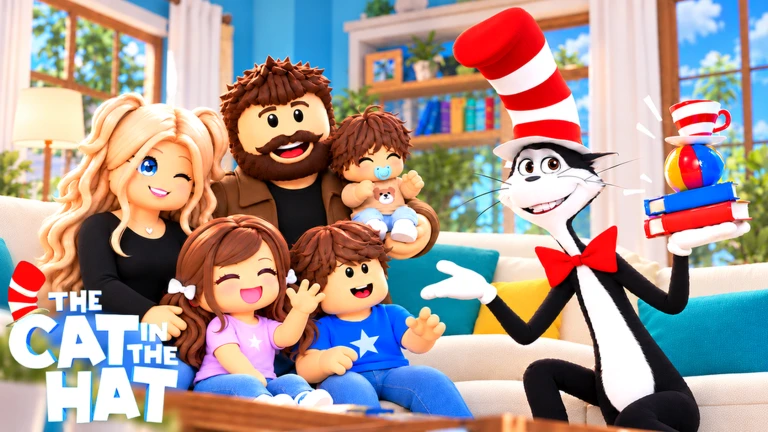
😺 The Cat in the Hat Arrived! 🏡 New Palmshore House 🚗 New Cybercar 📦 Prop Tool Improvements
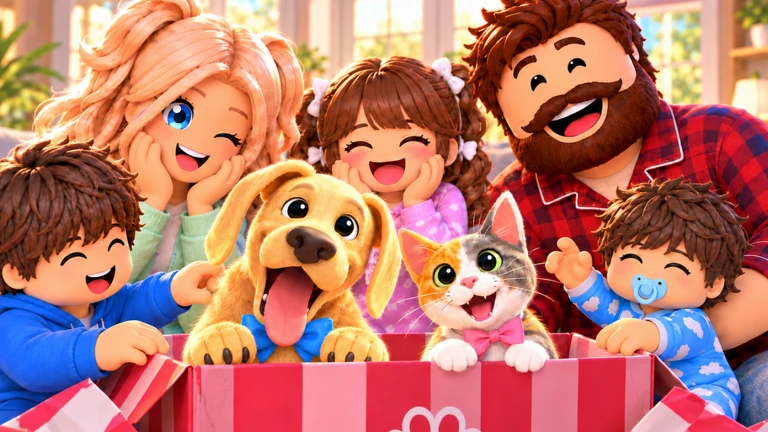
A recent update added full support for child characters. The new interactive daycare gives child characters a dedicated spot to meet and play with others.
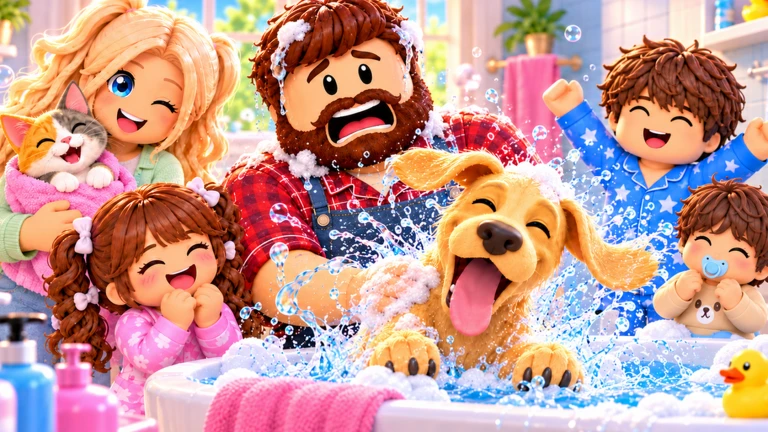
Two updates shipped together, one focused on new buildings and vehicles, the other on child characters.
| Lodge Mansion | a new large home option added in the content update. |
| Modern Contemporary House | a second new home style for a different aesthetic. |
| Convertible Sports Car | a new vehicle added in the content update. |
| Customisable Babies and Kids | child character creation added in the kids update. |
| Interactive Daycare | a new location designed specifically for child characters. |
| Improved Emotes and Kid Props | extra gear to bring child-character scenes to life. |
The game is open-ended, so there isn't much to get truly stuck on, but a few things trip up new players.
Yes. Free homes are available from the start, and exploring the town, roleplaying, and socialising cost nothing. The likes milestone system also unlocks extra homes and vehicles for every player at no cost.
You and your friend need to join the same server when loading into the game. Once you're on the same server, you can meet up at any spot in town, visit each other's homes, or hang out in shared public spaces.
Roblox rates the game as suitable for all ages. The Kids Update also added child and baby characters, a daycare, and age options.
Before you start
Please check the following before using MetaNew.
* You can change your email preference any time from your profile.
