
Emote For UGC Guide: How points work
About
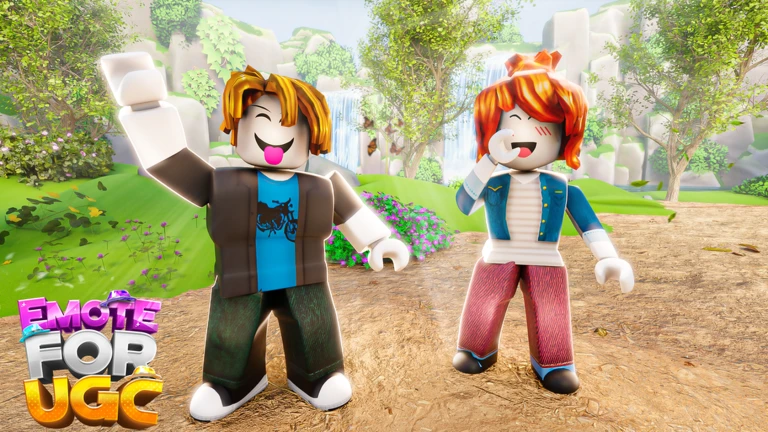
OverviewEmote For UGC is a Roblox collecting game where you equip emotes, earn points just by playing, and trade those points for UGC items and more emotes.
What is on this page
Contents
How points work
Summary
The whole game runs on a single loop: equip an emote, enter the game, and points build up automatically while you are there. You do not need to do anything special beyond having an emote equipped. Those points are then spent in the shop on emotes and UGC items.
- Emote equipped points accumulate automatically while you are in the game
- Points the in-game currency you spend on emotes and UGC items
- Shop where you browse available items and complete exchanges
MetaNew Player Survey

The next survey is being prepared.
Getting started step by step
StepBefore anything else, make sure you have at least one emote in your Roblox inventory so you can equip it.
- Pick an emote equip any emote you own before launching the game
- Join the game enter with the emote equipped
- Stay in the session points collect on their own; no extra actions needed
- Open the shop when you have enough points, browse the shop and choose an emote or UGC item to exchange them for
- Check back on weekends new UGC items are added every weekend, so revisit the shop regularly
Bonus points from codes and follows
TipsThe game hands out large point bonuses through codes, and a couple of social actions also reward you. Codes can only be used once each.
- Following the developer's Roblox account rewards you with 50,000 points
- Joining the developer's Roblox group rewards you with 75,000 points
- The game currently has two working codes tracked as of October 19, 2026 — check the in-game menu to enter them
- Watch the game's description page for milestone codes: 100,000 likes and 150,000 favorites each unlock a new coin code
 50KLIKES
FAVORITETHEGAME
Trading and gacha safety
WarnThe game includes trading between players and gacha-style features.
Community strategy ideas
CommunityThese ideas and tips come from people playing the game. Share your discoveries too!
No strategy ideas yet. Share a tip you discovered.
Share a strategy idea
[RESTOCKED!] Emote For UGC 🌟
Glossary
Glossary- Emote
- An animation that makes your character dance or perform a specific action; equipping one is required to earn points in this game.
- Points
- The in-game currency that builds up automatically while you play and is spent in the shop on emotes and UGC items.
- UGC
- User-Generated Content — accessories and items designed by Roblox creators that you can unlock through the in-game shop.
- Code
- A short text string you enter in the game to receive a one-time bonus point reward.
Common questions
FAQDo I need to spend Robux to progress?
No. The game can be played for free.
How often are new UGC items added?
New UGC items arrive every weekend.
Where do I find new codes?
The developer posts codes on the game's Roblox page through milestone announcements like likes and favorites goals. Following the developer's account and joining the developer's group also provide bonus points.
Game updates can change what is on this page. If you spot something, get in touch and let us know.
