 Live now
–
Live now
–
🎃 SPOOKY WORLD
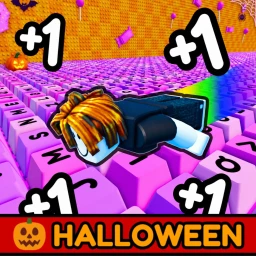
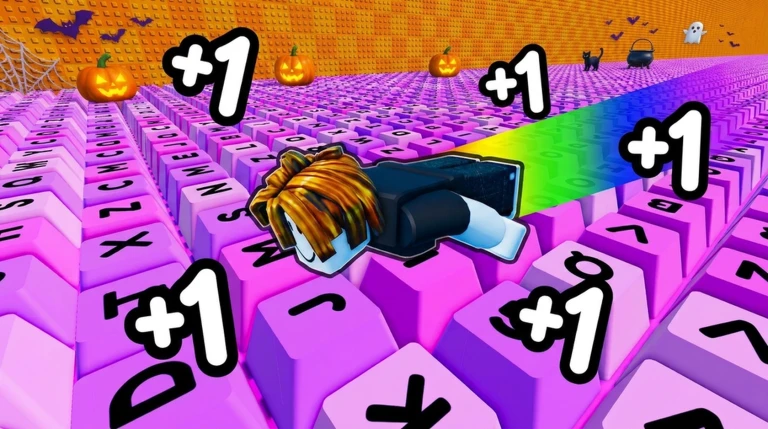
🎃 SPOOKY WORLD is here for Halloween! Explore the new world, discover Halloween themed zones, and unlock exclusive Hal…

Keyboard Slide +1 Speed is a Roblox game where you slide across colorful keyboards, travel as far as you can, and earn trophies based on your distance. This guide covers how to get started, how to push your distance further, and how to customize your character's look.
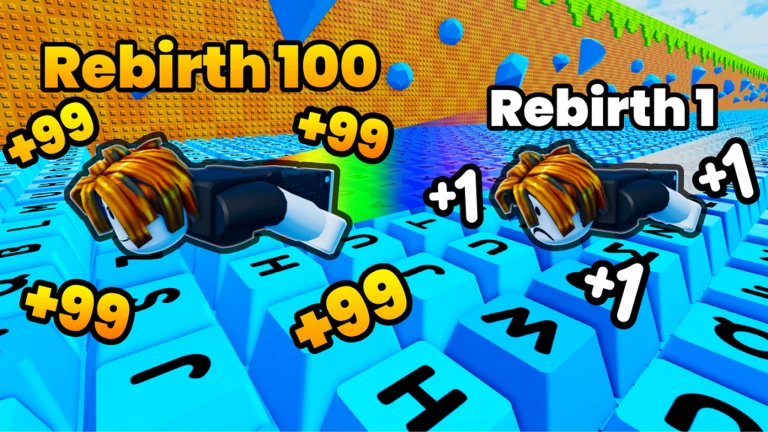
When you join the game, your character is already standing on a keyboard. Sliding forward is the whole game — your goal is to travel as far as you can without stopping. The distance you cover is what earns you trophies, so every run counts from the very first second.
The next survey is being prepared.
Glide Juices are items you can buy inside the game that raise your sliding speed. Even a small speed increase can make a noticeable difference in how far you travel on a single run. More distance means more trophies.
Events running now or coming soon. They have fixed dates, so check them first.
Live now
–
🎃 SPOOKY WORLD is here for Halloween! Explore the new world, discover Halloween themed zones, and unlock exclusive Hal…
 Upcoming
–
Upcoming
–
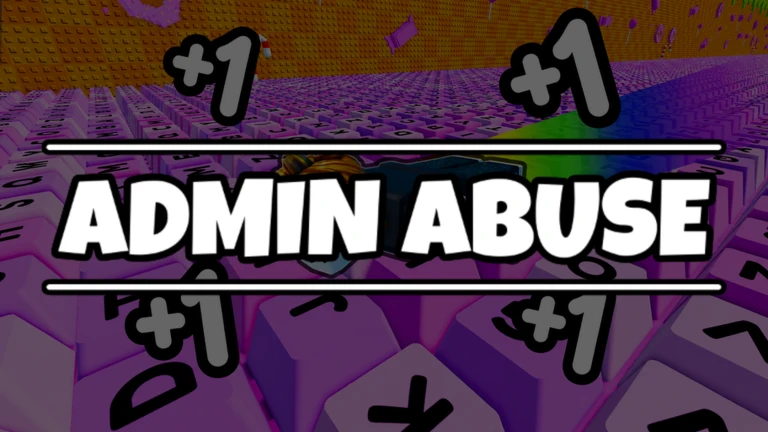
Admin Abuse with some XP and WINS multipliers
The game gives you two main types of cosmetic items to collect. Trails appear behind your character as you slide, while Auras surround your character with effects. Keyboard themes are another layer of visual variety you can discover.
| Trails | an effect that streams behind you as you slide across the keyboard. |
| Auras | an effect that wraps around your character's body during a run. |
| Keyboard themes | different visual styles for the course itself. |
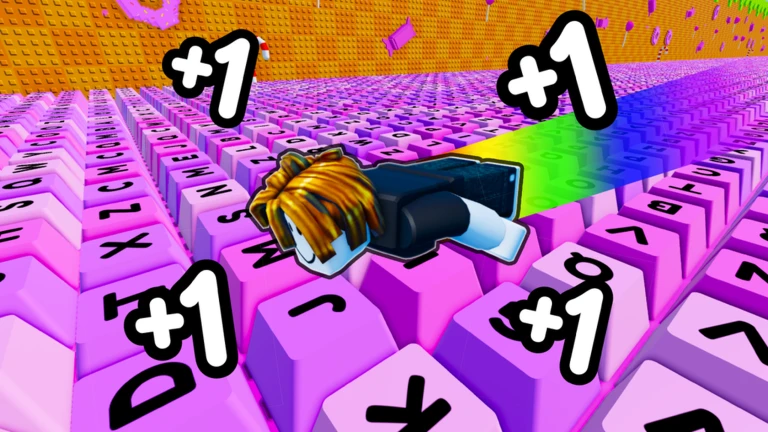
Each server holds a maximum of twelve players at once. You can see how your distance stacks up against everyone else in the same session, and the goal is to become the fastest slider on that server. You can challenge friends directly or simply race whoever is in the lobby with you.
Keyboard Slide +1 Speed is designed around satisfying keyboard sounds and smooth, colorful visuals. You can absolutely push hard for trophies, but the atmosphere is relaxed enough that just sliding and enjoying the sounds is a valid way to play.
These ideas and tips come from people playing the game. Share your discoveries too!
No strategy ideas yet. Share a tip you discovered.
[W3] Keyboard Slide +1 Speed
A single server holds up to twelve players at once.
Buy Glide Juices to raise your sliding speed. Even a small increase can push your distance significantly farther.
Yes — collect Trails and Auras to change the effects that appear on and around your character during a run. You can also discover different keyboard themes to vary the look of the course.
Trails and Auras are cosmetic items for customizing your style; they do not change how far you travel.
Before you start
Please check the following before using MetaNew.
* You can change your email preference any time from your profile.
