Games listed 43,043
Game guide

Spelling Bee Guide: Getting started

🐝 Spelling Bee [🐰 SPRING]
NerdZone, Playing 569, Rating 87.3%
Creator NerdZone
Playing 569
Rating 87.3%
Is this game fun?
No votes yet. Cast the first one.

About

Overview

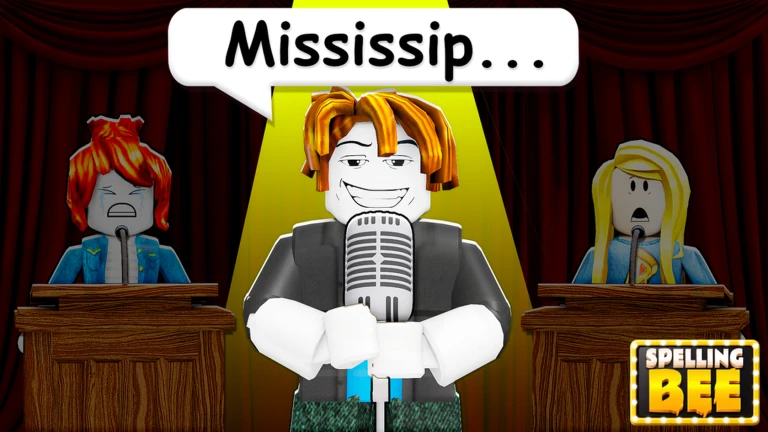
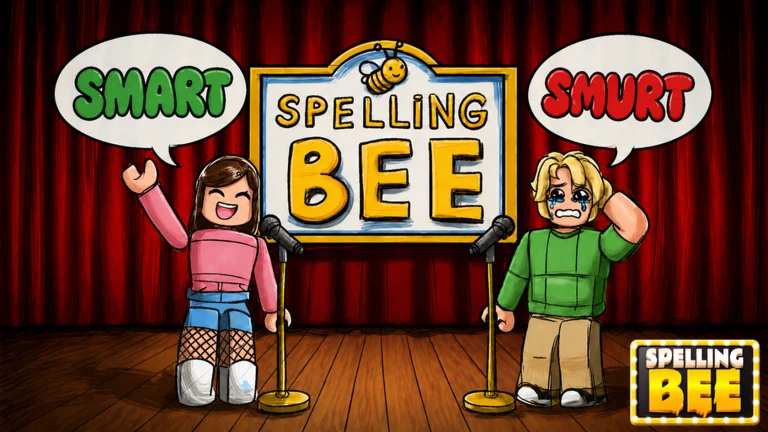
Spelling Bee challenges you to listen to a word read aloud and type it correctly, working your way from Grade 1 all the way up to Grade 12. The game holds 1,000 words in total, starting simple and getting seriously hard by the end. This guide covers how to get started, how to handle each stretch of grades, the Spring Easter egg event, and what to do when sound or typing stops working.

What is on this page

Contents
01

Getting started

Step
In short Before you touch a key, make sure your audio is on — without it, the game cannot be played.

Every round works the same way: a word is read aloud, and you type the spelling using your keyboard. Getting the setup right before your first attempt saves a lot of frustration.

  1. Turn up the volume check both your device volume and Roblox's audio settings before anything else.
  2. Start at Grade 1 the early words are straightforward, so use them to get used to how the game reads words aloud.
  3. Listen to the full word wait until the reading finishes before you start typing.
  4. Type in English if you are on a computer, confirm your keyboard input is set to English, not another language.
Ask on the board
02

How the grade levels ramp up

Table
In short The first four grades build your foundation; the last four are where the real challenge begins.

There are twelve grades in total. The difficulty climbs steadily, and the game itself warns that later stages get very difficult.

Grades 5–8words grow longer and pronunciations become harder to translate directly into letters.
Grades 9–12complex spellings and tricky pronunciations make up most of this stretch.
Repeating a gradegoing through the same grade more than once helps with learning the patterns of words you keep missing.
03 Live and upcoming events Events

Events running now or coming soon. They have fixed dates, so check them first.

Live now –

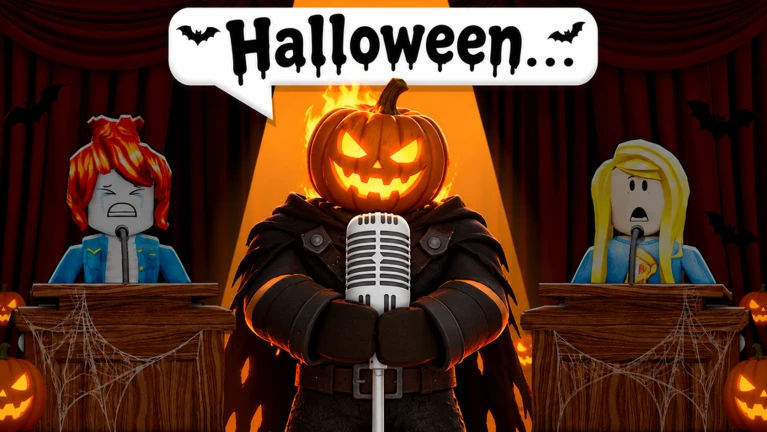
Halloween Update

Get ready for the new Halloween update, the map will get Halloween decorations and some new limited-time items from the…

See the whole schedule
04

Spring Easter egg event

Check
In short Hunt through the map, find the Easter eggs, then report to the Easter Bunny to unlock Spring-exclusive rewards.

The Spring update added a seasonal event on top of the main spelling game.
  • Explore the map carefully Easter eggs are hidden around the game world.
  • Locate the Easter Bunny find the Easter Bunny character somewhere in the game and talk to them.
  • Claim your reward collecting eggs and reporting to the Easter Bunny unlocks Spring-themed limited rewards.
05

When sound or typing does not work

Warn
In short Fix audio and input issues before giving up — most problems come down to a few simple settings.

Because this game is entirely audio-driven, broken sound means you cannot play at all. Typing issues are the second most common problem, especially on non-English keyboard setups.

Worth watching out for
If you hear nothing, check your device volume first.
If your letters are not appearing on screen, make sure your keyboard input language is set to English.
06

Free-to-play access and rewards

Summary
In short Every grade and the Easter event are free; the only condition for extra rewards is liking the game and joining the group.

All 1,000 words across all twelve grades are available without spending anything. The Spring Easter egg event is also open to everyone at no cost.

  • All grades free to attempt as many times as you want.
  • Easter event open to all players during the Spring update at no cost.
  • Extra rewards require leaving a like on the game page and joining the developer's Roblox group.

Community strategy ideas

Community

These ideas and tips come from people playing the game. Share your discoveries too!

No strategy ideas yet. Share a tip you discovered.

Glossary

Glossary
Grade
One of the twelve difficulty levels in the game, where Grade 1 is the easiest and Grade 12 is the hardest.
Spelling
Writing a word with its correct letters in the correct order — the single skill this entire game tests.
Easter Egg
A collectible hidden around the map during the Spring event; turning them in to the Easter Bunny earns seasonal rewards.

Common questions

FAQ

How many words are in the game?

The game contains 1,000 words spread across all twelve grades. Different words appear at different grade levels.

What happens when I spell a word wrong?

The game tells you the answer was incorrect and lets you try that same word again.

Can I play without spending Robux?

All twelve grades and the Spring Easter egg event are completely free. Liking the game and joining the group are the only requirements for unlocking the extra reward.

Updated Oct 5, 2026
Game updates can change what is on this page. If you spot something, get in touch and let us know.
🐝 Spelling Bee [🐰 SPRING] NerdZone, Playing 569, Rating 87.3%
See the game pageAsk on the board
Add it to your home screen and it works like an app. One tap to open, and it loads faster after that.