
Tendaz Animashons Guide: Before you do anything else
About
OverviewTendaz Animashons lets you watch animations starring your own Roblox avatar, bring friends in as cast members, and even create and share animations of your own.
What is on this page
Contents
Player notes and tips
Found a useful trick? Share it with everyone! Notes with screenshots are welcome!
Write a guide note
[Jarona] Tendaz Animashons
Before you do anything else
Check
Set your Roblox graphics quality to 6 or higher before you load in — the game specifically calls this out for a better experience. Once you are in, play a single scene all the way through; finishing it earns you the Roll the Camera! badge.
- Graphics setting raise Graphics Quality to at least 6 for a better experience
- First scene watch one animation to its end to earn the Roll the Camera! badge
- Surprise me tap the Surprise me card once to let the game pick a random scene for you, which also unlocks the Let Fate Decide badge
- Shop visit browse the shop and buy one item to pick up the First Unlock badge
MetaNew Player Survey

The next survey is being prepared.
How scenes and playlists work
Tips
Every animation features your own avatar. The more different scenes you finish, the more badges you collect.
- Finish 5 different scenes to earn the Getting Curious badge
- Finish 10 different scenes to earn the Animashons Fan badge
- Find a playlist that contains at least 5 scenes and watch it all the way through to earn the Binge Watcher badge
- Use the Surprise me card a total of 5 times to earn the Trust the Dice badge
Playing with a friend
Step
The game supports up to two people in one room. When you add someone as a cast member, both of your avatars appear in the animation together.
- Join the same server rooms hold a maximum of two players
- Add your friend to the cast select them so both avatars appear in the scene
Director Mode and what it unlocks
Summary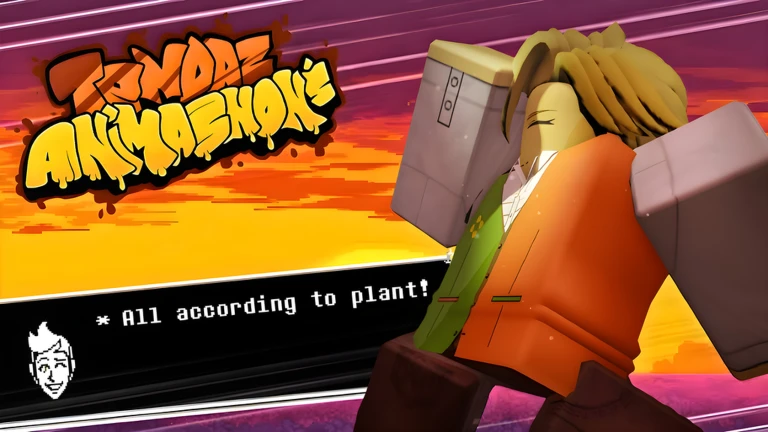
Director Mode sits behind a progression step inside the game. Reaching it earns you the Behind the Scenes badge and shifts your role from viewer to someone involved on the production side of the animations.
- Behind the Scenes badge earned the moment you unlock Director Mode
- New perspective lets you engage with animations from beyond the camera rather than just watching
- Creation tools the game also allows you to make your own animations and share them with the community
Reporting bugs
Warn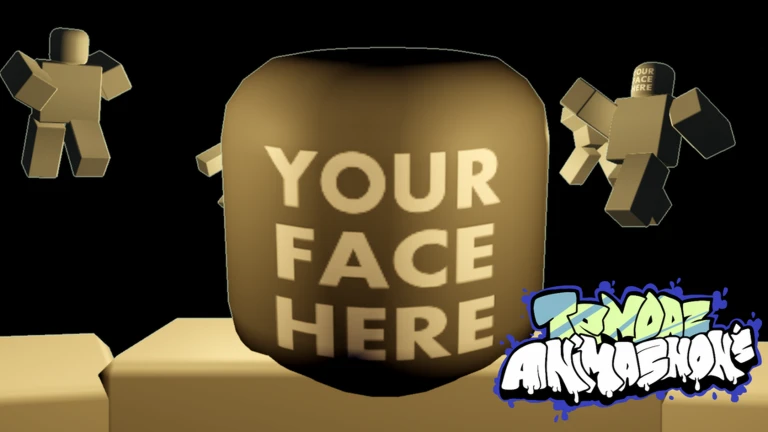
If you run into a missing asset, a broken animation, or any other bug, the developer asks that you report it in the game's server rather than anywhere else. The same applies if you have a concern about something being used in the game.
Glossary
Glossary- Surprise me
- A card in the scene selection screen that picks a random animation for you to watch.
- Playlist
- A collection of scenes queued to play one after another; finishing one with 5 or more scenes earns the Binge Watcher badge.
- Cast
- The avatars that appear in an animation — you can add your own avatar and a friend's avatar to the cast.
- Director Mode
- An unlockable mode that lets you engage with animations from behind the camera rather than simply viewing them.
Common questions
FAQDoes the Surprise me card count toward any badges?
Yes, using it once earns the Let Fate Decide badge. Use it five times in total and you will also earn the Trust the Dice badge.
Can I play every scene with a friend?
You can bring one friend into your room and add them to the cast, so both avatars appear in the animation. Rooms hold a maximum of two players.
What does buying something in the shop do?
Your first purchase earns you the First Unlock badge.
Game updates can change what is on this page. If you spot something, get in touch and let us know.
