
Cosmic Playground | Space Sandbox — First steps when you load in
About
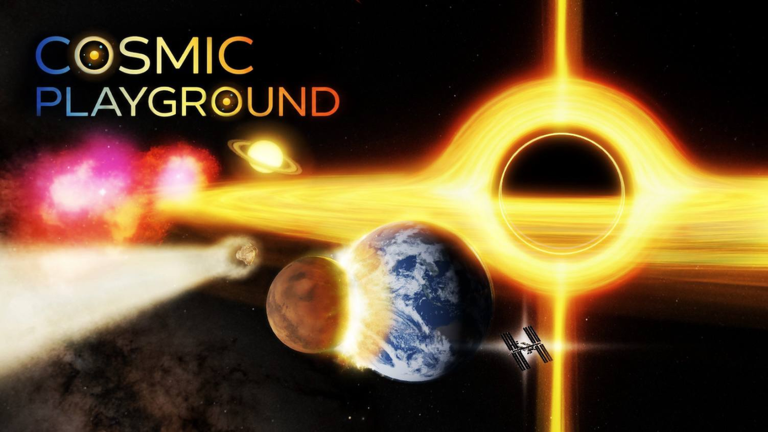
OverviewCosmic Playground is a space sandbox where you place planets, stars, black holes, and other objects to build your own universe and trigger massive cosmic events like supernovas and tidal disruption. Up to ten players can share a server, so you can build and experiment together. This guide covers how to get started, earn Cosmic Insight, chase badges, and get the most out of saves and presets.
What is on this page
Contents
First steps when you load in
Step
The game hands you a badge just for joining, so that one takes care of itself. After that, work through the tutorial — it walks you through the core tools and rewards you with the Cosmic builder badge when you reach the end. Once the tutorial is done, open the Discovery menu to see what objects and hidden mechanics are already waiting for you.
- Join the game the Welcome to Cosmic Playground! badge is awarded automatically on your first visit.
- Start the tutorial follow each step until the end to earn the Cosmic builder badge.
- Open the Discovery menu it lists available objects, hidden combinations, and mechanics you can try.
- Load five different presets each one recreates a specific scene instantly, and loading five earns the Preset explorer badge.
How Cosmic Insight works
Summary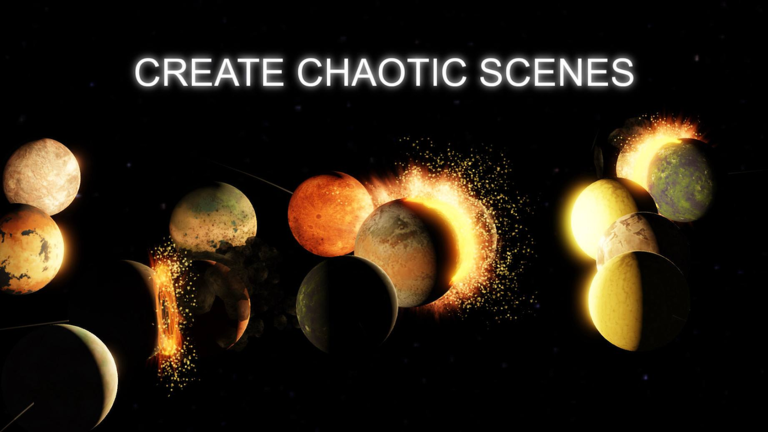
Cosmic Insight is the point system that drives progression. As your total climbs, you unlock more objects to spawn. Three milestone badges mark your progress along the way.
- 1,000 Insight total earns the An okay amount badge
- 10,000 Insight total earns the Getting rich badge
- 100,000 Insight total earns the You're rich wow badge
- Higher totals unlock more objects and expand what you can place
Racking up collisions
Tips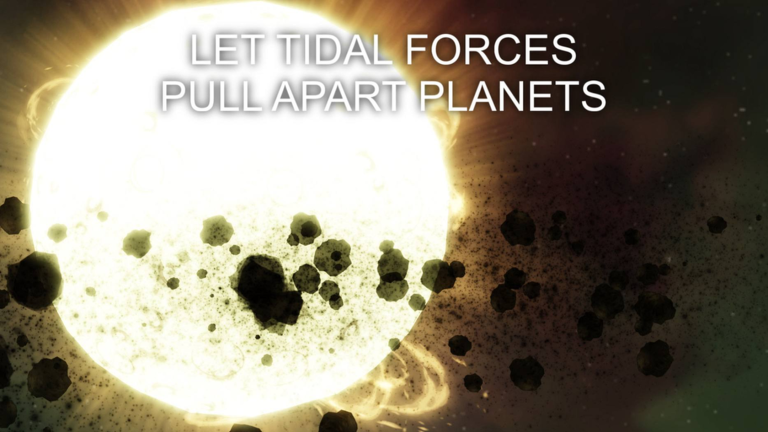
Every time two objects collide, the counter goes up. The three targets are 100, 1,000, and 10,000 collisions, each rewarded with its own badge.
- Reaching 100 collisions earns the Destroyer of worlds badge.
- Reaching 1,000 collisions earns the Destroyer of systems badge.
- Reaching 10,000 collisions earns the Destroyer of galaxies badge.
Pop-culture reference badges
Check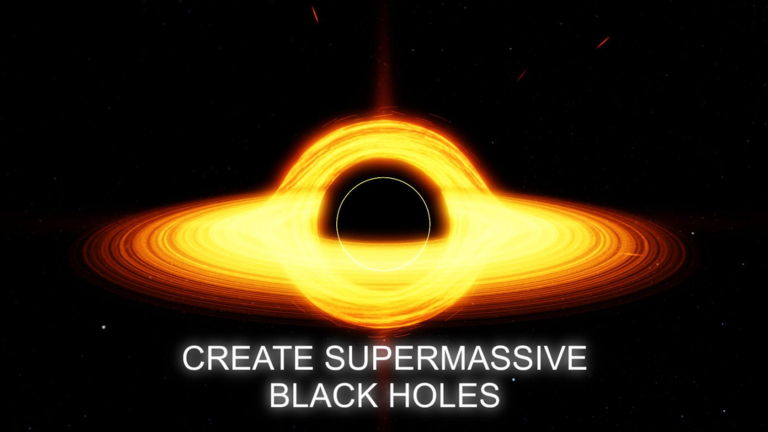
Some badges require you to recreate a scene from a real work of fiction using the game's objects. Each one has a precise condition — place the right object around or near the right body.
- Interstellar badge place the Endurance around the black hole Gargantua, referencing the film Interstellar.
- Project Hail Mary badge put the Hail Mary around the star Adrian, from the novel Project Hail Mary.
- The enlightment badge trigger the Enlightment event, a reference from The Flash.
Saving scenes and using presets
Tips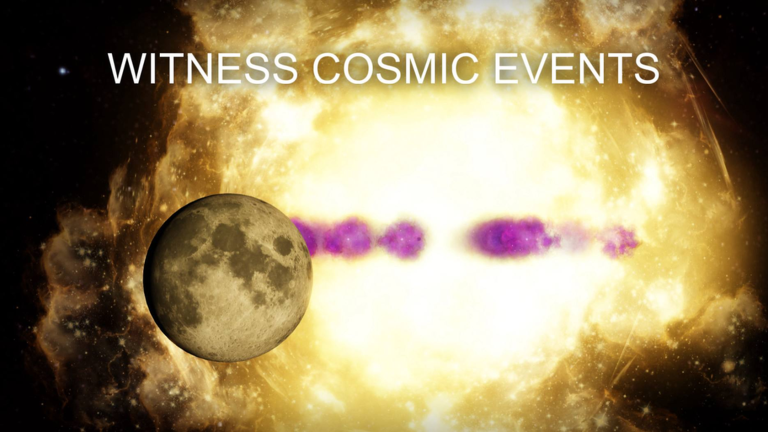
The save system lets you store and reload any arrangement you have created. Presets are ready-made configurations the game provides that you can load in one step. Both features also have badge targets attached.
- Save five different scenes to earn the Scene saver badge.
- Load five different presets to earn the Preset explorer badge.
- You can visit other players' active simulations and collaborate on their scenes directly.
What is in the game as of version 2.1.0
TableVersion 2.1.0 launched on August 26, 2026. The table below shows how many objects exist in each category.
| Category | Count available |
|---|---|
| Stars | 20 |
| Black holes | 12 |
| Discoveries and worlds | 13 |
Glossary
Glossary- Cosmic Insight
- The in-game point currency you accumulate over time; higher totals unlock more objects for your sandbox.
- Discovery menu
- An in-game menu that lists available objects, hidden object combinations, and special mechanics you can trigger.
- Preset
- A pre-built scene configuration you can load instantly rather than building from scratch.
- Tidal disruption
- A cosmic event where extreme differences in gravitational pull tear an object apart, simulated in the game.
- Supernova
- The massive explosion that ends a star's life, one of the large-scale events you can simulate in Cosmic Playground.
Common questions
FAQHow do I get the Meet the owner badge?
You have to be in the same server as the developer, Kiriixer, at the same time.
Can I build with other players?
Yes — up to ten players can be in one server. You can also visit another player's active simulation directly and work on their scene alongside them.
Does the game have redeemable codes?
Yes. Version 2.1.0 added codes as a way to earn Cosmic Insight.
Game updates can change what is on this page. If you spot something, get in touch and let us know.
