
Realistic Landscape Guide: Graphics settings for the best visuals
About
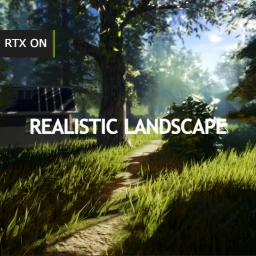
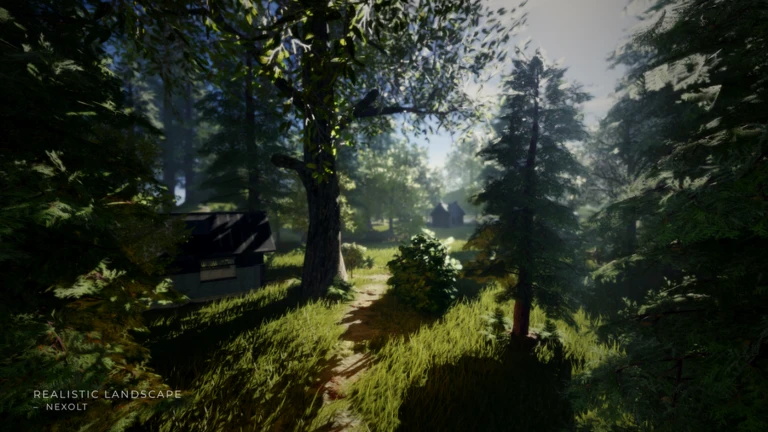
OverviewRealistic Landscape is a showcase experience made by Nexolt that lets you walk through a detailed natural environment built inside Roblox. There are no goals or scores — the point is to explore, listen to the piano, and take in the scenery at your own pace. This guide covers how to get the best-looking experience, what controls are available, and what to do once you're inside.
What is on this page
Contents
Player notes and tips
Found a useful trick? Share it with everyone! Notes with screenshots are welcome!
Write a guide note
[🌲RTX] Realistic Landscape
Graphics settings for the best visuals
Step
This game pushes Roblox's rendering to its limits, so your graphics level has a huge effect on how it looks. Below level 8 the visuals can appear inaccurate and miss a lot of the detail the developer intended. On mobile, the same limitation applies — the game can run, but it won't look the way it was designed to.
- Freecam press Shift + P to detach the camera from your character and fly it anywhere for screenshots or a better view.
- Benchmark type /fps in chat to display your current frame rate and check how your device is performing.
MetaNew Player Survey

The next survey is being prepared.
What to do in the world
Tips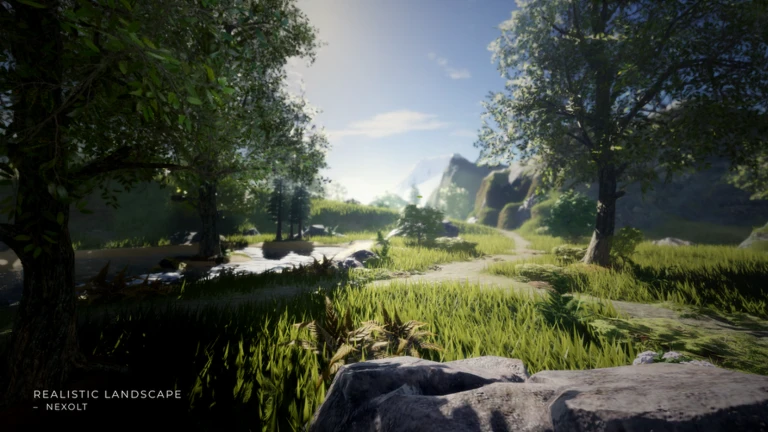
Because there are no objectives, it helps to know what the environment actually offers before you start walking.
- Walk the landscape freely — the terrain, pathways, and vegetation are all there to explore at whatever speed you like.
- Find the piano and interact with it to hear Nocturne in E-Flat Major, Op. 9 No. 2 play in the game world.
- Switch on Freecam to frame up a screenshot from an angle your character couldn't normally stand at.
What the recent updates changed
Check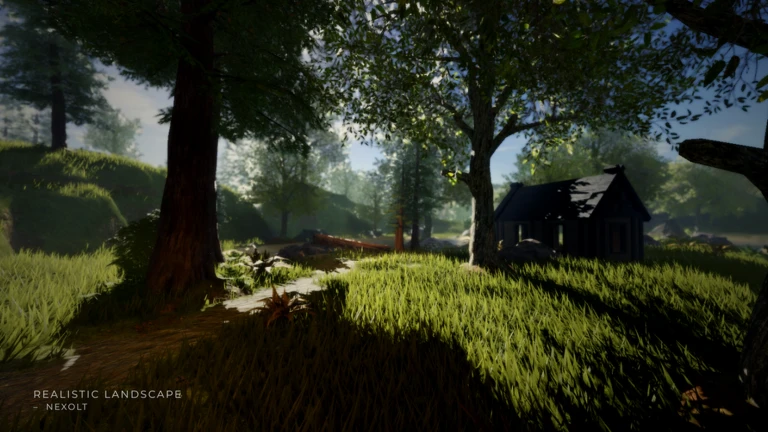
If you played this before, the world looks noticeably different now. Each update targeted a specific part of the environment.
- Terrain and pathways improved the land itself and the walkways through it were refined on April 11.
- Vegetation increased more plants were added across the landscape on March 23.
Mobile and GPU compatibility
Warn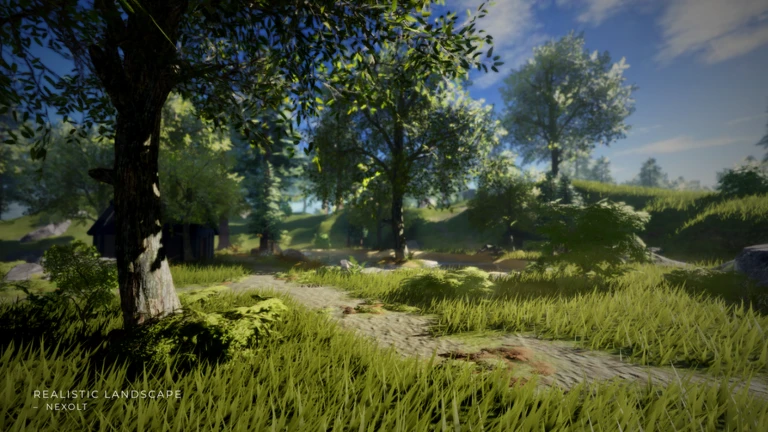
A couple of technical points are worth knowing before you pick a device to play on.
Glossary
Glossary- Freecam
- A camera mode activated with Shift + P that lets you move the view independently of your character, useful for getting shots from any angle.
- Graphics Level
- Roblox's quality setting, where higher numbers produce sharper, more detailed visuals at the cost of more processing power.
- Benchmark (/fps)
- A command you type in chat that displays your current frames per second, showing how well your device is handling the game.
- Showcase
- A type of Roblox experience built to display visuals or a creative environment rather than to present a game with goals or competition.
Common questions
FAQDoes this game work on mobile?
It loads on mobile, but the graphics are limited and won't look the way the developer intended. For the full visual experience, play on PC with graphics set to level 8 or higher.
What is the point of the game if there's nothing to win?
Realistic Landscape is a showcase — the goal is simply to explore the environment, enjoy the atmosphere, and listen to the piano piece. There are no objectives, progression systems, or competition of any kind.
Game updates can change what is on this page. If you spot something, get in touch and let us know.
