
My Avatar Guide: Getting started for the first time

About
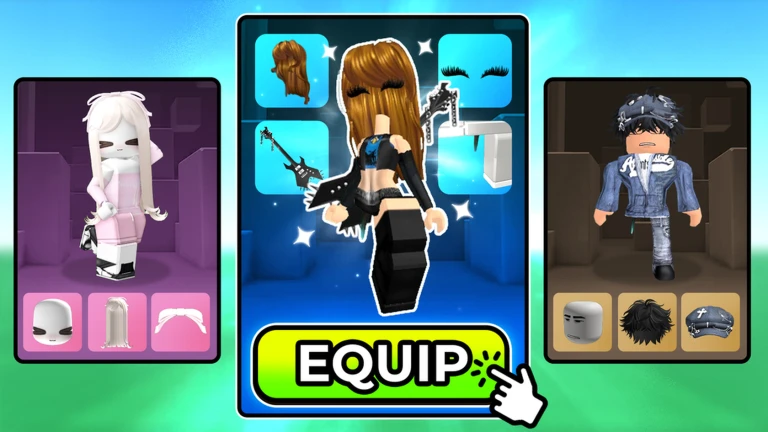
OverviewMy Avatar! lets you browse the full Roblox catalog, dress up your avatar however you like, and keep everything you buy — items go straight into your Roblox inventory so you can wear them in any game. This guide covers how to get started, earn points without spending Robux, use codes, and make your points go as far as possible.
What is on this page
Contents
Getting started for the first time
Step
When you first load in, the point icon at the top of the screen opens the door to free points via codes.
- Open the point menu tap the yellow point icon at the top of the screen.
- Enter a code choose 'buy points' and type a current code into the field that appears, then press Enter.
- Check your balance confirm the points have been added before you close the popup.
MetaNew Player Survey
The next survey is being prepared.
How the point system works
Summary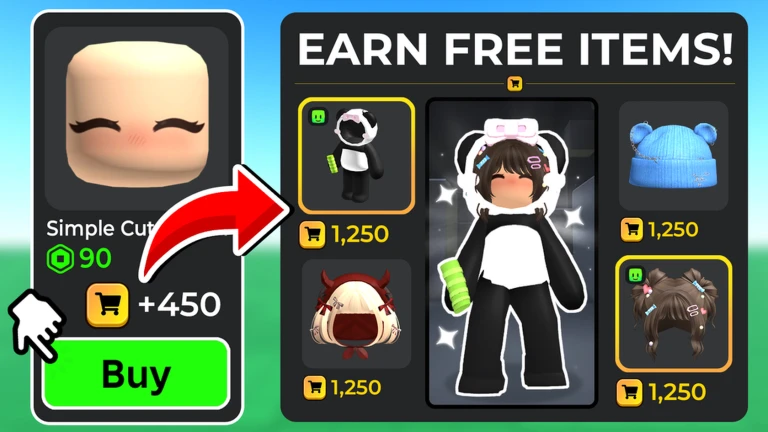
Points are the main currency for getting free accessories from the Point Store, which stocks over a hundred items. Every purchase you make in-game earns points back. You can also add points by signing up to Roblox Plus through the game, which awards 1,299 points. Codes are a third source and require no spending at all.
- In-game purchases earn points automatically every time you buy something.
- Codes redeem a working code in the 'buy points' popup for an instant point boost.
- Roblox Plus sign-up signing up through My Avatar! adds 1,299 points to your balance.
- Point Store spend accumulated points to claim free accessories without touching Robux.
- Like milestone reaching 91% positive votes unlocks a new free item in the Point Store for everyone.
Where codes go wrong
Check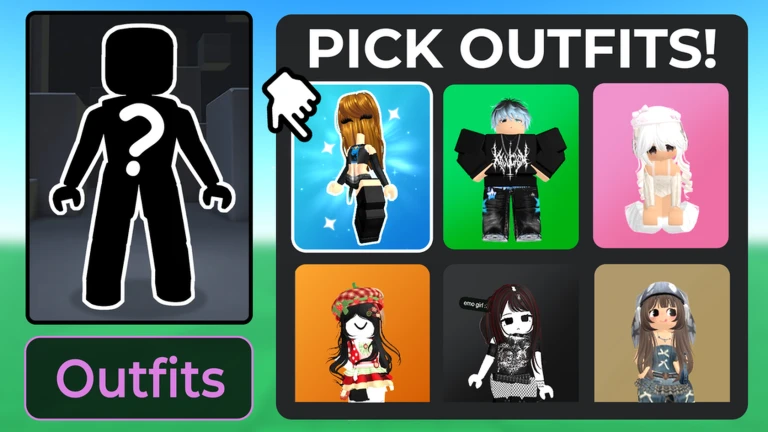
Codes only work inside the popup that appears after you choose 'buy points' from the point icon menu. Each code can only be used once, and codes expire.
- Are you in the right popup? The code field only appears after tapping the point icon and selecting 'buy points'.
- Is the code still active? Codes expire, so an older code may no longer be valid.
- Is the capitalisation exactly right? A single wrong letter renders the whole code invalid.
Making your points go further
Tips
Items you buy in My Avatar! are added directly to your Roblox inventory, meaning they work in every game on the platform. Before reaching for Robux, check whether free codes or Point Store items can fill the gap.
- Check the Point Store regularly, since new free items appear when the like milestone is reached.
- Collect all available free points from codes before deciding to spend Robux on additional points.
- Press the like button after playing — it pushes the game closer to the 91% milestone that unlocks a new free item for everyone.
Account and code safety
Warn
Keep login details private and only use codes from sources you trust.
Playing without spending Robux
TableThe Point Store holds over a hundred accessories claimable with earned points, and codes top up your balance at no cost. Robux is an option if you want to move faster, but it is not required.
| Codes | free points with no purchase needed, redeemed through the 'buy points' popup. |
| Point Store | 100+ accessories available purely through accumulated points. |
| Roblox Plus sign-up | 1,299 points added to your balance when you sign up through the game. |
| Like milestone reward | a new free item unlocks in the Point Store once the game hits 91% positive votes. |
| Robux | an optional way to buy points, not a requirement. |
Community strategy ideas
CommunityThese ideas and tips come from people playing the game. Share your discoveries too!
No strategy ideas yet. Share a tip you discovered.
Share a strategy idea
🛍️ My Avatar!
Glossary
Glossary- UGC item
- An accessory, clothing piece, or other avatar item created by a Roblox developer that goes into your Roblox inventory and works across all games on the platform.
- Point Store
- The in-game shop where you spend earned points to claim free accessories without using Robux.
- Catalog
- The full library of Roblox avatar items that you can browse and purchase directly inside My Avatar!.
- Outfit
- A saved combination of clothing, accessories, and hair that you or another player has put together.
- Inventory
- Your personal Roblox storage where purchased items are kept and made available in every game you play.
- Robux
- Roblox's premium currency, which can be used to buy items or additional points in My Avatar!.
Common questions
FAQDo items I buy in My Avatar! actually stay on my account?
Yes — every purchase made inside My Avatar! is added directly to your Roblox inventory. That means you can equip those items in any other Roblox game, not just this one.
Why didn't my code work?
The most common reasons are entering the code in the wrong place, a typo in the code itself, or the code having expired. Make sure you are inside the popup that appears after tapping the point icon and selecting 'buy points', and check that every character matches exactly.
Can I enjoy this game without paying anything?
Yes. Codes give you points for free, every in-game purchase earns points back, and the Point Store has over a hundred items claimable with those points. Robux lets you buy points faster, but the game is designed so you do not need to spend any.
What is the 91% likes milestone?
When the game's positive vote percentage on Roblox reaches 91%, a new free item is added to the Point Store for all players to claim. Tapping the like button after playing helps push the game toward that threshold.
Game updates can change what is on this page. If you spot something, get in touch and let us know.
