
Piano Music Sheet Practice Guide: How to start playing
About
OverviewPiano Music Sheet Practice is a relaxed music game where you play songs on a digital keyboard by pressing the right keys whenever notes highlight on screen.
What is on this page
Contents
Player notes and tips
Found a useful trick? Share it with everyone! Notes with screenshots are welcome!
Write a guide note
Piano Music Sheet Practice
How to start playing
Step
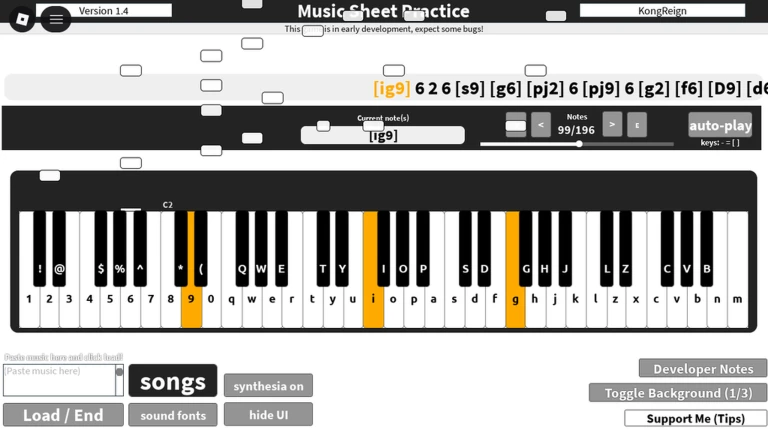
When you load in, a list of available songs appears. Select the one you want to practice and the sheet music shows up on the digital keyboard. From there the game highlights the next note and waits for you to press the corresponding key before moving on.
- Pick a song choose any track from the list on the start screen.
- Read the highlight look at which note lights up on the keyboard display.
- Press the key hit the matching key on your QWERTY keyboard.
- Finish the song play through every note to complete the piece.
MetaNew Player Survey

The next survey is being prepared.
Getting comfortable with the keyboard layout
Tips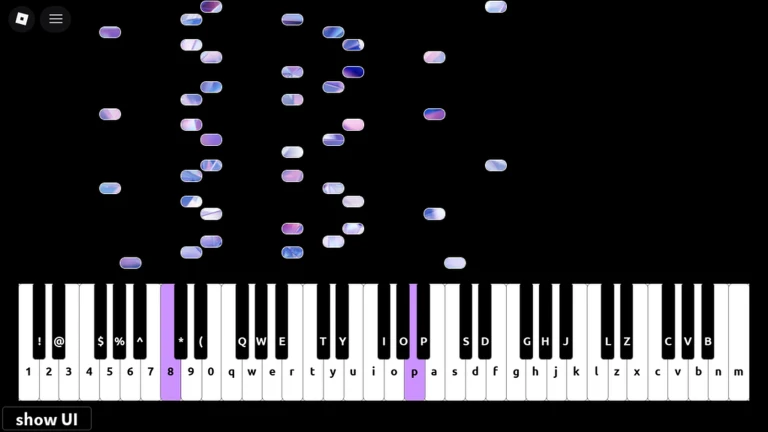
The game uses a standard QWERTY keyboard, so every note maps to a letter key you already have. At first it is completely fine to hunt for each key on screen, but the goal is to reach a point where you know where your fingers are going without looking down. Once you stop looking at the keyboard, you can focus entirely on the sheet music.
- Play the same song several times in a row — repetition is what locks the key positions into muscle memory.
- Keep your eyes on the highlights, not your fingers, as soon as you feel ready to try it.
What to check when a key does not register
Check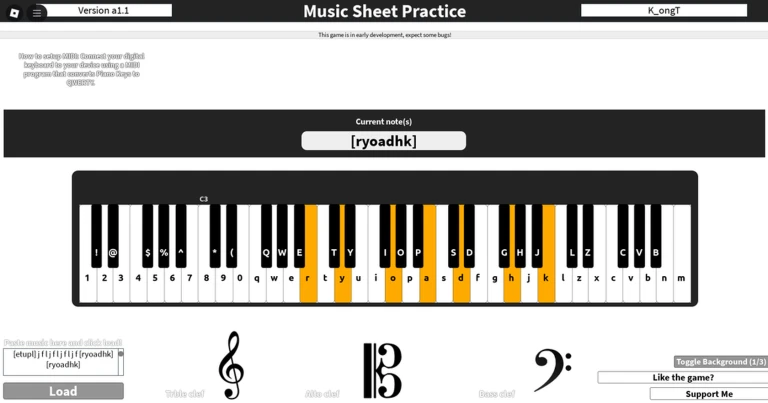
If the game is not picking up your keypresses, work through these checks before giving up.
- Make sure your physical keyboard is properly plugged in or connected to your computer.
- Double-check that the key you are pressing actually matches the highlighted note.
- Press the key a little sooner the timing needs to line up with when the note lights up.
- If nothing else works, close the game and reopen it to clear any session glitches.
Mistakes and free access
Summary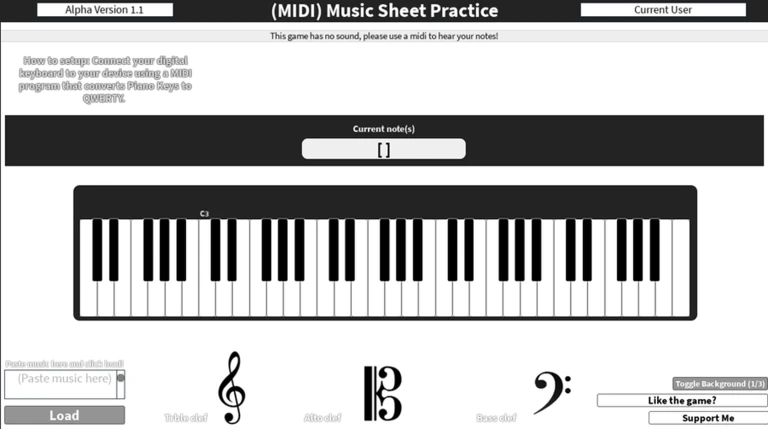
Two things are worth knowing up front so they do not slow you down.
- Wrong keys pressing the wrong note does not end the song; you can keep going and try again.
- Cost every song in the game is available from the start with no purchases required.
- Replays you can repeat any song as many times as you like with no limit.
- New songs songs added in future updates are also free to play.
Glossary
Glossary- Sheet music
- The written record of a song's notes, displayed on the in-game keyboard so you know what to play.
- Highlight
- The visual cue that lights up the next note on screen, telling you exactly which key to press.
- QWERTY
- The standard keyboard layout used to play the game, named after the first six letters on the top row of keys.
- MIDI
- A standard format for storing music data digitally; the game uses it to represent the sheet music for each song.
Common questions
FAQWhat happens if I press the wrong key?
Nothing stops you from continuing — the game is designed for beginners, so a wrong keypress does not fail the song. Just keep going and the next highlight will appear as normal.
Will new songs be added to the game?
New songs can appear when the game receives an update. Check inside the game for the latest list of available tracks.
Do I need to buy anything to access all the songs?
No. Every song is unlocked from the moment you start, with no purchases involved. You can practice anything in the library as many times as you want.
Game updates can change what is on this page. If you spot something, get in touch and let us know.
