
Paint My Keyboard Guide: Your first minutes in the game
About
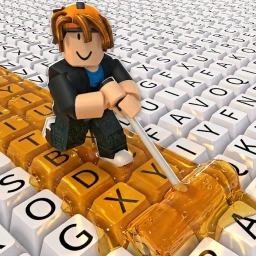
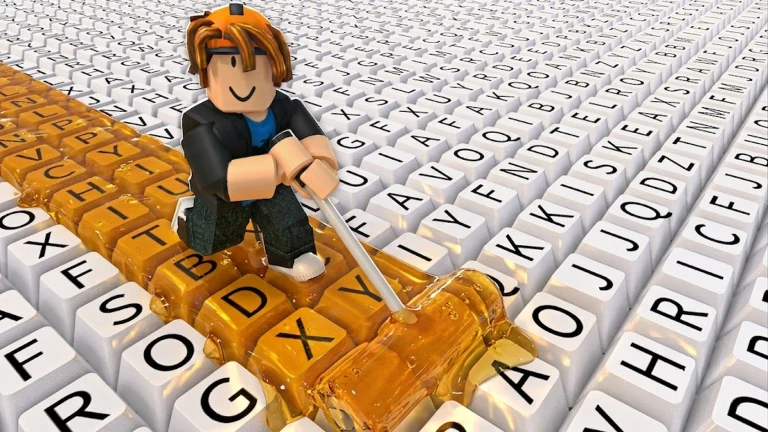
OverviewPaint My Keyboard is a Roblox idle game where you paint keyboard keys with a roller to earn automatic income, then spend that cash on upgrades that make you richer faster.
What is on this page
Contents
Your first minutes in the game
Step
When you load in, a keyboard appears on screen and a roller sits ready on the left side. Tap keys with the roller to paint them, and each painted key starts generating cash automatically. Your immediate goal is simple: cover every key you can see.
- Paint each key tap a key with the roller to fill it with color.
- Watch the cash arrive painted keys produce income on their own without any extra taps.
MetaNew Player Survey
The next survey is being prepared.
What to spend your first cash on
Tips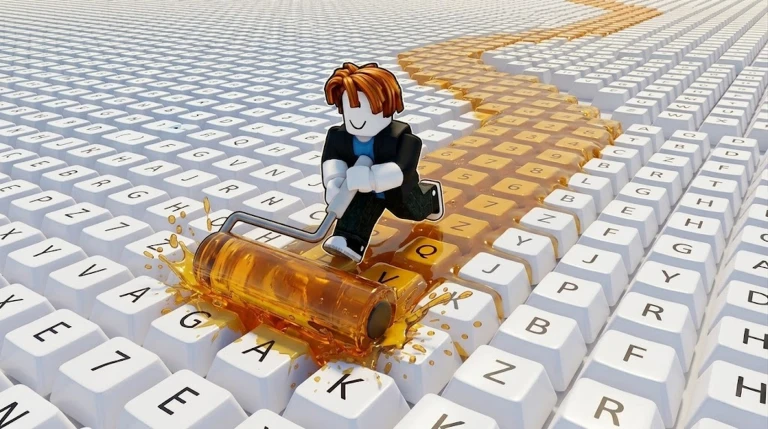
You can spend cash on roller upgrades, new paints, and keyboard expansions. Each one feeds into the others.
- Upgrading the roller makes it paint faster and earns more per tap.
- Unlocking new paints changes how keys look and raises the income they produce.
- Keyboard expansions add more keys to paint, increasing total income.
Roller, paint, and keyboard expansion compared
Table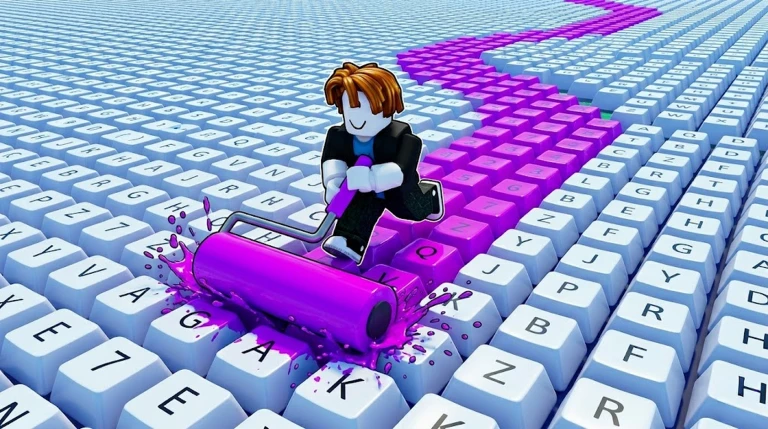
Understanding what each upgrade actually does helps you spend cash in the right place.
| Roller | raises painting speed and base income per tap. |
| Paint | unlocks new key appearances and boosts income per key. |
| Keyboard expansion | adds more paintable keys and grows your total earning potential. |
Making offline time work for you
Check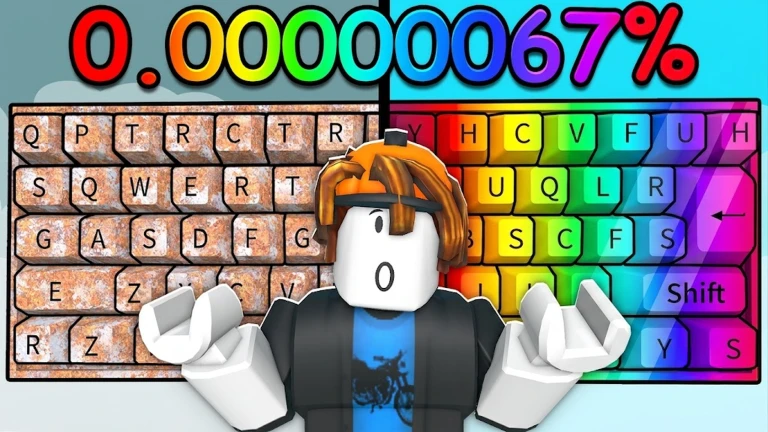
Paint My Keyboard is built around idle play. Cash accumulates even when the game is closed.
- Confirm every key on your current keyboard is painted before you close the game.
- Close the app and let time pass earnings continue to build offline.
When progress feels stuck
Warn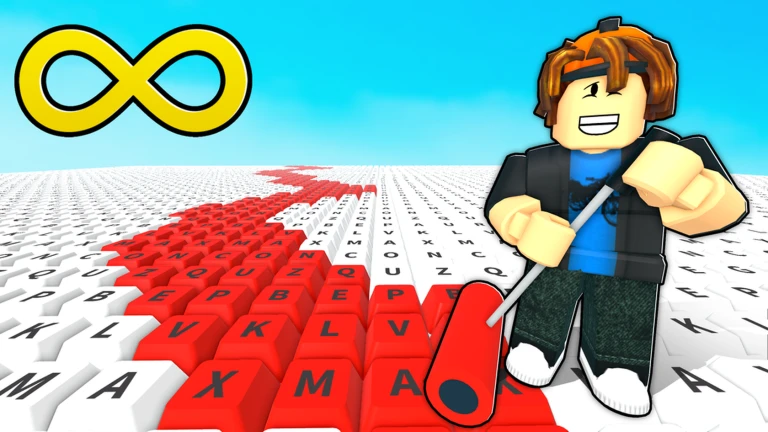
At certain points the cash needed for the next paint or expansion jumps sharply. That is a signal to deepen your current upgrades.
The long-term goal
SummaryThe game itself asks whether you can build the biggest keyboard, and that challenge is open-ended.
- Biggest keyboard finish every available keyboard expansion.
- Best paint unlock and apply every paint type.
- Strongest roller reach the highest roller upgrade tier.
- No hard ending you can keep upgrading and earning for as long as you enjoy it.
Glossary
Glossary- Roller
- The tool you use to paint keyboard keys; upgrading it increases painting speed and the cash earned per tap.
- Paint
- A style applied to keys that changes their appearance and raises the income they generate; each new paint you unlock can be upgraded further.
- Keyboard expansion
- An upgrade that adds more keys to your board, increasing the total number of income sources you can paint.
- Idle income
- Cash that painted keys produce automatically, even while the game is closed.
- Upgrade
- Any purchase that strengthens your roller, a paint, or the size of your keyboard to help you earn cash faster.
Common questions
FAQDo I earn money while the game is closed?
Yes, the game calculates your earnings automatically while closed.
Is there an ending to the game?
There is no set finish line. The open-ended goal is to build the largest keyboard possible by completing all expansions and unlocking every paint.
What do I do if I have run out of keys to paint?
Purchase a keyboard expansion to add new keys. More keys mean more income sources once they are painted.
Game updates can change what is on this page. If you spot something, get in touch and let us know.
