Games listed 40,859
Game guide

⭐Roblox Animation RP Guide: Getting started in the lobby

⭐Roblox Animation RP
WeO0F, Playing 115, Rating 86.3%
Creator WeO0F
Playing 115
Rating 86.3%
Is this game fun?
No votes yet. Cast the first one.

About

Overview

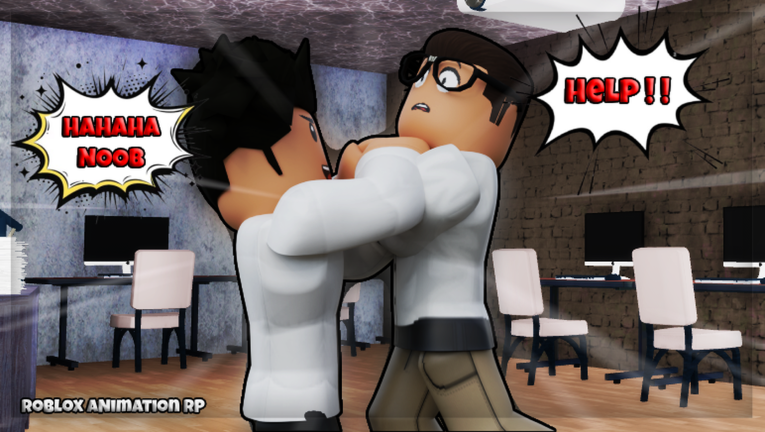
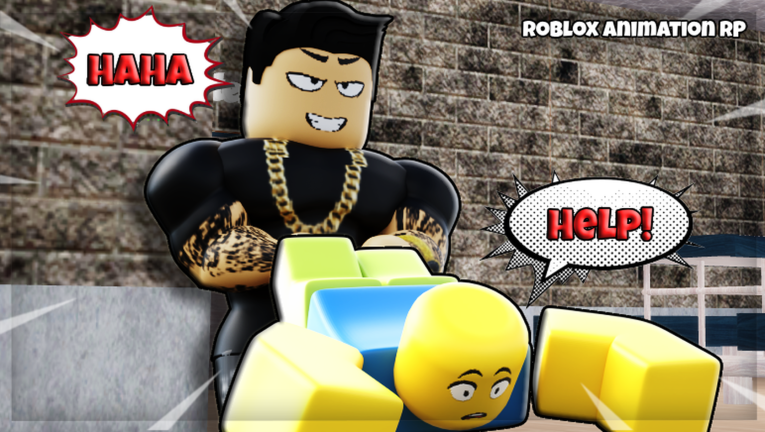
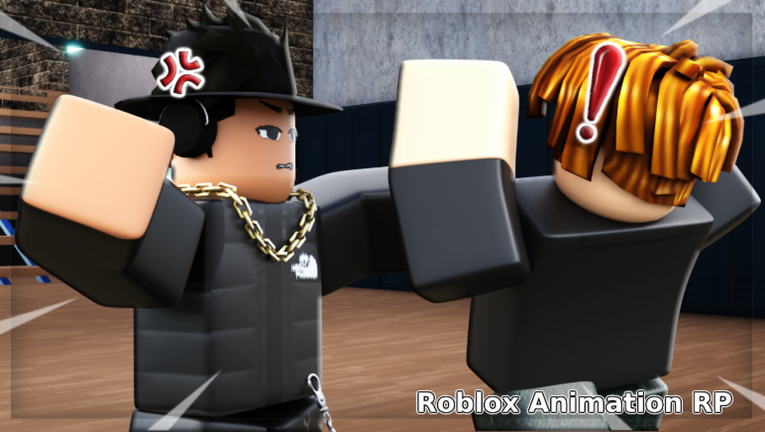
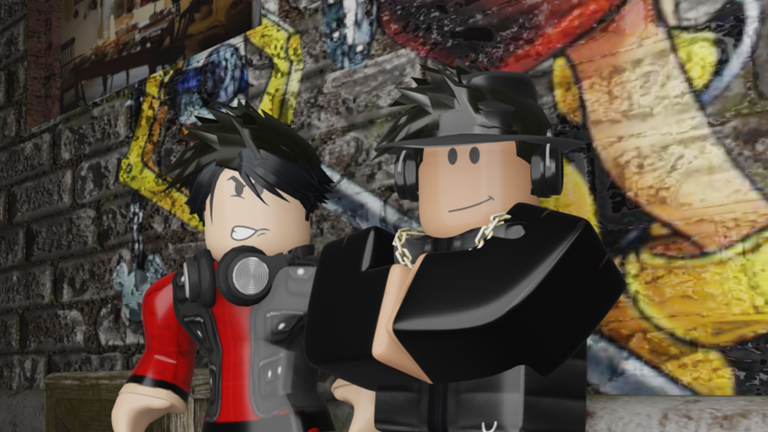
Roblox Animation RP is a town-and-school roleplay game where you build a character, pick a role — police officer, student, or ordinary citizen — and act out stories with animations and facial expressions. This guide walks you through getting started, using animations well, earning all four badges, and grabbing the free items available to every player.

What is on this page

Contents
01

Getting started in the lobby

Step
In short Spend a few minutes in the lobby shaping your character before you head into any area.

When you first join, you land in the lobby. This is the place to sort out your look before you do anything else. Once you are happy with your character, you can move into whichever area suits the story you want to tell.

  1. Open the face options pick eyes, a mouth, and other expression parts that fit the character you have in mind.
  2. Switch to the clothing and hair section and put together an outfit.
  3. Check the area list and pick a starting location the city, the school, or the police station.
Ask on the board
02

Free items every player can claim

Check
In short Join the official game group and, if the Christmas event returns, hunt down five presents to unlock two exclusive items.

Two free item sources are open to all players. The group reward is permanent; the Christmas event ran in 2024 and rewarded players who collected all five of Santa's dropped presents with a badge that unlocks two exclusive in-game items.

  • Join the official game group you receive a free sword in-game at no cost.
  • During the 2024 Christmas event find all five presents Santa dropped and collect them to earn the event badge and its two exclusive items.
  • Animations, facial expressions, and basic customization are all free from the start.
03 Live and upcoming events Events

Events running now or coming soon. They have fixed dates, so check them first.

Live now –

House Plot System

You will be able to spawn different types of houses and will be able to roleplay! 1. Click teleport button and click t…

See the whole schedule
04

Using animations and expressions in your roleplay

Tips
In short Mixing animations together is what makes scenes feel alive rather than static.

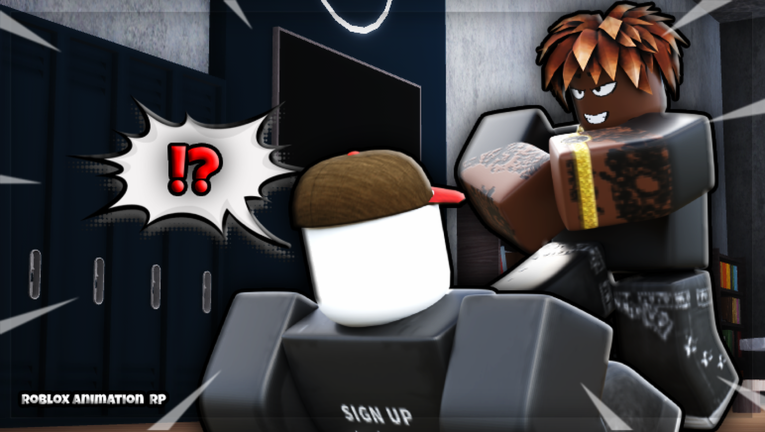
The game's animation library is the core of what makes roleplay work here. Rather than just standing around and typing, you can show what your character is feeling and doing.
Tips worth knowing
  • Switch between different movement and emotion animations to show how your character feels in a scene.
  • Layer animations one after another to build a sequence, not just a single pose.
  • If a friend uses the same animation at the same time, you can create a matched scene together.
05

Roleplay roles and where to play them

Table
In short Each role has a natural home area, so picking the right location makes your story more believable.

The game gives you a city, a school, and a police station to move between. Match your chosen role to one of these spaces and your roleplay will feel more grounded.

Police officerpatrol and protect in the city or the police station area.
Studentattend classes and hang out in the school.
Citizenexplore the city and build everyday-life stories on the streets.
06

All four badges and how to earn them

Table
In short Three badges are straightforward; meeting the creator is the one that depends on luck and timing.

There are four badges in total. The table below lists each one alongside what you need to do and what, if anything, you get for it.

BadgeHow to earn itReward
Welcome!Join the game for the first time — awarded automaticallyNone beyond the badge itself
You Met The Creator!Meet the game's creator in a live sessionNone beyond the badge itself
You completed it.....Complete whatever the game asks of you in-sessionNone beyond the badge itself
Christmas Event [2024]Collect all 5 presents Santa dropped during the 2024 event2 exclusive in-game items
07

Playing with friends

Tips
In short Up to 25 players can share one server.

Up to 25 players can share one server. The game runs on both mobile and PC.

Tips worth knowing
  • Once inside, head to the same area — city, school, or police station — so you are actually in the same space.
  • The game runs on both mobile and PC, so platform differences will not stop your group from playing together.

Glossary

Glossary
Animation
A movement your character performs, such as walking, sitting, dancing, or a karate move.
Emote
A short action or expression used to show your character's mood or reaction during roleplay.
Roleplay (RP)
Playing as a character with a set role — police officer, student, citizen — and acting out a story with other players.
Customization
Editing your character's face, hair, and clothing in the lobby before entering an area.
Badge
An in-game achievement awarded when you meet a specific condition, such as joining for the first time or collecting event items.

Common questions

FAQ

Can I play on my phone?

Yes. The game works on both mobile and PC.

How do I get the free sword?

Join the official game group linked on the game's Roblox page. Once you are a member, the sword becomes available to claim inside the game at no cost.

How do I earn the creator badge?

You need to be in the same live session as the game's creator and actually encounter them there.

Which area should a new player start in?

There is no required starting point. If you are joining with friends, choose the same area they are heading to so you end up together.

Updated Oct 19, 2026
Game updates can change what is on this page. If you spot something, get in touch and let us know.
⭐Roblox Animation RP WeO0F, Playing 115, Rating 86.3%
See the game pageAsk on the board
Add it to your home screen and it works like an app. One tap to open, and it loads faster after that.