
Fling to Climb Guide: Core controls
About
OverviewFling to Climb is a Roblox climbing game where you grab rock walls, build up force, and launch yourself upward through a series of brutal obstacle-filled stages. This guide covers the core controls, how to handle each type of hazard, coins and skins, and tips for pushing past the toughest sections.
What is on this page
Contents
Player notes and tips
Found a useful trick? Share it with everyone! Notes with screenshots are welcome!
Write a guide note
Fling to Climb!
Core controls
Step
Click and hold on a rock wall to grip it. The longer you hold before releasing, the more force builds up behind your launch. When you let go, move your mouse or drag your screen in the direction you want to fly — your character follows that path. Flag markers scattered through the climb act as checkpoints; hitting one saves your position so you restart there instead of at the bottom.
- Click and hold grip the rock wall you are aiming at
- Build force keep holding to charge a stronger launch
- Aim and release move the mouse or screen in your target direction as you let go
- Hit the flag reach a checkpoint to lock in your progress
MetaNew Player Survey

The next survey is being prepared.
Camera and sensitivity settings
Check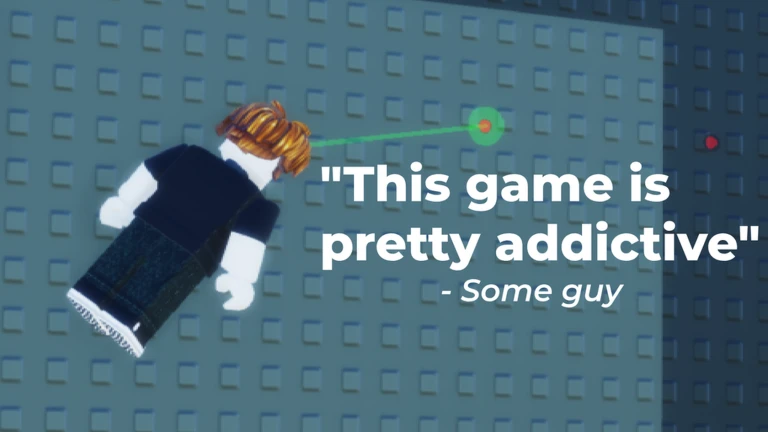
First-person mode is the recommended way to play. High mouse sensitivity lets you redirect your launch quickly.
- Switch to first-person mode for the best view of the wall ahead
- Set mouse sensitivity high for faster, more precise redirects
Obstacles you will face
Table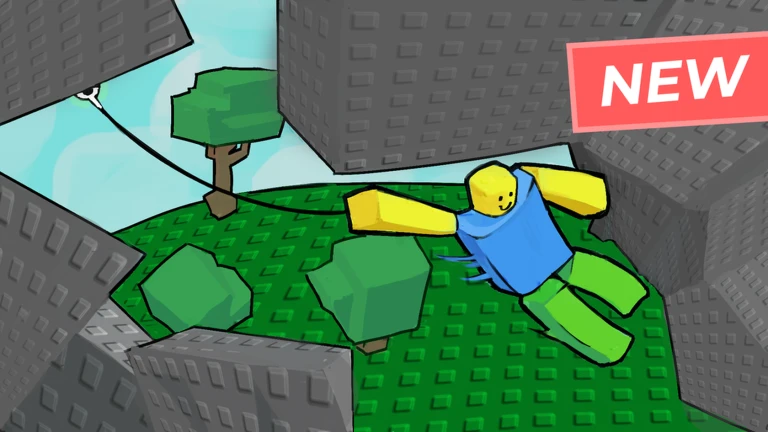
The climb takes you through rocky plains, dark caves, snowy mounds, frozen ice caves, and higher regions beyond. Each zone introduces hazards that change how you grip and launch.
| Lava | navigate through it |
| Ice | navigate through it |
| Wind | navigate through it |
Coins, skins, and perks
Tips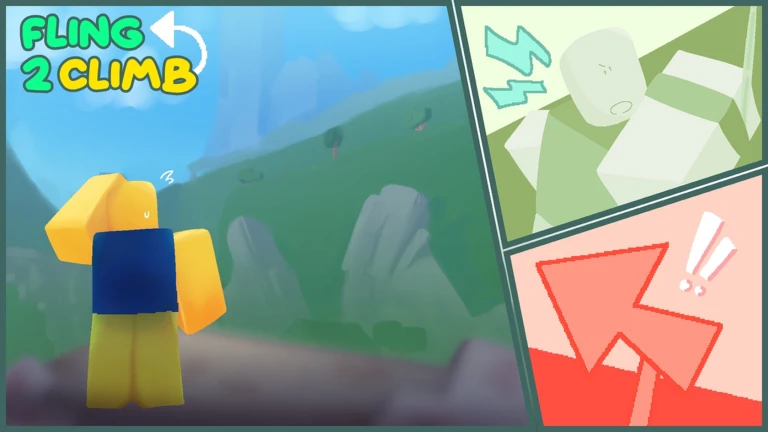
Coins are collected during the climb. The shop lets you spend them on gacha rolls, each of which gives you one skin. Skins change your appearance only — they have no effect on how you move or grab. Perks and power-ups let you extend your grab range or fling other players, and you manage them through your inventory.
- Collect coins during the climb
- Spend coins at the shop to roll the gacha for one skin per roll
- Skins are cosmetic only and never affect your climbing ability
- Check your inventory to equip perks such as grab extension
- Grab extension widens the zone you can latch onto
Rules and bug reports
Warn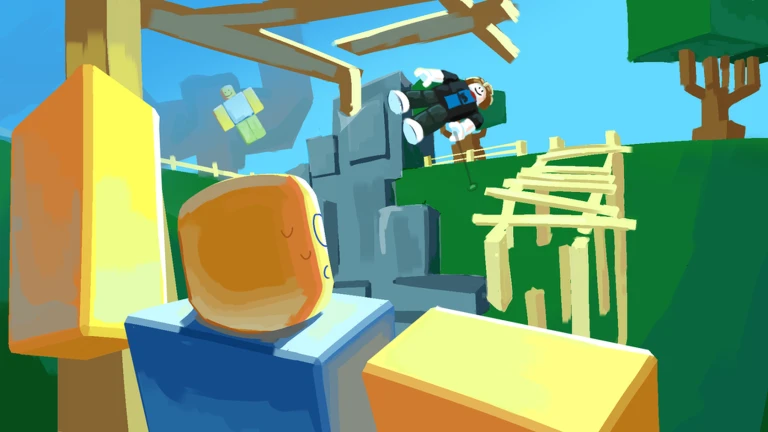
The game enforces a strict no-hacking rule: any cheat tool results in an immediate permanent ban. If you believe a ban was applied to you by mistake, you can appeal by joining the game's official communication server. Actual bugs should be reported so the developers can fix them.
Height milestones and what they mean
SummaryThe climb is measured in studs, and every thousand studs you gain unlocks a badge that signals a new region. The terrain changes significantly at each threshold, from open rocky plains at the start to caves, snow, ice, autumn winds, and eventually heights described as being above the clouds.
- 1,000 studs rocky plains cleared
- 2,000 studs dark cave escaped
- 3,000 studs snowy mounds reached
- 4,000 studs frozen ice caves cleared
- 5,000 studs autumn wind zone reached
- 6,000–9,000 studs increasingly extreme altitude sections
- 10,000 studs the final stretch begins
- Beat the game a hint of something beyond the summit
Glossary
Glossary- Grip
- The action of clicking and holding on a rock wall to latch onto it before launching.
- Checkpoint
- A flag marker in the stage that saves your position so you respawn there if you fall.
- Grab extension
- A perk that widens the area of the wall you can latch onto, making gripping easier.
- Gacha
- A coin-funded random roll at the shop that awards one skin per pull.
- Skin
- A cosmetic item that changes how your character looks without affecting climbing performance.
Common questions
FAQHow do I launch myself in a specific direction?
While holding the wall, move your mouse or drag your screen toward the direction you want to go, then release. The angle and speed of that movement at the moment you let go determines where you fly.
What happens if I find a secret area or something unusual?
If you stumble across something that looks like a bug rather than an intentional secret, report it to the developers through the official channel.
Game updates can change what is on this page. If you spot something, get in touch and let us know.
