
Clean the Moon Guide: The core loop
About
OverviewClean the Moon! is a Roblox sweeping game where you grab a broom, collect dust, space junk, and meteor debris from the lunar surface, then sell it all for cash. That cash goes toward better gear, a growing lunar base, and cleaning robots that work even when you do not.
What is on this page
Contents
The core loop
Step
You start with a broom in hand and a moon full of dust to collect. Repeating this loop is how you unlock everything the game has to offer.
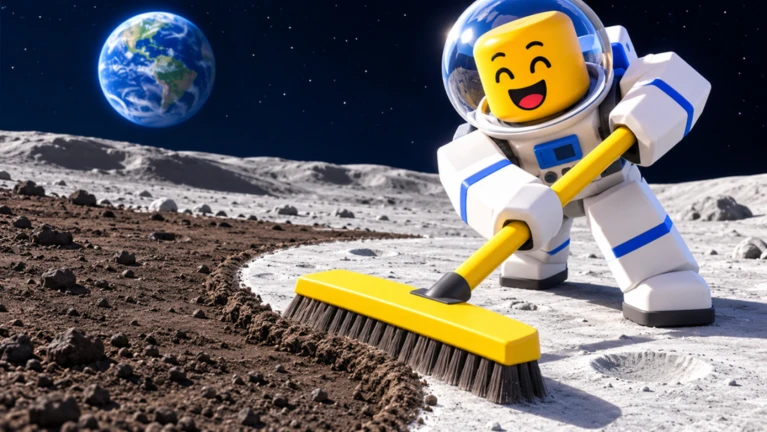
- Sweep the surface walk across the lunar ground and brush up dust, space junk, and meteor debris with your broom.
- Sell your haul convert what you collected into cash.
- Spend on upgrades or base put the cash toward better gear or the next stage of your lunar base.
- Push into new zones as you progress, unlock fresh craters and areas that hold new types of debris.
MetaNew Player Survey
The next survey is being prepared.
Three tools worth upgrading
Table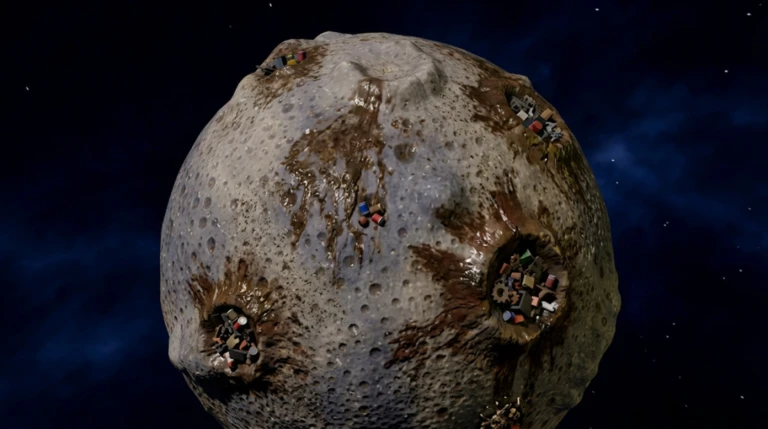
You can upgrade three pieces of equipment, and each one attacks a different part of the loop.
| Broom | faster sweeping speed, so you collect the same area in less time. |
| Backpack | larger carry capacity, so each trip to the sell point is worth more cash. |
| Moon Boots | better movement across the lunar surface. |
Cleaning robots
Tips
Cleaning robots can be unlocked to automate sweeping. Once they are running, they collect dust on their own.
- Once robots are active, you can focus on expanding your base or exploring new zones while they sweep.
- Check the in-game unlock cost before committing — it is shown inside the game as you progress.
Playing with others
SummaryThe game supports up to 20 players in the same session. Every extra person sweeping means the group earns cash faster.
- Max players 20 per session.
- Solo play fully supported at your own pace.
Community strategy ideas
CommunityThese ideas and tips come from people playing the game. Share your discoveries too!
No strategy ideas yet. Share a tip you discovered.
Share a strategy idea
Clean the Moon!
Glossary
Glossary- Dust
- The basic collectible on the lunar surface — sweep it up with your broom and sell it for cash.
- Space Junk
- Debris resting on the moon that you can sweep up and sell alongside dust and meteor fragments.
- Backpack
- The container that holds everything you collect; upgrading it lets you carry more per trip to the sell point.
- Moon Boots
- Footwear you can upgrade to move across the lunar surface more comfortably.
- Cleaning Robot
- An automated sweeper you unlock during the game that collects dust on its own while you do other things.
- Crater
- A depression on the moon's surface that works as a distinct zone; unlocking new craters expands where you can sweep.
Common questions
FAQHow many players can clean the moon together?
Up to 20 players can join the same session.
Can I play alone?
Yes, the game works as a solo experience. You sweep and sell at your own pace, upgrade your three tools, and expand your base.
Do I have to build the lunar base?
Base construction is a core part of progressing through the game. Expanding it unlocks new functions.
When should I start thinking about cleaning robots?
Robots become available as you advance through the game, and their cost is shown inside the game when you are ready to unlock them.
Game updates can change what is on this page. If you spot something, get in touch and let us know.
