
Just tornadoes Guide: First steps when you load in
About
OverviewJust Tornadoes is a Roblox storm-chasing survival game where tornadoes sweep across the map and you have to stay alive. It was built with low-end devices and phones in mind, so almost anyone can run it. This guide covers how to survive, which vehicles can take the most punishment, and how to squeeze the best performance out of weaker hardware.
What is on this page
Contents
First steps when you load in
Step
When you spawn, you are placed somewhere on the map and tornadoes can come from any direction. Walking the area before the action starts lets you memorise where buildings are and where the open ground is. Tornadoes give audio and visual cues, so keep an eye on the horizon and listen for warning sounds.
- Walk the map find every building and note which ones have solid walls you can shelter inside.
- Watch the sky learn what a tornado looks and sounds like when it is still far away.
- Open settings lower the lighting or graphics quality if the screen feels slow.
MetaNew Player Survey

The next survey is being prepared.
Surviving a tornado
Tips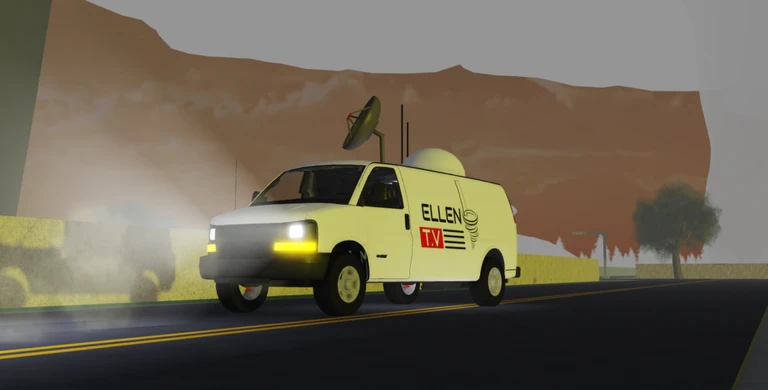
The moment you spot or hear a tornado approaching, start moving. Buildings are your best shelter; if no building is close, run in the opposite direction the tornado is travelling and glance back to judge the distance.
- Get inside a building as soon as a tornado is heading your way.
- If you are in the open, run away from the tornado's path of travel.
- Check behind you while you run so you can adjust if the tornado changes course.
Vehicle thresholds at a glance
Table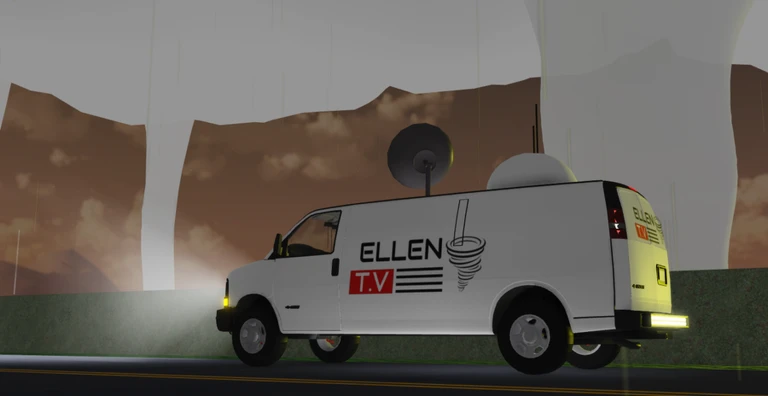
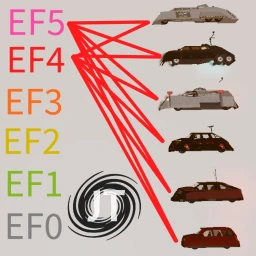
Several intercept vehicles are available, each with a side threshold (the wind speed the sides can handle), a core threshold (the wind speed inside the tornado the vehicle can survive), and a deploy time. The Dominator Fore cannot be deployed at all and has very low thresholds.
| Dominator 1 | side 160 mph / core 130 mph / deploy 3 seconds |
| Dominator 2 | side 180 mph / core 150 mph / deploy 5 seconds |
| Dominator 3 | side 205 mph / core 180 mph / deploy 8 seconds |
| Dominator Fore | not deployable / side 10–28 mph calculated / core 5–15 mph calculated |
| TIV 1 | side 185 mph / core 160 mph / deploy 6 seconds |
| TIV 2 | side 230 mph / core 190 mph / deploy 22 seconds |
Performance on low-end devices
CheckThe game was built specifically for low-end phones and computers, so even at minimum quality it is playable by design. Lowering graphics and lighting quality raises your frame rate. The game description confirms the lighting option is in settings.
- Turn graphics quality down in the settings menu if the game feels choppy.
- Set the lighting to a simpler mode this option is in settings.
- On phones, make sure your touch inputs are registering accurately.
Community strategy ideas
CommunityThese ideas and tips come from people playing the game. Share your discoveries too!
No strategy ideas yet. Share a tip you discovered.
Share a strategy idea
Just tornadoes
Glossary
Glossary- Side threshold
- The maximum wind speed, in mph, that the side of a vehicle can withstand before being damaged.
- Core threshold
- The maximum wind speed inside a tornado's core that a vehicle can survive.
- Deploy time
- The number of seconds a vehicle needs to lock itself into intercept position after you trigger it.
- Dominator Fore
- A lighter, Subaru-based chase vehicle that cannot deploy and has very low calculated wind thresholds compared to the armoured Dominators.
- Low-end device
- A phone or computer with limited processing power; the game is built so these devices can run it without special settings.
Common questions
FAQWhen does a tornado show up?
Tornadoes arrive at random times from random directions, so there is no fixed schedule to memorise. Your best tool is paying attention to the audio and visual warning signs the game gives you.
Which vehicle has the highest thresholds?
The TIV 2 has the highest thresholds of any listed vehicle, handling winds up to 230 mph on the side and 190 mph at the core. The trade-off is a 22-second deploy time. The Dominator 1 deploys in 3 seconds.
Can I play on my phone?
Yes — the game was made with phones in mind. If it feels slow, lower the graphics and lighting settings.
Game updates can change what is on this page. If you spot something, get in touch and let us know.
