Games listed 43,692
Game guide

Clone to Steal Eggs Guide: Zone order from Chicken to Balrog King

Clone to Steal Eggs
xFrozen x Dudes, Playing 643, Rating 97.3%
Creator xFrozen x Dudes
Playing 643
Rating 97.3%
Is this game fun?1 votes
Fun 100%1Average 0%0Not fun 0%0

About

Overview

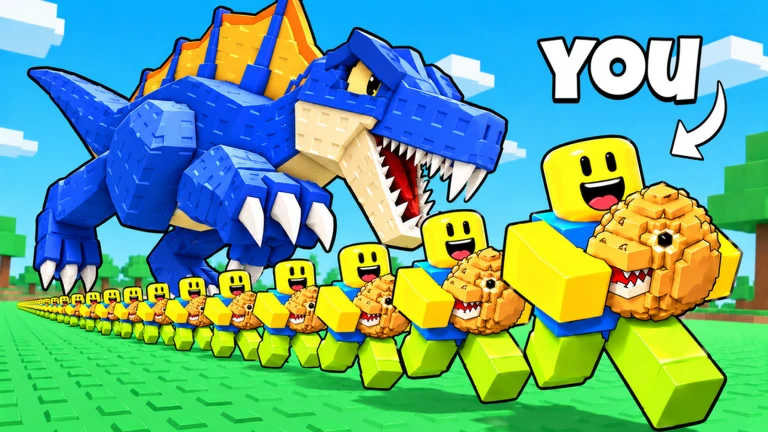
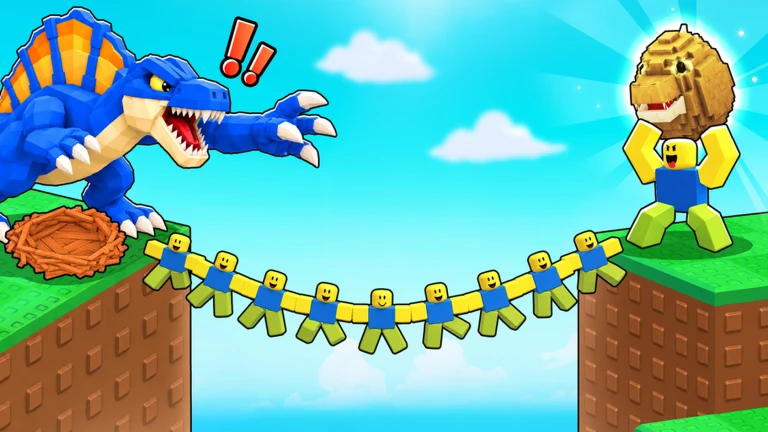
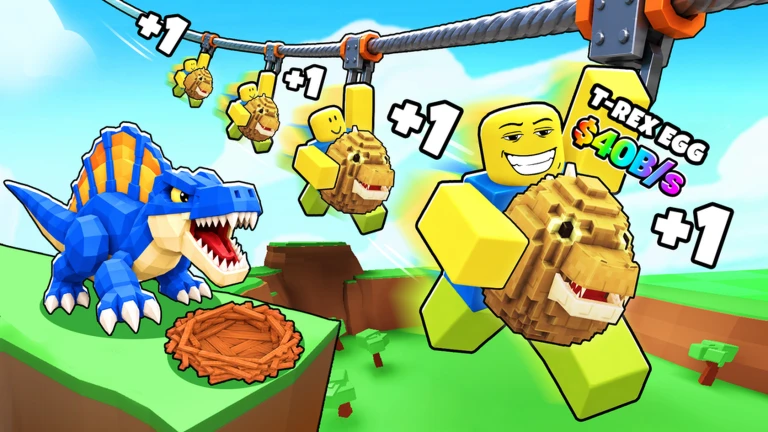
Clone to Steal Eggs is a Roblox simulator where you send clones into animal zones to steal eggs, hatch them, and use pets to earn cash. This guide walks you through the zone order, how clones work, and how to keep progressing without getting stuck.

What is on this page

Contents

Player notes and tips

Found a useful trick? Share it with everyone! Notes with screenshots are welcome!

01

Zone order from Chicken to Balrog King

Step
In short Work through all nine zones in number order, starting with the Chicken and finishing with the Balrog King.

Each zone has one animal, and stealing from that animal unlocks a badge. Completing all nine is the main goal of the game.

  1. Zone 1 steal from the Chicken to get started.
  2. Zone 2 move on to the Snake once Zone 1 is handled.
  3. Zone 3 the Yeti is next after the Snake.
  4. Zone 4 the T-Rex follows the Yeti.
  5. Zone 5 the Whale is the Zone 5 target.
  6. Zone 6 through 9 Dragon, Dark Sentinel, Sakura Beast, then Balrog King to finish.
Ask on the board
02

Getting started on your first run

Check
In short Train for speed before you go near the first zone, so your clones collect eggs more efficiently from the start.

When you first join, a Welcome badge unlocks automatically. Before heading to Zone 1, spend time in the training area — your clones move at the same speed you do, so raising your speed directly speeds up egg collection. Once you feel ready, send clones to the Chicken zone and bring the eggs back to your base.

  • Join the game the Welcome badge unlocks on its own.
  • Use the training area to raise your speed before approaching any animal.
  • Put hatched pets to work so they start earning cash.
03 Live and upcoming events Events

Events running now or coming soon. They have fixed dates, so check them first.

Upcoming –

NEXT UPDATE?!

FOLLOW THE EVENT FOR THE NEXT UPDATE!

See the whole schedule
04

Choosing the right clone upgrade

Table
In short Identify the specific bottleneck in your clone loop before spending on upgrades, since each upgrade fixes a different problem.

Clone-related upgrades each target one part of the loop. Upgrading the portal does not make clones run faster.

Long wait between clonesupgrade the portal to cut spawn time.
Too few clones running at oncelook for the clone-count upgrade.
Need each clone to carry morefind the upgrade that raises steals per clone.
Clones getting caughttrain your own speed instead of touching portal upgrades.
05

Potion and cash tips

Tips
In short Activate potions through the shop screen and keep an eye on cash multipliers to speed up your progress.

Small habits around potions and cash income add up over a long session.

Tips worth knowing
  • Carrying a potion in your inventory does nothing — go to the Potions section of the shop and activate it from there.
  • Potions have a limited active duration.
  • Roblox Plus subscribers earn 10% more cash from pets automatically.
  • The game updates every Saturday, so log in weekly to see new content.
06

Playing with others

Summary
In short A single room holds up to four players.

Up to four players share one room at a time.
  • Room size four players maximum.
  • Update schedule every Saturday.
07 Working codes Codes
FIX1
UPD1
TRAIN1
LUCK1
Every code, and the votes on it, are on the codes page

Glossary

Glossary
Clone
An automated copy of your character that you send into zones to steal eggs on your behalf.
Zone
A numbered area tied to one animal; higher numbers mean tougher animals and greater progression.
Portal
The device that deploys clones; upgrading it shortens the wait between clone spawns.
Cash
The in-game currency earned by putting hatched pets to work at your base.

Common questions

FAQ

Why is my potion not doing anything?

Having a potion in your inventory is not enough. Open the shop, go to the Potions section, and activate the one you want. Potions only last a limited time.

What do K, M, and B mean next to numbers?

They are shorthand for large values: K is a thousand, M is a million, and B is a billion.

Where do I use redeem codes?

Enter codes through the in-game code input screen. Each code can only be used once, and codes expire.

My clones keep getting caught. What should I do?

Clones move at your own speed, so the fix is to train your character's speed higher rather than upgrading the portal.

Updated Nov 5, 2026
Game updates can change what is on this page. If you spot something, get in touch and let us know.
Clone to Steal Eggs xFrozen x Dudes, Playing 643, Rating 97.3%
See the game pageSee working codesAsk on the board
Add it to your home screen and it works like an app. One tap to open, and it loads faster after that.