
Avatar Maker — Getting started with commands

About
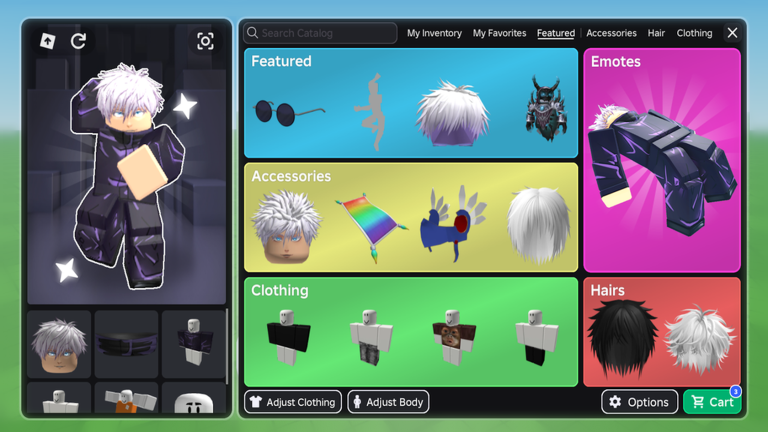
OverviewAvatar Maker lets you try on thousands of Roblox catalog items — accessories, hair, bundles, animation packs, and more — completely free before you spend anything. This guide walks you through getting started, finding community outfits, using commands, and making the most of private servers.
What is on this page
Contents
Getting started with commands
Step
Almost everything in Avatar Maker is reached through its command menu. You can open it two ways depending on whether chat is available to you. Once the menu is open, all the editing and browsing features are right there.
- Open the command list type /cmds in chat to pull up the full list of available commands.
- No chat available press the three-dot button in the top-right corner of the screen to reach the same menu.
What you can try on for free
Check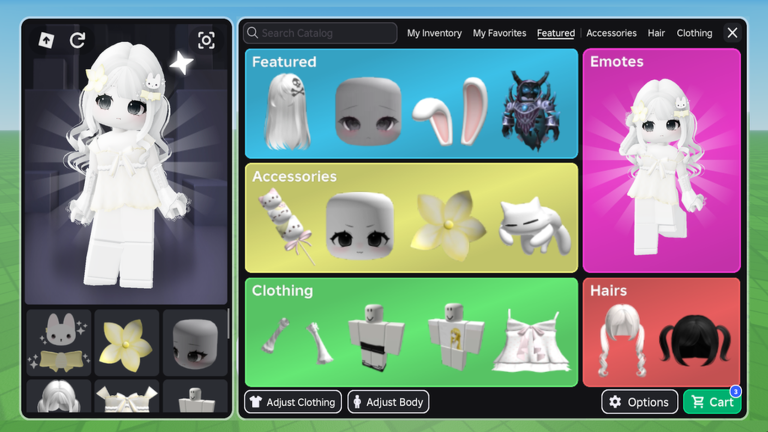
The whole point of Avatar Maker is that the try-on experience is free for everyone. You can spend as long as you like testing combinations without paying anything. The cost only comes in if you decide you want to keep something permanently.
- Accessories, hair, bundles, and animation packs are all available to try on at no cost.
- Community-made outfits can also be browsed and worn for free inside the game.
- Buying an item adds it to your Roblox inventory, where it works in every Roblox game not just this one.
Community outfits — browsing and sharing
Tips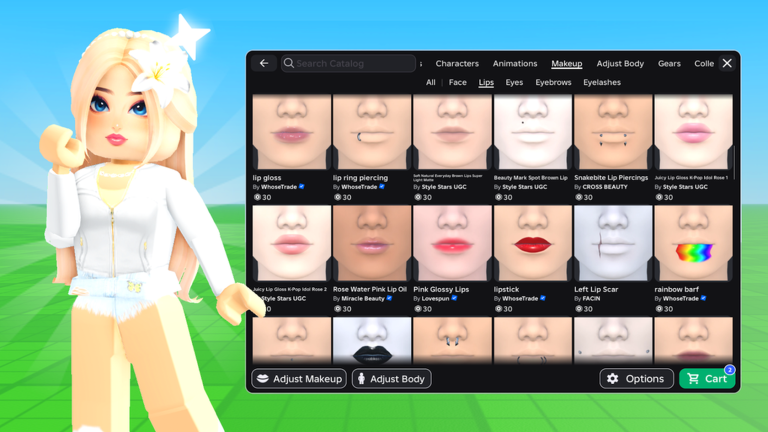
Avatar Maker has a built-in community outfit system where players upload and browse each other's designs.
- Open the community outfits category from the menu to see designs other players have shared.
- Try any outfit directly on your avatar from inside the browser to see how it looks.
- Once you have built an outfit you are happy with, you can share it to the community so other players can find it.
Private servers and building tools
Table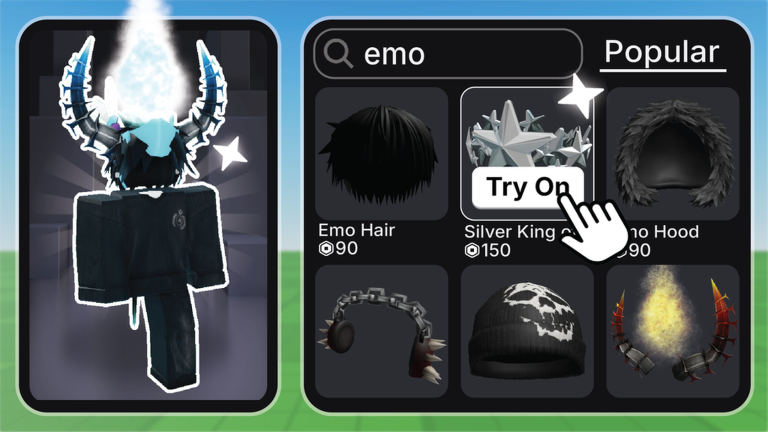
Private servers in Avatar Maker are free to create. Inside one, you can use a command to turn on building tools. You can also invite friends so you are editing together rather than separately.
| Cost | private servers are free. |
| Building tools | enabled by typing /btools once you are in a private server. |
| With friends | invite people to the same server to edit and create together. |
Glossary
Glossary- Roblox Inventory
- The personal collection of items tied to your Roblox account; anything you buy in Avatar Maker goes here and is usable across all Roblox games.
- Building Tools (/btools)
- A set of construction features unlocked by typing /btools in a private server, letting you modify the environment.
- Private Server
- A server only you and invited players can join; Avatar Maker offers these at no cost.
- Community Outfits
- Full avatar looks created and shared by other players that you can browse and try on inside the game.
Common questions
FAQCan I really try on items without paying?
Yes — accessories, hair, bundles, animation packs, and community outfits are all free to try on. You only pay if you want to permanently add an item to your Roblox inventory.
How do I see all the available commands?
Type /cmds in chat and the full command list will appear. If chat is not showing for you, tap the three-dot button in the top-right corner of the screen instead.
If I buy something here, can I use it in other Roblox games?
Yes. Items purchased inside Avatar Maker are added to your Roblox inventory and work in every Roblox game, not just this one.
Can I edit avatars with a friend at the same time?
Yes. Create a free private server and invite your friend to join it. You can both browse, try things on, and build together in the same space.
Game updates can change what is on this page. If you spot something, get in touch and let us know.
