
Build An Ant Empire — Your first sell
About
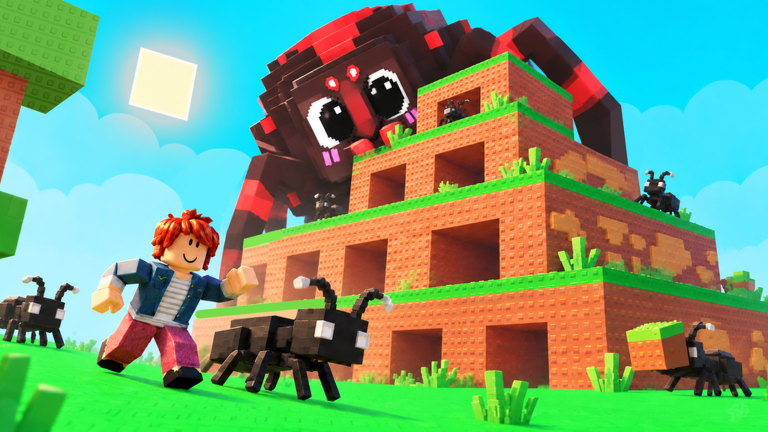
OverviewBuild An Ant Empire is a Roblox colony-builder where you start with a handful of ants and grow them into a massive empire. You roll ants from a queen, place them in your nest to collect food, sell that food for cash, and use the cash to upgrade and expand. This guide walks you through the core loop, common sticking points, and the upgrades worth thinking about first.
What is on this page
Contents
Your first sell — the core loop from start to finish
Step
Before you explore the shops or spend cash on upgrades, focus on one goal: sell a box of food. There are four places you need to know — the queen ant, your nest, the collection point, and the sell spot. Your first slot is already waiting; just fill it.
- Approach the queen press E on PC or tap the on-screen button on mobile to interact with her.
- Buy an ant check the price of the ant that appears from the egg and make sure you have enough cash before confirming.
- Place the ant open your nest and put the ant into an empty slot; buying alone does not start it working.
- Pick up the box once your ant is working, a food box will appear at the collection point; go and grab it.
- Sell the box carry it to the sell spot, complete the sale, and watch your cash go up.
Why your cash might not be going up
CheckAnts gathering food and that food turning into cash in your pocket are not the same thing. You have to pick up the box and physically carry it to the sell spot. Leaving a box sitting at the collection point or just carrying it around without selling means you get nothing for it.
- No box appearing check that the ant is placed in a nest slot, not just purchased.
- Box exists but cash is not rising collect the box from the pick-up point, then walk it all the way to the sell spot.
- Bought an ant but cannot use it confirm you completed the purchase step after the egg roll; the roll and the buy are separate actions.
- Queen controls not responding use E on PC or the button that appears on screen when playing on mobile.
Egg rolls and ant purchases — two steps, not one
Tips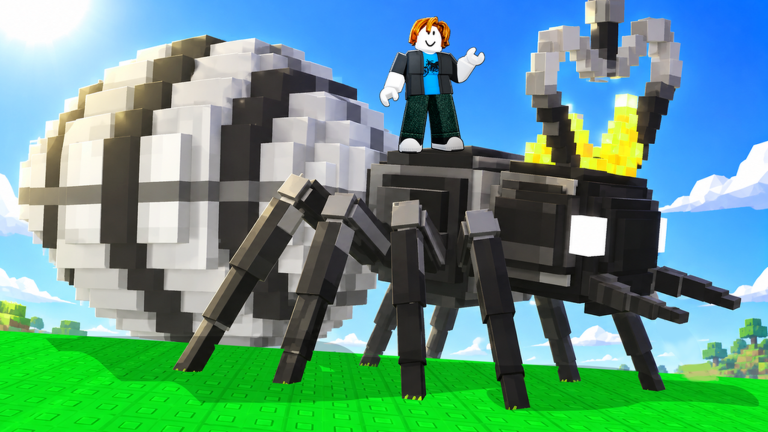
A lot of players get confused here: rolling the egg shows you an ant, but that ant only joins your colony once you spend cash to purchase it. If you blow all your cash on egg upgrades and a great ant appears, you cannot afford to take it home. Keep some cash aside for the purchase itself.
- Rolling the egg and buying the ant that appears are two separate steps — both must be completed.
- Before spending on upgrades, check the purchase price of the ant you want and hold that amount back.
- The egg upgrade screen and the ant purchase screen are different displays — check each one separately.
Early upgrade choices
TableTwo egg upgrades worth looking at early on are Egg Luck, which increases your chances of rolling a better ant, and Egg Rolls. Keep in mind that upgrading the egg repeatedly raises the cost each time, so check the price before buying again. There are also upgrades that raise the value of the food you sell — find those in the purchase screen.
| Cash to spare after buying | consider a cheap level of Egg Luck or Egg Rolls. |
| Ant waiting with no slot | compare the cost of a new slot against the cost of another egg upgrade before deciding. |
| Want to earn more per sale | look for the food-value upgrade in the purchase screen. |
Mount training, potions, and speed jellies
Tips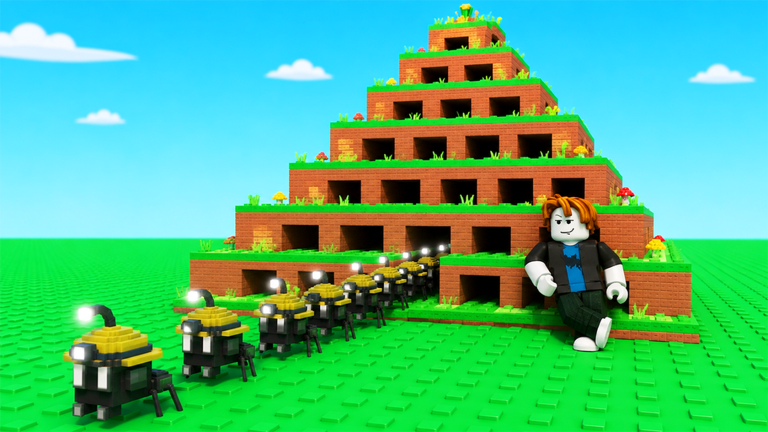
The item shop sells Speed Jellies that boost your movement speed, potions that add mutations to your ants, and a Mutation Removal Potion that strips an existing mutation away. Mount training turns an ant into a rideable mount, but the ant you hand over stops producing food whether the training succeeds or fails. Time-limited items like Speed Jellies go to waste if you log off shortly after using them.
- Never send your top-earning ant into mount training — use one you can afford to lose from production.
- Check a Speed Jelly's duration in the purchase screen and only use it when you have time to play.
- Put mutation potions on ants you plan to keep for a long time, not ones you are about to replace.
- The Mutation Removal Potion removes a mutation rather than adding one — only use it when that is what you actually want.
- If a Robux purchase screen opens, check with a parent or guardian before going any further.
Redeem codes
SummaryThis game hands out codes that reward you with in-game bonuses. Enter them in the code input box found in the in-game menu. Each code works once per account and some carry expiry dates, so do not sit on them. This site tracks one working code right now — look for it on this page.
 Wnus13
15 mins of cash
Wnus13
15 mins of cash
Account safety
WarnRoblox chat can put you in contact with strangers, and some of them will try to trick you into handing over account details. No real staff member or game developer will ever ask for your password in chat.
Glossary
Glossary- Colony
- Your nest and all the ants living in it — the base you are building up throughout the game.
- Cash
- The in-game currency you earn by selling food; separate from Robux.
- Slot
- A space in your nest where one ant can be placed to work; buying an ant does not automatically fill a slot.
- Egg Luck
- An upgrade that improves your odds of rolling a higher-quality ant from the queen's egg.
- Egg Rolls
- An egg-related upgrade you can level up; check the purchase screen for its exact effect.
- Mutation
- A special trait attached to an ant, added through certain potions.
- Mount
- An ant trained to carry your player character around; any ant sent into mount training can no longer produce food.
- K / M
- K means thousand and M means million — 10K is ten thousand, 1M is one million.
Common questions
FAQI bought an ant but it is not collecting any food — why?
Purchasing an ant and placing it in a nest slot are two different steps. After you buy the ant, open your nest and drag it into an empty slot. Only then will it start gathering food.
An ant appeared from the egg but it did not join my colony — what happened?
Rolling the egg and purchasing the ant that shows up are separate actions. After the roll, you still need to spend cash to complete the purchase. Check your current cash against the ant's price before committing.
What do the K and M after prices actually mean?
K stands for thousand and M stands for million. So 10K is ten thousand and 1M is one million. Always read the letter at the end of a price — the number alone can look much smaller than it really is.
Is there a way to remove a mutation from an ant?
Yes — the Mutation Removal Potion takes a mutation off an ant. It removes the mutation rather than adding or improving one, so only use it if that is the outcome you are after.
Game updates can change what is on this page. If you spot something, get in touch and let us know.
