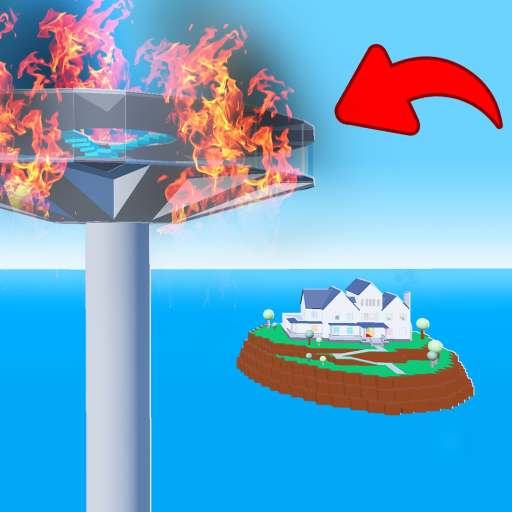
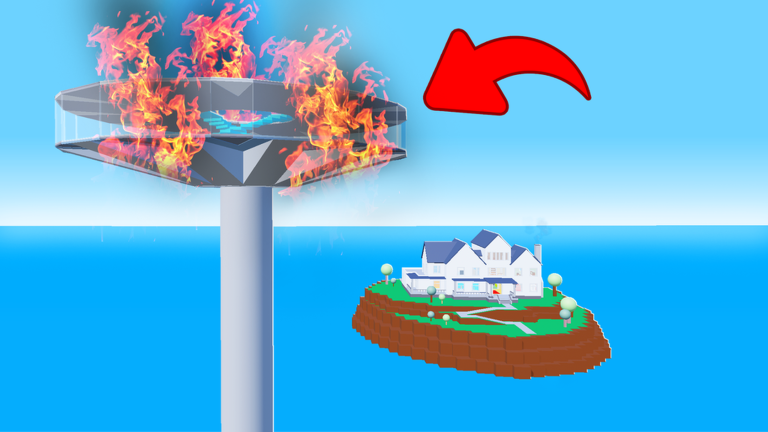
FD6 Skyview Natural Disaster Tower drops you inside a tall tower and throws natural disasters at you round after round — survive as long as you can, earn points, and spend them in the shop. This guide covers the controls, how to stay alive, how points work, and the push rules you need to know before you start.
In shortSurviving more rounds is the only way to grow your point total.
Points are the in-game currency you earn by clearing rounds. You spend them in the shop on items and leaderboard placement. The game is free to play, and paid options only let you reach shop items faster — every round is equally available to everyone.
Survive a roundyou receive points at the end of each one you clear, and clearing more rounds in a session means more points overall.
Open the shopfind it through the in-game menu to browse what is available.
Spend your pointsselect what you want and confirm the purchase.
Check the leaderboardyour rank is determined by how many points you have accumulated.
In shortWhether you can push or be pushed depends on the server's Anti-Push setting and whether anyone holds the Strong Push gamepass.
Pushing is done with the Push tool — you equip it, walk up to another player, and touch their character. However, two rules can change this completely.
Worth watching out for
If Anti-Push is turned on in the current session, pushing is disabled for standard players.
A player who owns the Strong Push gamepass can still push others even when Anti-Push is enabled.
Glossary
Glossary
Round
A single stretch of gameplay where you try to survive one or more disasters inside the tower.
Points
In-game currency you earn by clearing rounds and spend in the shop.
Shop
The in-game menu where you spend points on items and leaderboard placement.
Leaderboard
A ranking of players ordered by how many points they have.
Anti-Push
A server setting that stops players from pushing each other, unless someone has the Strong Push gamepass.
Sprint
A faster movement mode activated by holding Shift while moving.
Common questions
FAQ
What do I do after I die mid-round?
On PC, press T to reset your character immediately. This ends your current attempt and lets you start fresh for the next round.
Can I play this game without spending Robux?
Yes — every round is open to free players on exactly the same terms as paying ones. Paid options only speed up access to shop items; they do not change how the rounds themselves work.
How do I compete with other players?
The leaderboard ranks everyone by their total points.
Updated Oct 4, 2026
Game updates can change what is on this page. If you spot something, get in touch and let us know.