
ScootX Guide: Getting started with controls

About
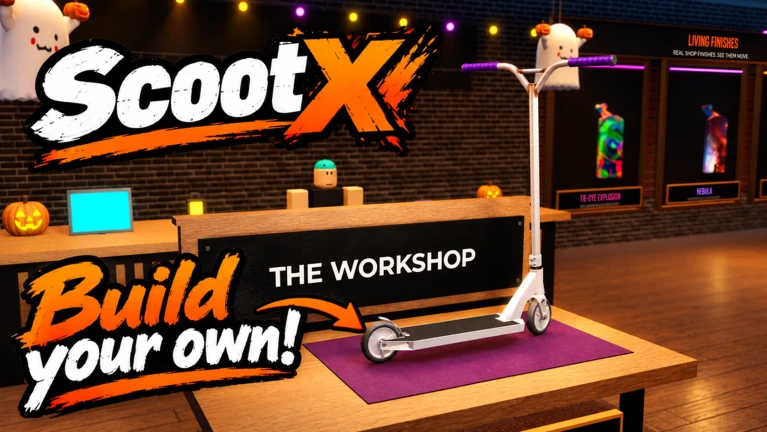
OverviewScootX is a Roblox kick-scooter game where you pull off tricks across eight community-built maps and customize your rider setup with your favorite brands. This guide covers how to earn In-Store Credit, how the weekly leaderboard works, which control setup to use, and what the VIP Pack gets you.
What is on this page
Contents
Player notes and tips
Found a useful trick? Share it with everyone! Notes with screenshots are welcome!
Write a guide note
[🛴] ScootX
Getting started with controls
Tips
ScootX runs on controller, keyboard, and mobile, so you can jump in on whatever you have. The developers call out controller as the best way to play. If you are on keyboard, you can remap every keybind in the settings.
- Controller is the recommended input — use one if you have it available.
- Keyboard keybinds are fully configurable in the settings menu.
- Mobile is supported.
MetaNew Player Survey

The next survey is being prepared.
Eight maps to ride and test your setup
SummaryAll eight maps are community-made, and the game also supports a first-person view. The game is in beta and receives updates every week.
- Maps available eight community-built courses
- First-person view supported
- Update pace the game is in beta and receives updates every week
Earning and spending In-Store Credit
Step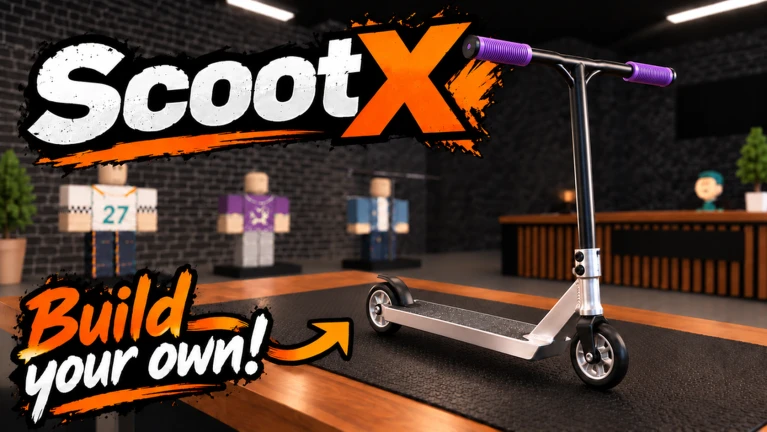
In-Store Credit is the currency you spend in the shop to build and customize your scooter setup. No purchase is required to earn it — you collect credit just by playing. The fastest way to stack credit beyond regular play is to land at the top of the weekly trick-point leaderboard.
- Play the game credit accumulates as you ride, with no purchase needed.
- Aim for the weekly top three first place pays 6,000 credit, second pays 3,000, and third pays 1,500.
- Spend credit in the shop use it to build your setup from your favorite brands.
- The VIP Pack gives a one-time bonus of 100,000 credit, permanent weekly VIP credit, unlimited saved setups, and unlimited replay clips.
How the weekly leaderboard resets
WarnWhen Monday hits at 12:00 AM Central, the board resets and the previous week's standings are locked. Winners are confirmed after the week ends, so the badge and credit reward lands after reset.
VIP and VIP Pack benefits
TableTwo separate VIP badges exist: the basic VIP badge for general supporters, and the VIP Pack badge for players who bought the full pack. The Pack layers several permanent perks on top of regular play.
| One-time credit bonus | 100,000 In-Store Credit awarded once on purchase |
| Weekly credit | an ongoing VIP credit amount added every week |
| Saved setups | unlimited slots |
| Replay clips | unlimited saves |
| Cosmetic reward | an animated purple crown |
Glossary
Glossary- In-Store Credit
- The in-game currency used to buy and customize scooter parts in the shop, earned by playing or finishing high on the weekly leaderboard.
- Trick Points
- Points you earn by performing tricks; they determine your position on the weekly leaderboard.
- Setup
- Your personal scooter configuration, assembled from different brands and parts in the shop.
- VIP Pack
- A purchasable supporter pack that grants a large one-time credit bonus, weekly VIP credit, unlimited saved setups, unlimited replay clips, and an animated purple crown.
Common questions
FAQDo I need to spend real money to earn In-Store Credit?
No purchase is necessary. You earn In-Store Credit just by playing the game. Placing in the top three on the weekly trick-point leaderboard also earns large amounts of credit.
When exactly does the weekly leaderboard reset?
The leaderboard resets every Monday at 12:00 AM Central time. Winners from the previous week are confirmed after the reset, so your badge and credit arrive after that cutoff.
Can I play ScootX on my phone?
Yes, mobile is supported. The developers recommend using a controller for the best experience, and keyboard keybinds are fully configurable if you are on PC.
Game updates can change what is on this page. If you spot something, get in touch and let us know.
