
My Wood Farm Guide: The core gameplay loop

About
OverviewMy Wood Farm is a farming tycoon on Roblox where you plant trees, chop them down with an axe, and sell the wood for cash. The loop is simple: grow, chop, sell, upgrade — then repeat on a bigger farm.
What is on this page
Contents
Player notes and tips
Found a useful trick? Share it with everyone! Notes with screenshots are welcome!
Write a guide note
[🪓] My Wood Farm
The core gameplay loop
Step
When you first load in, you have a plot ready for planting. You plant trees, wait for them to mature, chop them with your axe, then sell the wood for cash. That cash goes straight back into expanding your plot or upgrading your axe.
- Plant trees
place seeds on the plots you have available.
- Wait for growth
trees mature on their own over time.
- Chop with your axe
cut down every mature tree on your plot.
- Sell the wood
convert the harvested wood into cash.
- Upgrade or expand
spend your cash to get more plots or a better axe, then start again.
MetaNew Player Survey

The next survey is being prepared.
Offline growth
Tips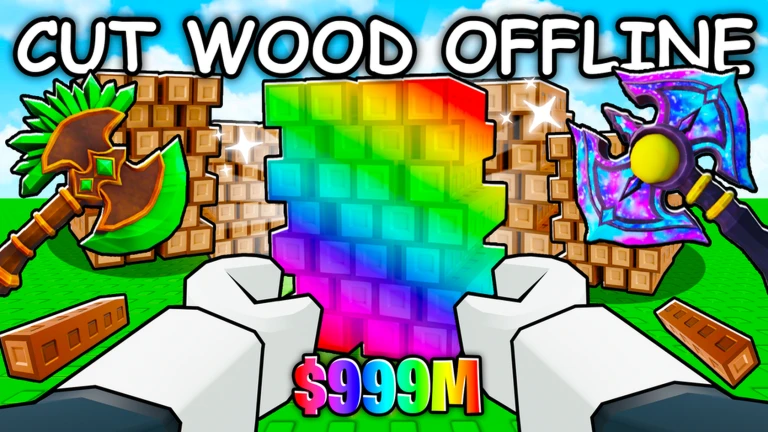
One of the biggest advantages in My Wood Farm is that your axes farm wood offline. You don't need to sit in the game waiting for trees to grow. Setting up before you step away means you come back to a stockpile ready to sell.
- Close the game after planting
trees keep growing while you're gone.
- Log in before bed and again in the morning to collect a full night's worth of wood.
Free-to-play progression
Check
My Wood Farm is built around a free-to-play model. The cash you earn from selling wood is enough to upgrade your axe and expand your plot without spending Robux.
- Axe upgrades are available using earned cash alone.
- Plot expansions are purchased with in-game cash, not Robux.
Glossary
Glossary- Plot
- The area of land where you plant trees; you can spend cash to expand how many plots you have.
- Axe
- Your main tool for chopping down mature trees; upgrading it makes farming faster and more efficient.
- Offline farming
- The mechanic that lets your axes keep harvesting wood even after you close the game.
- Tycoon
- A game genre where you build and expand a business — here, a wood farm — to grow your wealth over time.
Common questions
FAQDo trees keep growing after I close Roblox?
Yes. Your axes farm wood offline, so trees grow and wood accumulates while you are away. When you log back in, you can sell everything that built up while you were gone.
Can I actually finish the game without spending Robux?
Yes. Plot expansions and axe upgrades are both available using the cash you earn from selling wood.
What should I do first as a brand-new player?
Plant trees on the plot you start with, then chop and sell as soon as they mature. Put that cash into upgrades, then let the game run offline before your next session.
Game updates can change what is on this page. If you spot something, get in touch and let us know.
