
Minecraft 1.21.4 Guide: Getting started in the world
About
OverviewMinecraft 1.21.4 is a Roblox game that recreates the Minecraft experience — breaking blocks, gathering materials, building structures, and exploring an endless world. Up to 16 players can share the same world at once, and your progress is saved automatically. This guide covers how to get started, how to work with other players, and what to do if something goes wrong.
What is on this page
Contents
Getting started in the world
Step
When you join the game, your character spawns into the world and you can begin immediately. Look around to spot blocks and resources nearby, then start breaking whatever catches your eye.
- Join the game your character appears in the world as soon as the server connects.
- Scan your surroundings find blocks and resource deposits close to your spawn point.
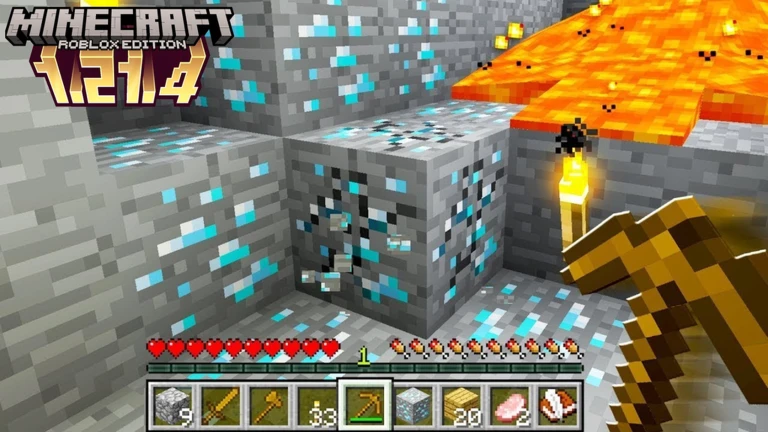
- Start mining select a block and begin breaking it to collect the material.
- Use what you collect build new items or structures from the materials you gather.
MetaNew Player Survey
The next survey is being prepared.
Core things to know before you play
Check
These are the fundamental rules of how the game runs. Knowing them before you dive in means fewer surprises.
- Your game data is saved automatically you never lose progress when you quit.
- The world is endless, so there is always more to explore beyond where you started.
- Up to 16 players can be active in the same world at the same time.
- Other players in your world appear in the same locations you see, so you are truly sharing the same space.
Playing alongside other players
TipsBecause everyone in the world occupies the same shared space, cooperation comes naturally.
- You can see every other player in the world moving in real time, so coordinating is straightforward.
- Inviting friends means you can have up to 16 people working toward a shared goal.
Community strategy ideas
CommunityThese ideas and tips come from people playing the game. Share your discoveries too!
No strategy ideas yet. Share a tip you discovered.
Share a strategy idea
Minecraft 1.21.4
Glossary
Glossary- World
- The shared Minecraft environment where up to 16 players can explore, mine, and build together, with all block changes and progress saved automatically.
- Multiplayer
- The mode in which multiple players join the same world simultaneously — this game supports up to 16 players at once.
Common questions
FAQWill I lose my progress if I quit mid-session?
No. All game data is stored automatically, so everything you have built, mined, or collected stays exactly as you left it. You can pick up right where you stopped whenever you come back.
How many friends can I bring into my world?
Up to 16 players can be in the same world at the same time.
What should I do if I find a bug?
Report it in the game's community.
Game updates can change what is on this page. If you spot something, get in touch and let us know.
