 Live now
–
Live now
–
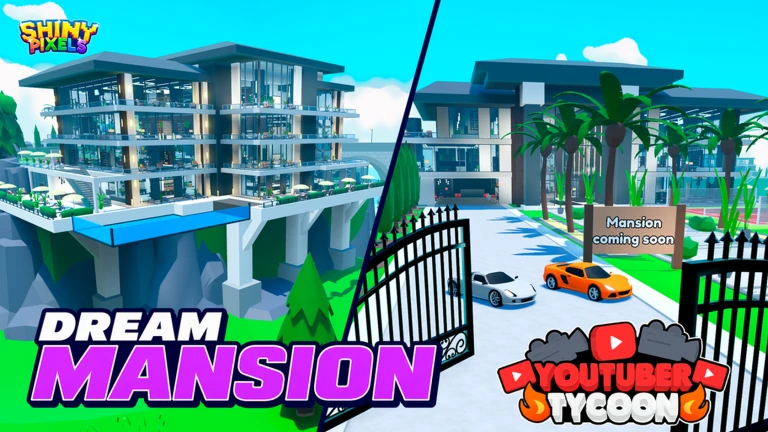
MANSION UPDATE
In this mansion you will be a very famous streamer, gain viewers and become the most popular streamer of all (The date …

Youtuber Tycoon! [Vehicles] is a Roblox tycoon game where you claim your own tycoon, record videos, and grow your channel to become the biggest YouTuber on the server. This guide covers the core loop, how to spend your money wisely, what to do when progress slows down, and how to grab codes before they expire.
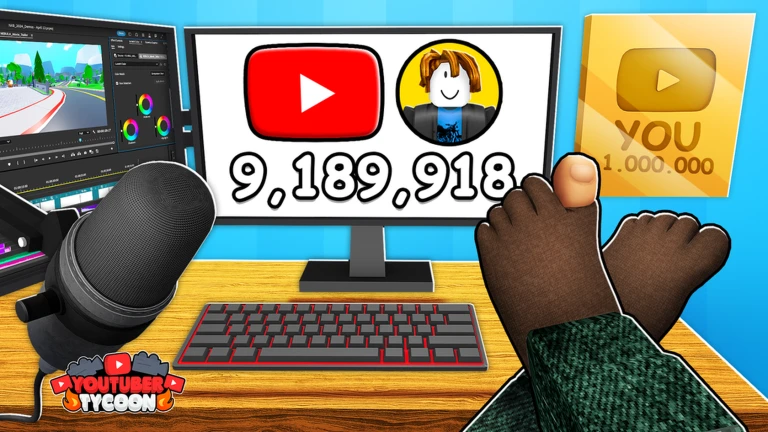
Your job is to build a YouTube channel inside the game. You record videos at filming spots on the map, those videos earn you views, and views bring in money and experience that raise your channel level. A higher channel level unlocks more types of videos and more valuable content. The map has been completely redesigned with more detail, so there is genuine reason to explore every corner of it.
Each filming spot has a cooldown after you record there. By moving between several spots, you keep recording almost continuously, which means more views and faster channel growth. Different spots let you film different genres of content.
Events running now or coming soon. They have fixed dates, so check them first.
Live now
–
In this mansion you will be a very famous streamer, gain viewers and become the most popular streamer of all (The date …
 Live now
–
Live now
–
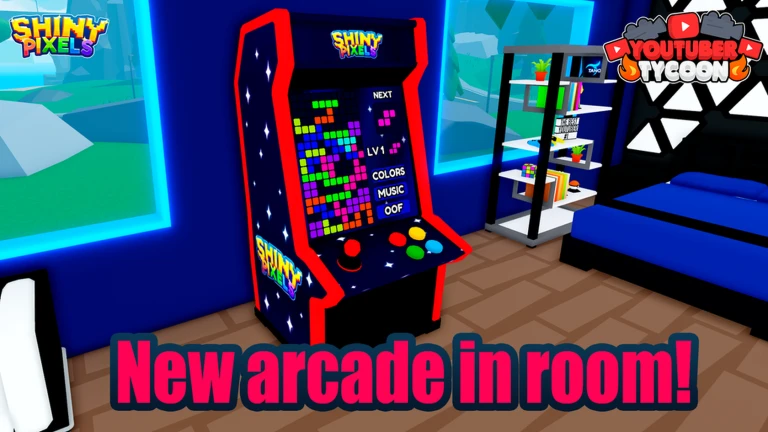
Event Name: NEW ARCADE IN YOUR ROOM! 🕹️ Subtitle: 12 Minigames + Follower Boost! Description: A brand-new Arcade Mach…
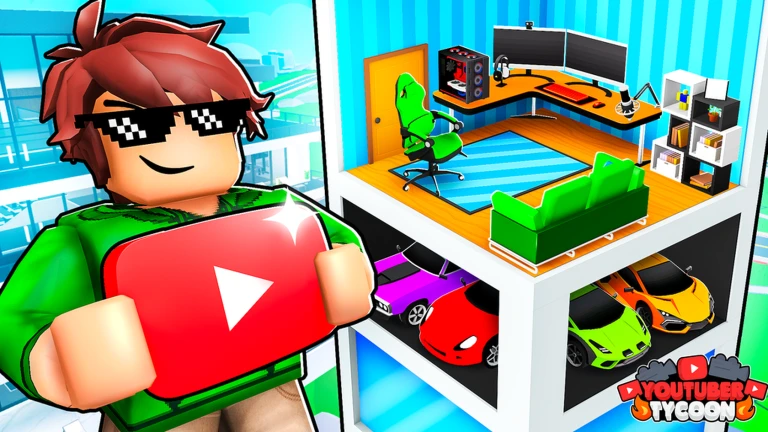
Upgrades that directly raise how many views your videos earn pay off immediately. Vehicles change how you move around the map and add style, but they are not required to progress. Mansions are listed as a coming feature.
| Filming facility upgrades | directly improves view earnings |
| New content types | unlocks different video genres to record |
| Vehicles | not required to progress, useful for travel around the map |
| Mansions | not yet in the game |
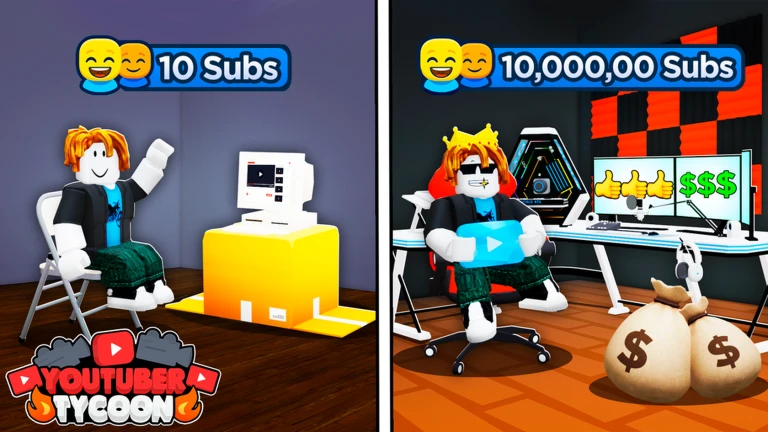
If your channel level is not moving, check whether you are visiting multiple filming spots or have money sitting unused that could unlock new content. The game gives you UI indicators for when the next recording is ready.
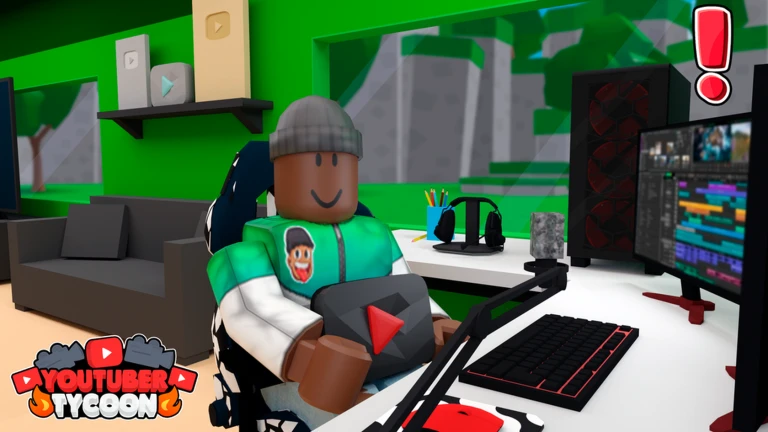
The developers release codes from time to time that give you bonus items or money when you enter them in-game. Each code can only be used once, and many have expiry dates. The official group linked from the game page is where codes get announced.
Vehicles change how you move around and add style to your gameplay, but they are not required to progress.
The developers share codes through the official group, which is linked on the game page. Each code can only be redeemed once.
Before you start
Please check the following before using MetaNew.
* You can change your email preference any time from your profile.
