
Slasher Blade Loot Guide: Getting started with monsters and loot
About
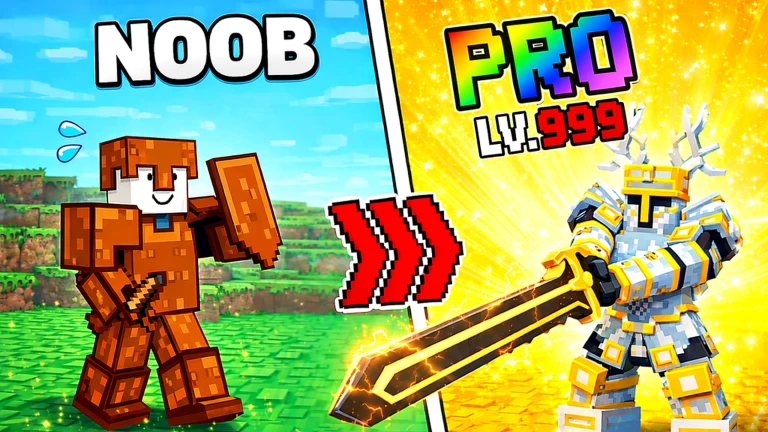
OverviewSlasher Blade Loot [Raid] is an action RPG on Roblox made by Just Phoenix where you defeat monsters to collect equipment, pets, and magic skills. This guide covers how to get started, how to grow your character, and how to redeem free codes.
What is on this page
Contents
Player notes and tips
Found a useful trick? Share it with everyone! Notes with screenshots are welcome!
Write a guide note
Slasher Blade Loot [Raid]
Getting started with monsters and loot
Step
When you load in, monsters appear around you straight away. Focus on enemies you can actually beat at first, because kills earn you experience and gear drops.
- Finish the fight defeating a monster earns you experience toward your next level.
- Grab the drop monsters leave behind equipment when they die, so pick it up before moving on.
- Check your skills if a new skill is available to unlock, take it before your next fight.
MetaNew Player Survey

The next survey is being prepared.
Three things that make your character stronger
Table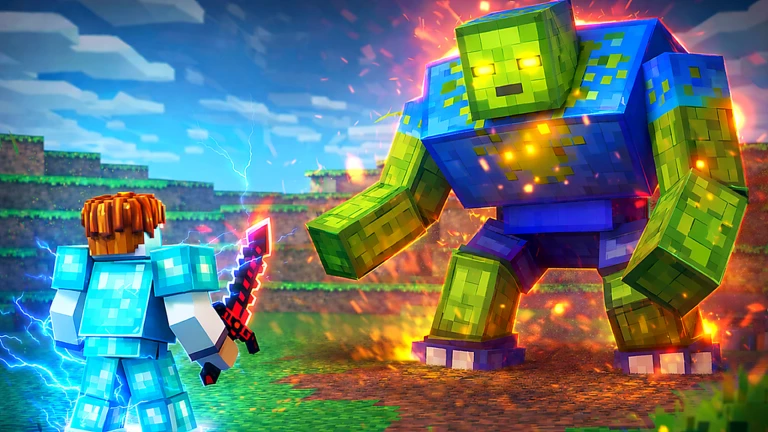
Your power comes from three sources that work together.
| Equipment | dropped by monsters; tougher enemies drop better gear. |
| Pets | travel with you and raise both your drop rate and combat efficiency. |
| Skills | unlocked through exploration; each new skill lets you shape your own fighting style. |
Redeeming codes for free rewards
StepCodes give you free items and currency just for typing them in.
- Open the game launch Slasher Blade Loot [Raid] on Roblox.
- Find the menu tap the settings icon in the top-right corner of the screen.
- Open the Codes tab select the tab labelled Codes.
- Type your code enter the code exactly as it appears, matching every capital and lowercase letter.
- Hit Redeem press the Redeem button and the items or currency will go straight to your character.
 skillUpgrades
Rewards
Enchanced
3 Enchant Stones
Thanks
100 Forge Powder
SkillsUpgrade
Glossary
Glossary- Drop
- An item that falls from a monster when you defeat it.
- Pet
- A companion that follows you and improves your drop rate and combat efficiency.
- Skill
- A special ability your character can learn and use in combat.
- Redeem
- The action of entering a code to collect its reward.
- Enchantment
- An upgrade applied to equipment that increases your power.
Common questions
FAQWill my progress disappear if I close the game?
No — your data saves automatically. You can close the game at any time and everything will still be there when you come back.
What do I do if I am stuck and cannot beat an enemy?
Go back to weaker enemies and grind a few more levels. As your level climbs, better equipment starts dropping, which makes the tougher fights manageable.
Can I play this game alone?
Yes, the game is PvE — there is no forced player-versus-player combat. You can progress entirely at your own pace.
Where can I find new codes when the current ones run out?
The developer announces new codes through their official Discord server and official X account.
Game updates can change what is on this page. If you spot something, get in touch and let us know.
