 Live now
–
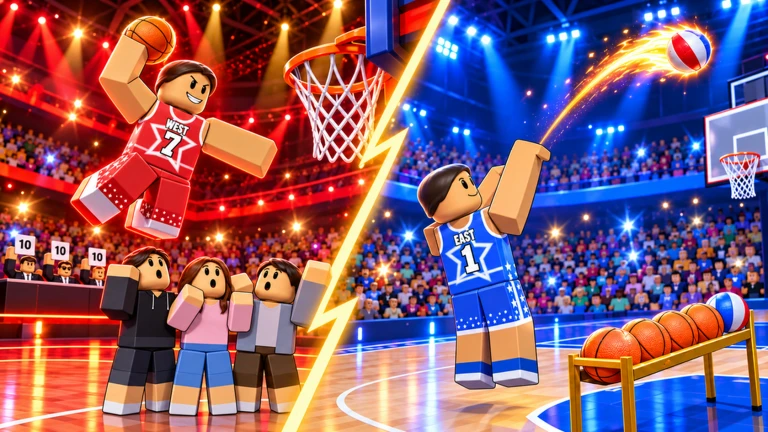
⭐ All-Star ⭐
Take on three exciting daily challenges: ⭐ 3-POINT CONTEST – Show off your shooting skills and sink as many shots as …

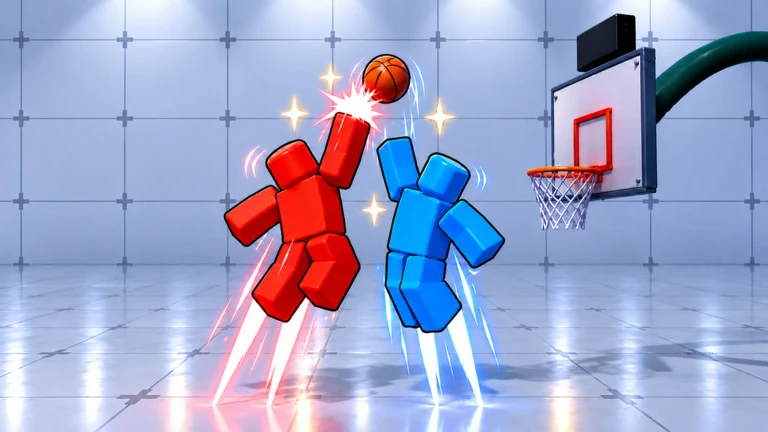
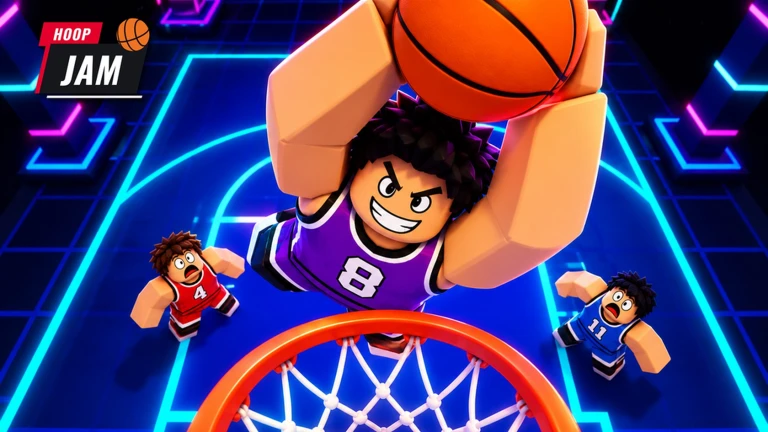
Hoop Jam is a Roblox basketball game where you pull off dunks, collect gear, and compete in 2v2 matches against friends or bots. This guide covers the controls, how to earn rewards, and what to do during the Halloween event.

Found a useful trick? Share it with everyone! Notes with screenshots are welcome!
[🎃] HOOP JAM! 🏀
The game supports both keyboard and controller, and the core actions are the same on each. Check the mapping below before your first match so nothing surprises you mid-game.
| Move | WASD / Left Stick |
| Shoot or Dunk | Space / X or □ |
| Pass or Steal | F on keyboard |
| Sprint | Shift / RB or R1 |
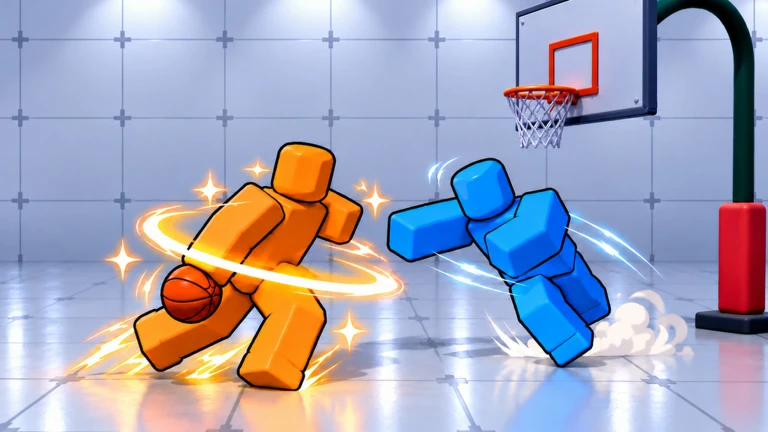
| Dribble or Shove | R / B or ○ |
| Jump or Block | controller only: Y or △ |
| Pass | controller only: A or ✕ |
| Shoot or Steal | controller only: X or □ |

The next survey is being prepared.
Hoop Jam is easy to pick up. Start against bots, then work on quests.
Events running now or coming soon. They have fixed dates, so check them first.
Live now
–
Take on three exciting daily challenges: ⭐ 3-POINT CONTEST – Show off your shooting skills and sink as many shots as …
 Upcoming
–
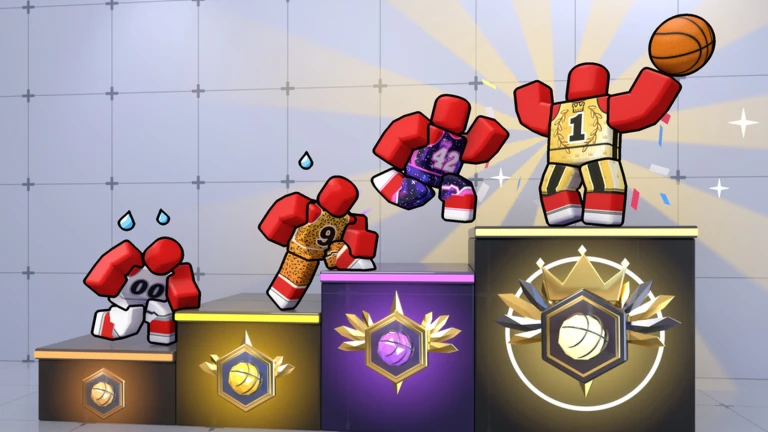
Play ranked PvP games, win matches and climb all 7 ranks, from ROOKIE to LEGEND! 🏆 🔔 Tap **NOTIFY ME** so you don't …
Rewards open up gradually as your level rises through quest completions.
The Halloween update adds the Phantom Pass, a limited event track that rewards you with exclusive Halloween skins and spooky items as you collect candies in-game. Redeem codes are also available — each code can only be used once and codes expire, so enter them as soon as you can.
Codes are released periodically. Each code is single-use and has an expiry date, so redeem them quickly.
 WELCOME
free reward
HALLOWEEN
free reward
ALLSTAR
A couple of easy mistakes can cost you rewards that are impossible to recover later.
Yes — the game has a bot mode where you compete against computer-controlled opponents.
Up to twenty players can be in a single room, with multiple 2v2 matches running at the same time.
No — each code can only be redeemed once, and codes have an expiry date. Enter any code you find straight away.
Before you start
Please check the following before using MetaNew.
* You can change your email preference any time from your profile.
