
Project Corsa — Keyboard controls at a glance
About
OverviewProject Corsa is a competitive racing and driving simulation game on Roblox that puts a strong emphasis on realistic vehicle control. This guide covers the controls, driving aids, and transmission choices you need to know to race well.
What is on this page
Contents
Keyboard controls at a glance
Table
These are the default keyboard bindings.
| Key | What it does |
|---|---|
| V | Cycle camera point of view |
| C | Swap between cameras |
| Shift + C | Freecam mode |
| E | Shift up a gear |
| Q | Shift down a gear |
| M | Change transmission mode (Auto / Semi-Auto / Manual) |
| Shift | Rear brake |
| R | Toggle RHD (Rear Height Device) |
| T | Toggle TCS |
| Y | Toggle ABS |
| G | Toggle body weight |
Gamepad controls at a glance
Table
These are the default gamepad bindings. The front and rear brakes are on separate triggers.
| Button | What it does |
|---|---|
| R2 | Throttle |
| L2 | Front brake |
| R1 | Rear brake |
| L1 | Clutch |
| Y / X | Shift up / down a gear |
| Up | Change transmission mode (Auto / Semi-Auto / Manual) |
| Down | Toggle TCS |
| Right | Toggle ABS |
| B | Toggle RHD (Rear Height Device) |
| Left | Change camera point of view |
Choosing a transmission mode
Table
Project Corsa offers three transmission modes. You can switch between them mid-session using M on keyboard or the Up button on a gamepad.
| Auto | the game shifts gears for you |
| Semi-Auto | gears shift automatically but you can override them manually |
| Manual | you control every gear change yourself |
Driving aids: TCS, ABS, and RHD
Tips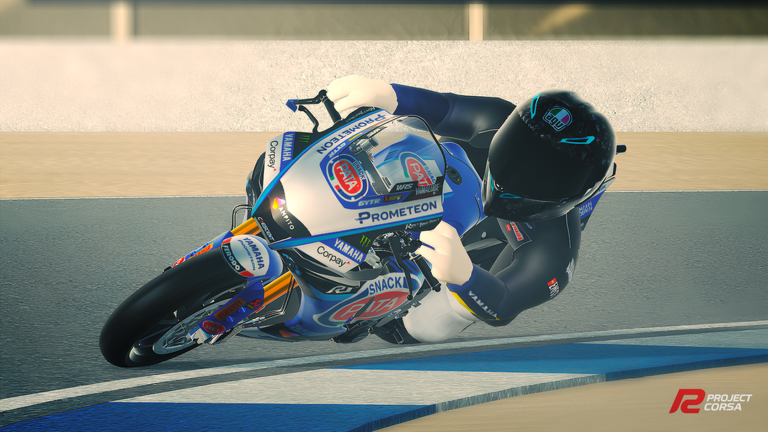
All three aids can be toggled at any time.
- TCS (Traction Control System) stops your wheels from spinning out when you accelerate.
- ABS (Anti-lock Braking System) prevents your tyres from fully locking up under hard braking.
- RHD (Rear Height Device) adjusts the rear ride height of the car, which changes how it handles.
Lap-time records and free-to-play racing
Summary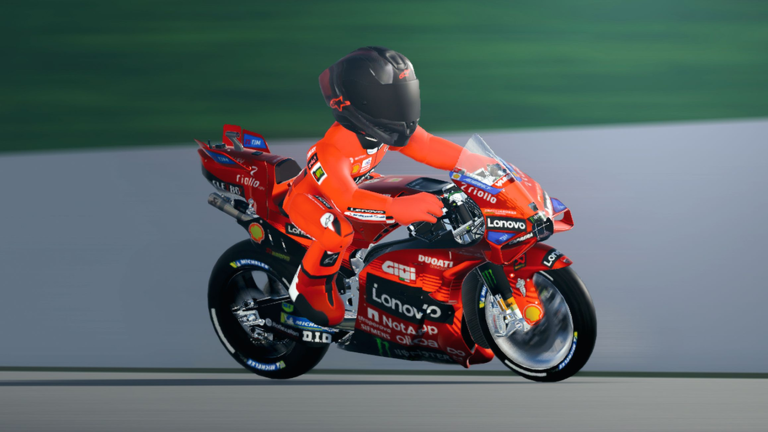
Two headline competitive features are on the way alongside the existing race modes.
- Lap-Time World Record system coming soon
- Custom Bike Modification coming soon
Glossary
Glossary- TCS
- Traction Control System — prevents the driven wheels from spinning when you accelerate.
- ABS
- Anti-lock Braking System — stops the tyres from locking solid under hard braking.
- RHD
- Rear Height Device — adjusts the rear ride height of the car, which affects how it handles.
- Transmission
- The gear-changing system, available in Auto, Semi-Auto, and Manual modes in Project Corsa.
- Clutch
- A control (L1 on gamepad) that disconnects the engine from the gearbox.
- Gear shift
- The act of moving up or down through the car's gears — upshift to go faster, downshift to slow down.
Common questions
FAQIs a gamepad better than a keyboard?
A gamepad gives you independent control of throttle, front brake, and rear brake at the same time. All features are available on both input methods.
Which transmission mode should I start with?
Project Corsa offers Auto, Semi-Auto, and Manual modes. You can switch between them at any time using M on keyboard or the Up button on a gamepad.
Can I compete for world records without spending Robux?
The upcoming Lap-Time World Record system is listed as coming soon alongside free racing.
Game updates can change what is on this page. If you spot something, get in touch and let us know.
