
Build Your World Guide: Getting started on your plot
About
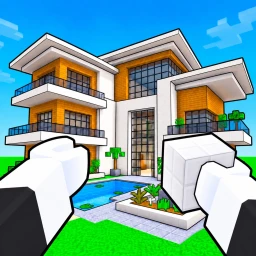
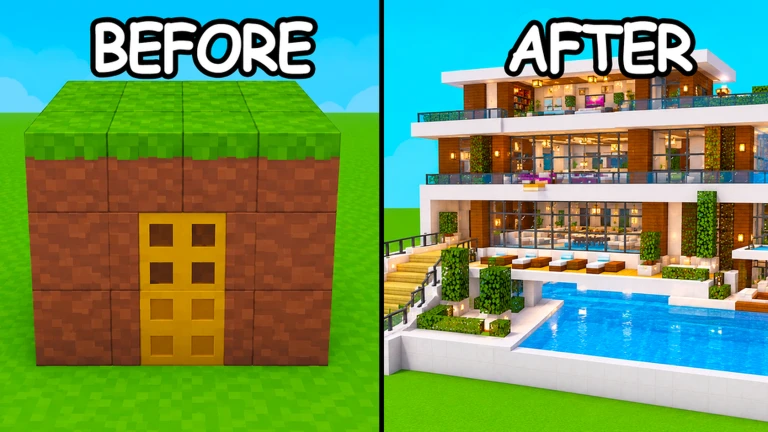
OverviewBuild Your World! gives you a private plot of land where you can place hundreds of blocks and more than a hundred pieces of furniture to construct whatever you want. Your builds save automatically, so nothing you make gets wiped between sessions.
What is on this page
Contents
Player notes and tips
Found a useful trick? Share it with everyone! Notes with screenshots are welcome!
Write a guide note
Build Your World! 🔨
Getting started on your plot
Step
When you join the game, you receive your own private plot of land. From there, pick a block type from the on-screen menu and tap or drag to place it on your plot. Your progress saves continuously, so you can leave and pick up exactly where you left off.
- Open the block menu
browse the available block types from the on-screen interface.
- Place a block
tap or drag a selected block onto your plot to set it down.
- Save automatically
your build is stored as you work, so no manual saving is needed.
- Return anytime
when you come back, your plot will be exactly as you left it.
MetaNew Player Survey

The next survey is being prepared.
Building materials at your disposal
Summary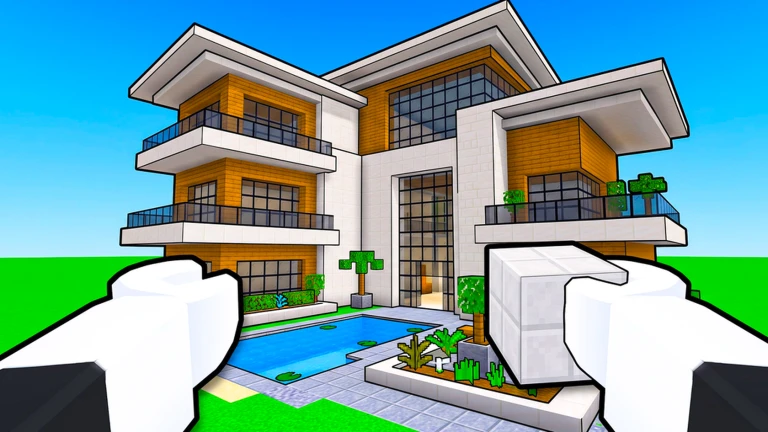
The game gives you two main categories of building material: blocks and furniture. You can mix both on the same plot, which lets you create detailed interiors as well as large exterior structures.
- Blocks
hundreds of varieties to choose from.
- Furniture
more than 100 pieces available.
- Combination
blocks and furniture can be used together on the same plot.
Horses, pets, and life outside building
Tips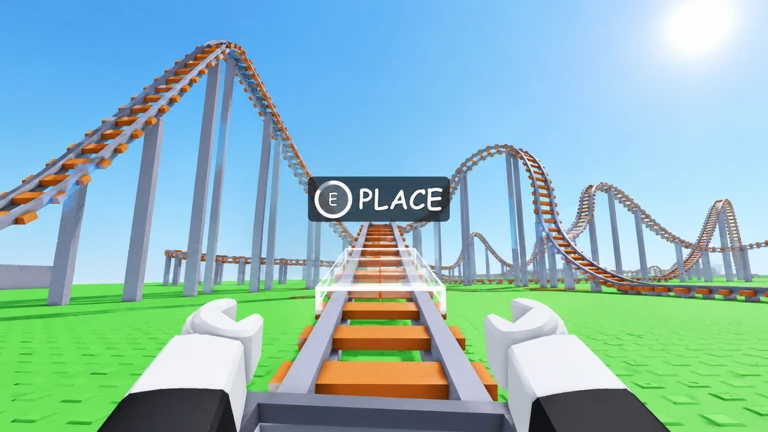
Build Your World! is not purely a construction game. You can ride horses to explore the world and raise pets as a side activity alongside your building projects.
- Ride a horse to move around the world.
- Raise a pet by looking after it over time.
Building with friends
Check
You can invite friends directly to your plot so everyone builds in the same shared space. The cap for a single plot is eight players at once, so plan your group around that limit.
- Stay within the eight-player cap a single plot holds a maximum of eight people at one time.
- Use the free private server your builds are stored safely there, shared between everyone on the plot.
Trolling and defending your plot
Warn
The game lets players attack other plots with TNT explosions and tornadoes. That means your builds can be damaged by other players.
Saving your build with private servers
SummaryBuild Your World! includes free private servers for every player. Your construction saves automatically while you play, and it stays intact whenever you return to your server later.
- Private servers
free to use, no purchase required.
- Auto-save
the game stores your build continuously as you place blocks.
- Persistent progress
your plot looks the same every time you come back.
Glossary
Glossary- Plot
- The private piece of land assigned to you where you can build freely.
- Private server
- A server that only you and the players you invite can enter, and where your build is saved.
- Build
- Any structure you create by placing blocks and furniture on your plot.
- Troll
- A player who uses tools like TNT or tornadoes to damage or destroy someone else's plot.
Common questions
FAQHow many people can build on one plot at the same time?
A single plot holds up to eight players at once. If you want to build with a group, invite up to seven friends and everyone can work on the same land together.
Will my build disappear if I leave the game?
No. The game saves your build automatically, and private servers are free, so your construction stays intact between sessions. You can return at any time and continue from exactly where you stopped.
How do I stop other players from wrecking my plot?
Control who you invite to your plot — if only trusted friends can enter, nobody else can use TNT or tornadoes against your builds.
Game updates can change what is on this page. If you spot something, get in touch and let us know.
