
Shoot Zombies To Move Up Guide: Basic controls
About
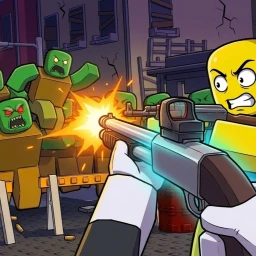
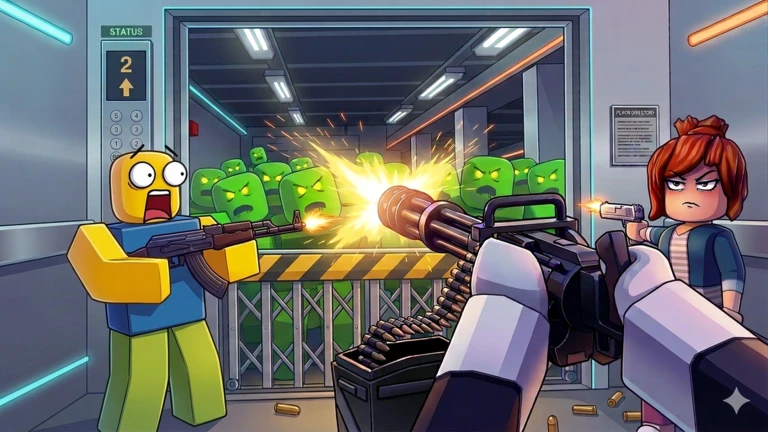
OverviewShoot Zombies To Move Up is a co-op zombie shooter on Roblox where you fight through waves of zombies floor by floor, earn cash from kills, and spend that cash on stronger weapons. This guide covers the basic controls, how to push through tough floors, and how to make the most of playing with friends.
What is on this page
Contents
Basic controls
Check
On PC, shooting is done with the left mouse button. When your ammo runs dry, press R to reload before the next wave reaches you.
- Hold or tap the left mouse button to fire at zombies
- Press R to reload
MetaNew Player Survey
The next survey is being prepared.
How a run actually works
Step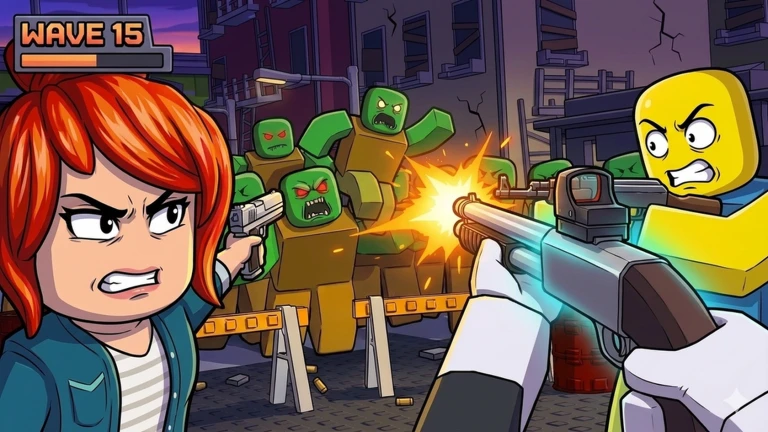
Each floor sends waves of zombies at you. Killing them earns cash, and that cash is what you use to buy weapons powerful enough to handle the next floor. Clear every floor on your way up and you win.
- Shoot zombies hold the left mouse button and work through the wave
- Earn cash by killing zombies
- Buy a weapon spend earned cash on better weapons
- Move up once a floor is cleared, head to the next one and repeat
Playing with friends
Tips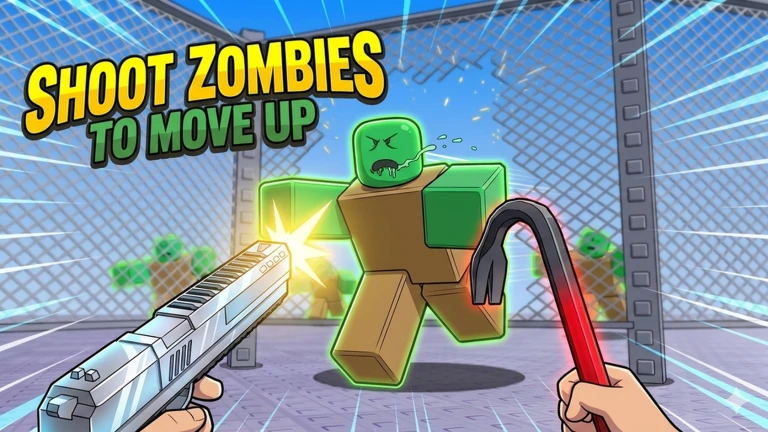
The game is built for co-op, so bringing friends into your session lets you team up. Multiple players focusing fire on zombies makes clearing floors easier.
- Multiple players focusing fire on the same zombie drops it faster
- Difficult floors are easier to get through with more players
Getting unstuck on a hard floor
Table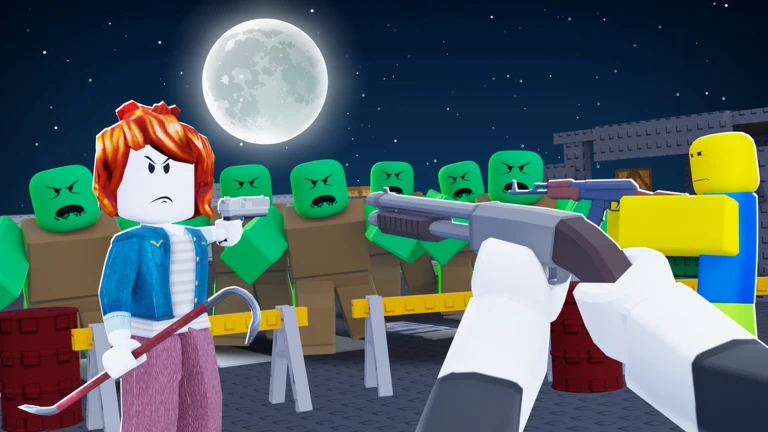
Check both before you keep retrying the same way.
| Weapon too weak | earn more cash and buy a better weapon |
| Playing solo | invite a friend to team up |
| Cash too low | kill more zombies to earn the cash needed for an upgrade |
Free-to-play viability
Tips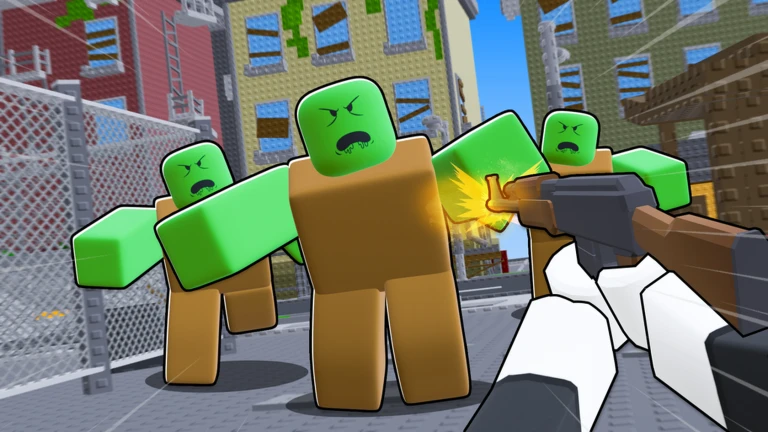
Cash comes entirely from killing zombies, so you are never locked behind a paywall to make progress.
- Cash source — killing zombies, no purchase needed
- Co-op play speeds up earning without spending anything
Glossary
Glossary- Floor
- One stage of the building — clear the zombie wave on a floor to unlock the one above it.
- Reload
- Refilling your gun's ammo by pressing R.
- PvE
- Player versus Environment — every enemy in this game is a computer-controlled zombie, not another player.
Common questions
FAQWhat do I do when I run out of ammo mid-wave?
Press R to reload.
Can I complete the game without spending Robux?
Cash is earned by killing zombies, so every weapon upgrade is reachable through normal play. Teaming up with friends lets you earn faster without spending anything.
Where should I report a bug?
Post in the community forums.
Game updates can change what is on this page. If you spot something, get in touch and let us know.
