Draw Me! is a Roblox game where players draw a character, then vote for their favorite drawing from everyone else in the server. This guide covers how to draw, how voting and coins work, how to spend those coins, and what the badges ask you to do.
In shortEach round asks you to draw a character and vote on others, so doing both keeps you active and earning.
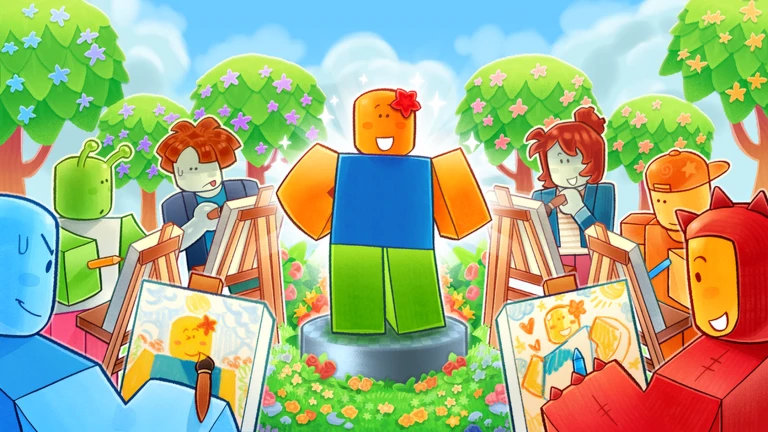
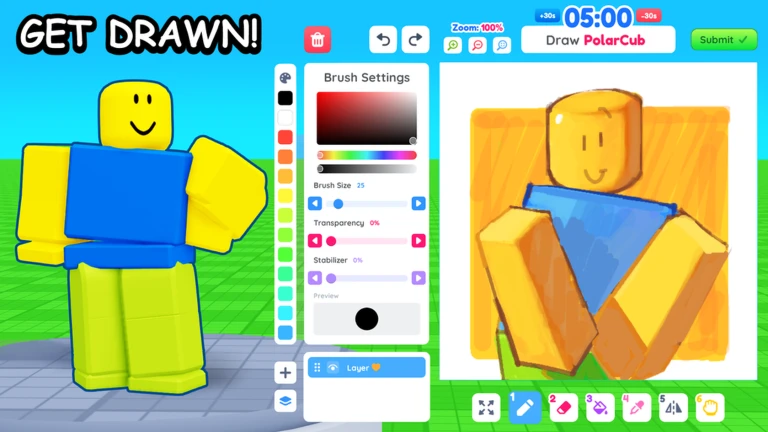
When you join a server, you get to draw your own character using the tools on screen. Once everyone has drawn, the drawings are shown and players vote for the one they like best. Voting earns you coins, and getting votes on your own drawing earns them too.
Open the drawing toolspick a tool from the toolbar on screen, or press keys 1 through 7 to switch between them fast.
Draw your characteruse your mouse or touch the screen to draw freely.
Undo a mistakepress Ctrl+Z to step back, or Ctrl+Y to put a change back.
Submit your drawingonce you are happy with it, submit so other players can see it.
Vote for a drawingwhen the voting screen appears, look through the entries and click or tap the one you like most.
Collect your coinscoins are added to your total as soon as you vote.
In shortCoins from voting and being voted on are the only currency you need to customize your character.
Everything you earn through voting goes toward making your character look the way you want. Open the menu to reach the customization screen, where coins can be spent on poses and cosmetics.
Coins earned by voting and by receiving votes on your own drawing.
Poses character stances you can buy with coins from the menu.
Cosmetics appearance items for your character, also purchased with coins.
03Live and upcoming eventsEvents
Events running now or coming soon. They have fixed dates, so check them first.
Upcoming –
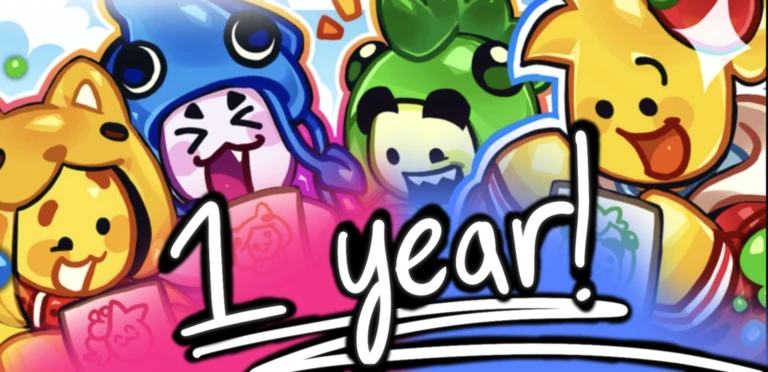
DRAW ME’S BIRTHDAY UPDATE
We will be celebrating the one-year anniversary of Draw Me! 🎨 with a huge update!
In shortInappropriate artwork can lead to a permanent ban, so flag anything that breaks the rules rather than ignoring it.
The game has a zero-tolerance policy on inappropriate drawings. If you spot one, press the red flag button next to it and the team will review it.
Worth watching out for
Inappropriate drawings are not tolerated and can result in a permanent ban.
The red flag button sends a drawing directly to the developers for review.
05
Getting badges
Check
In shortMost badges track your cumulative like count, but a few require specific server conditions, so know what each one demands before you chase it.
There are sixteen badges in total. Several are straightforward milestones — collect 10, 50, 100, 150, 300, 750, 1000, 1500, 2500, or 5000 likes over your time in the game. Two badges require a full server: winning first place and earning 5 stars from everyone. The friend badge unlocks when someone joins through your invite.
Make your first drawing to pick up the First Drawing badge immediately.
Invite a friend and have them join your server to earn the Invite a Friend badge.
Be in a full server and earn 5 stars from every player for the 5-Star Artist badge.
Win first place in a full server to unlock the First Place badge.
Accumulate likes over many sessionsthe ladder runs from 10 likes all the way to 5,000.
Meet the developers in-game to earn the Met DuoBlock badge.
06
Controls at a glance
Table
In shortThe same game runs on both keyboards and touch screens, so your device does not limit what you can do.
Draw Me! supports keyboard and touch devices equally. On a keyboard you get quick shortcuts for tools and edits; on a phone or tablet you tap everything instead.
Tool selection (keyboard)
press 1 through 7 to switch drawing tools instantly.
Tool selection (touch)
tap the tool you want from the on-screen toolbar.
Undo (keyboard)
Ctrl+Z steps back one action.
Redo (keyboard)
Ctrl+Y restores the last undone action.
Glossary
Glossary
Vote
The action of choosing your favorite drawing from the ones shown at the end of a round, which earns you coins.
Coins
The in-game currency you earn by voting and by receiving votes, used to buy poses and cosmetics.
Pose
A purchased stance or movement for your character, bought with coins from the menu.
Cosmetic
An appearance item that changes how your character looks, bought with coins.
Tool
Any drawing instrument such as a pen or brush, selectable from the toolbar or by pressing keys 1 through 7.
Flag button
The red button next to a drawing that sends it to the developers for review when you think it breaks the rules.
Likes
The cumulative count of votes your drawings have received, which unlocks a series of badges as the number grows.
Common questions
FAQ
How do I earn coins?
Vote every round and keep submitting drawings so other players can vote on yours. Both actions add to your coin total.
How do I get the 5-Star Artist badge?
You need to be in a full server and receive 5 stars from every player there.
Can I play on my phone?
Yes, the game fully supports touch devices. You tap to vote, tap to select tools, and drag your finger to draw.
Updated Sep 14, 2026
Game updates can change what is on this page. If you spot something, get in touch and let us know.

 Upcoming
–
Upcoming
–