
Salon de Fiestas with Voice Chat Guide: Getting started on the map
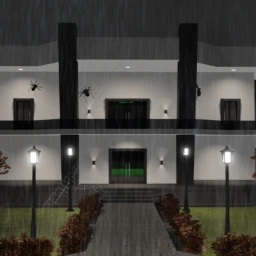
About
OverviewSalon de Fiestas with Voice Chat is a multiplayer party game for up to 50 players where you explore a shared map, coordinate dances, and talk with other players using voice chat.
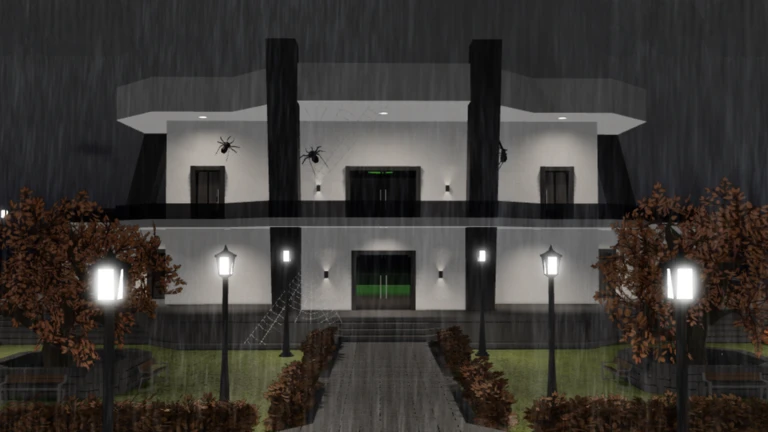
What is on this page
Contents
Getting started on the map
Step
When you first join, take time to walk around and see what areas exist and where other players are gathering.
- Walk the map move through every area so you know the full layout.
- Spot other players notice where groups are forming.
- Find the dance spaces locate the areas where players are dancing.
MetaNew Player Survey
The next survey is being prepared.
Voice chat and how to use it
CheckThe game supports voice chat, so nearby players can hear you speak in real time.
- Turn your microphone on to enable voice chat.
- Check that the players near you can actually hear you.
Coordinating dances with other players
TipsThe game lets you pick a dance motion for your character and perform it for everyone around you. Groups dancing together are a big part of what makes the game lively.
- Find an open space before you start so other players can see your full motion.
- Select a dance motion to show other players.
- Watch what other players are doing and interact through dance.
Devices you can play on
SummarySalon de Fiestas with Voice Chat runs on a wide range of hardware.
- PC desktop and laptop computers.
- Mobile smartphones and tablets.
- Consoles Nintendo Switch, PlayStation, and similar platforms.
- VR headsets such as Meta Quest.
Staying safe while playing
WarnA few clear rules go a long way.
Glossary
Glossary- Voice chat
- A feature that lets you speak through a microphone so nearby players can hear your voice in real time.
- Dance motion
- An animation you choose that makes your character perform a specific dance, which you can show to other players.
- Multiplayer
- A mode where many players share the same game world at the same time — this game fits up to 50 in one room.
Common questions
FAQHow many players can be in one room?
A single room holds up to 50 players at once.
What do I do if I don't have a microphone?
Exploring the map and dancing work exactly the same without a microphone.
How do I deal with players who speak a different language?
English-speaking players and others are present, so try polite communication.
Game updates can change what is on this page. If you spot something, get in touch and let us know.
