
Drive a Bed Downhill Guide: Controls for every platform

About
OverviewDrive a Bed Downhill is a racing game where you steer a bed down a mountain through forests, farms, canyons, and city traffic. Up to 20 players can race the same run at once, competing by finish order or best time. This guide covers controls for every platform, how to handle the trickiest parts of the course, and how to shave time off your runs.
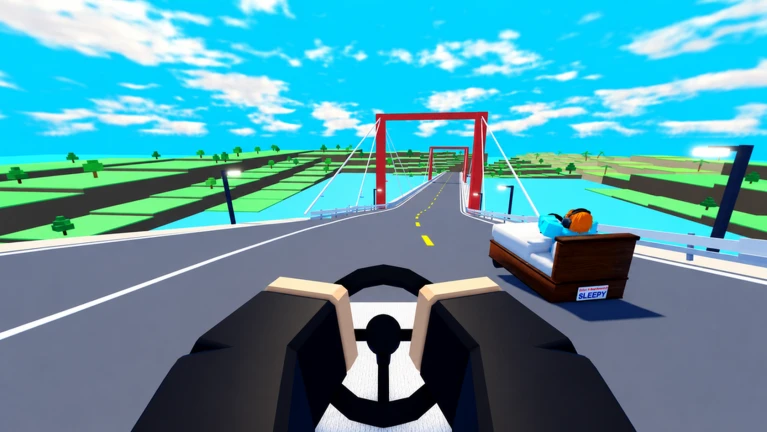
What is on this page
Contents
Player notes and tips
Found a useful trick? Share it with everyone! Notes with screenshots are welcome!
Write a guide note
[DUO] Drive a Bed Downhill!
Controls for every platform
Table
On PC, F puts you back on the road; on a controller, press B or Circle.
| W / Gas button / RT–R2 | accelerate |
| S / Brake button / LT–L2 | brake |
| A and D / Left–Right swipe / Left Stick | steer |
| Space / Hop button / A–Cross | hop over obstacles |
| E / Boost button / RB–R1 | burst of speed |
| Shift / Double-tap and hold Brake / LB–L1 | drift through corners |
| F / not available / B–Circle | reset to road |
MetaNew Player Survey

The next survey is being prepared.
Racing with other players
Summary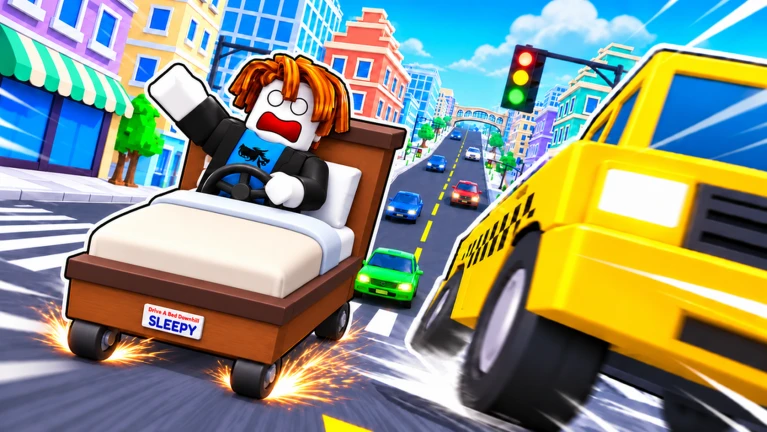
Up to 20 players share the same run, and you can compete by who crosses the finish line first or by comparing best times across multiple runs.
- Server size
up to 20 players per room
- Competition modes
finish-line order or fastest time across runs
Glossary
Glossary- Drift
- A technique where you slide through a corner without fully braking, keeping speed while changing direction.
- Hop
- A short jump that lifts the bed off the ground to clear raised terrain, gaps, or obstacles.
- Boost
- A temporary burst of acceleration.
- Reset to road
- An action that immediately returns your bed to the track after falling off or getting stuck.
Common questions
FAQWhat happens if the bed falls off the cliff?
The game will automatically return your bed to the road after a short delay. On PC you can skip the wait by pressing F, and on a controller press B or Circle.
How do I drift on mobile?
Double-tap the Brake button and keep holding it after the second tap.
How do I unlock new beds and worlds?
Liking the game, adding it to your favourites, and joining the official group are the ways to access new beds, worlds, and updates.
Game updates can change what is on this page. If you spot something, get in touch and let us know.
