
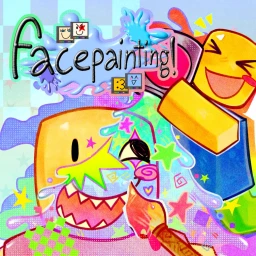
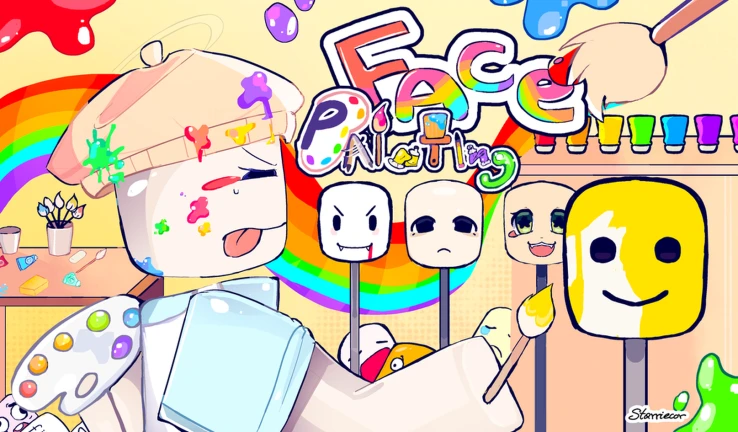
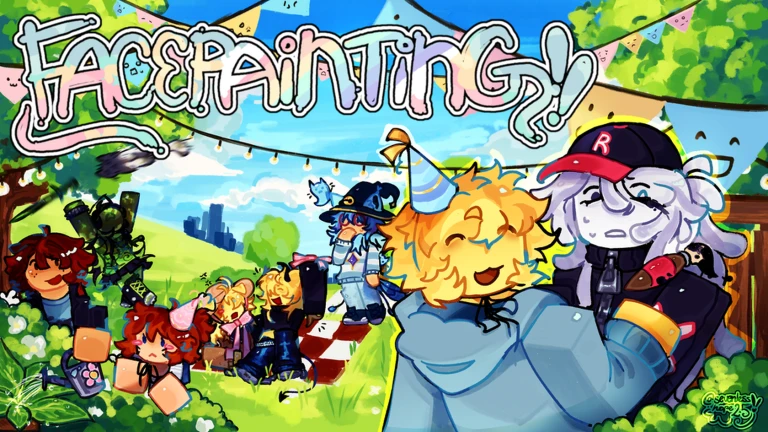
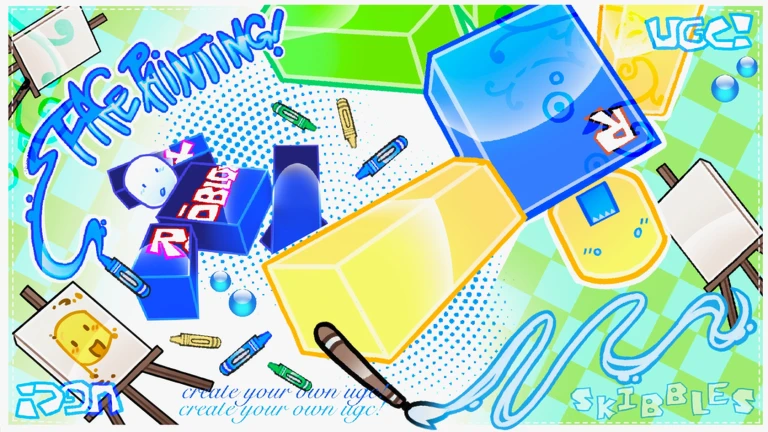
🎨 WELCOME TO FACEPAINTING!!!
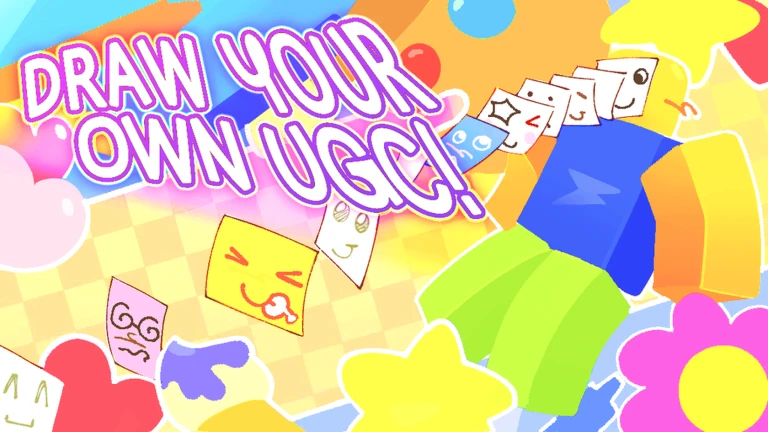
🖌️ Draw and design your own custom face directly in-game, then upload it straight to Roblox as UGC!
✅ All in-game purchases are added to your Roblox inventory and can be used on your avatar across all games!
⚠️ Please make sure all uploads follow Roblox’s Terms of Service!
UGC must pass Roblox moderation before it can be worn. UGC uploaded in-game cannot be put on sale!
🔁 Share Codes
Share codes are the same as the catalog ID of your UGC!
🖼️ Decal Importing
The recommended decal size is 512x512!
🖱️ Keybinds
Pencil: V
Brush: B
Airbrush: A
Eraser: E
Smudge: S
Bucket Fill: G
Eyedropper: Q
Select: R
Shape: L
Move: M
Reflect: F
Scale: C
Rotate: T
Toggle Symmetry: X
Toggle Lasso Mode/Axis Lock: D
Toggle Alpha Lock: N
Increase/Decrease Brush Size: [ ]
Thumbnail credits in alt text!
MetaNew Player Survey

The next survey is being prepared.
Your log
Your logIs this game for you?
At a glanceDifficulty, whether it works on your own, whether it works in Japanese, how it plays on a phone, and how far you get without paying. All five come from people who have actually played it.
100% of players called it fun (1 votes)
Nobody has rated this game yet.
Where beginners should start
Guide- 01 Keyboard shortcuts for every tool Learning the keybinds from the start will save you a lot of time switching between tools.
- 02 Features that speed up symmetrical faces A few toggles do the repetitive work for you so you can focus on the design itself.
- 03 Uploading your finished design The upload process is straightforward, but Roblox moderation is the step that decides whether your face goes live.
- 04 Rules that affect whether your design gets approved Uploading content that breaks Roblox's Terms of Service will get your design rejected.
Guide
FACEPAINTING! UGC CREATOR 🖌️ Guide
Read the guide →
Similar games
Similar [CATALOG🛍️] UGC Creator 🎨
Rating82%
Playing420
 [😂 Emojis!] - UGC Creator
Rating67%
Playing0
 Custom UGC Creator
Rating50%
Playing7
 🏠 City Creator 🏡
Rating80%
Playing0
 Tower Creator
Rating81%
Playing586
 Coaster Creator
Rating75%
Playing0
 [🔨] Home Creator
Rating87%
Playing128
 BLOXikin Creator
Rating88%
Playing0
You can manage your lists from My Games.
Rate this game
First, a couple of quick questions
Answers are only counted as totals. Names and individual answers are never shown.
