
Eat Blobs Simulator Guide: First steps when you load in
About
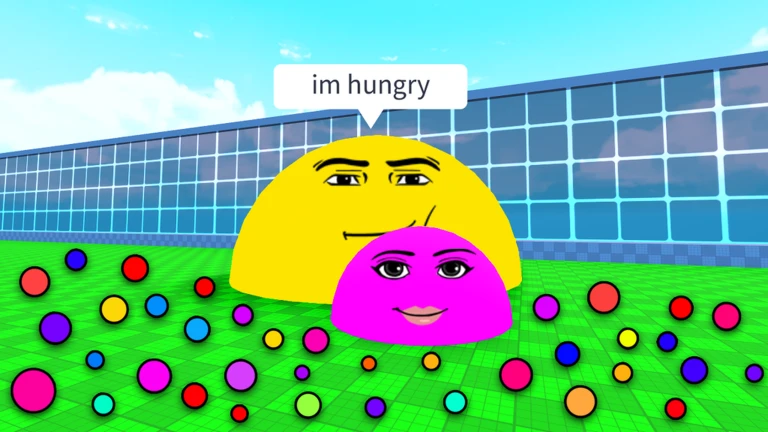
OverviewEat Blobs Simulator is a Roblox collecting game where you grow your blob by picking up slimes from the ground and taking out players smaller than you. This guide covers how to get started, how combat works, what happens to your items when you die, and how to keep growing when progress feels slow.
What is on this page
Contents
First steps when you load in
Step
Before you do anything else, find the code entry box in the game's menu and redeem any active codes — each one gives you free rewards and each code can only be used once. After that, start walking around the map to pick up slimes that have fallen on the ground. Your blob grows as you collect them, so just keep moving.
- Open the code box find the code entry system in the game's interface and type in each code carefully, matching uppercase letters, lowercase letters, and any symbols exactly.
- Redeem one at a time each code can only be used once, so there is no point trying the same one twice.
- Start moving slimes do not come to you; walking around the map is what gets them into your blob.
How combat works
SummaryFighting in Eat Blobs Simulator happens by making contact with another player. If they are smaller than you, you defeat them and collect the slimes they drop. If they are bigger, you are the one at risk.
- Win condition you must be larger than the other player to defeat them.
- Reward a defeated player drops slimes that you can then pick up.
- Safe targets go for players who are clearly and obviously smaller than you.
Purchases, skulls, and what survives death
WarnWhen your blob is defeated, every purchase you made during that run is gone, except for skulls. Skulls are permanently yours once you have them, and they carry over into every future run. Collecting enough skulls unlocks rare skins for your blob. Playing without spending anything at all is completely viable — ground slimes and combat are enough to reach the top.
What to check when growth stalls
Check- Are you checking the full map? Slimes can appear in areas you have not visited recently.
- Is your blob actually growing? Compare your size now to a minute ago to confirm slimes are registering.
Redeem codes at a glance
SummaryThe game has a code entry system where you type in codes to get free rewards. Codes are handed out periodically, and each one can only be redeemed once per account.
- Where to enter find the code input box inside the game's menu.
- How to type them match every character exactly, including capitalization.
- One use only entering the same code a second time will not work.
- Expiry risk codes can stop working without warning, so redeem them quickly.
- How many are live as of September 29, 2026, this site was tracking 121 working codes for this game.
 WIND
NOV25
25,000 Size
HAPPYTHANKSGIVING
COINS
WIND
NOV25
25,000 Size
HAPPYTHANKSGIVING
COINS
Glossary
Glossary- Blob
- The spherical character you control, which grows larger as you collect slimes.
- Slime
- The main resource scattered across the ground; collecting slimes is what makes your blob grow.
- Skull
- A special collectible that is kept permanently across all runs and can be used to unlock rare skins.
- Skin
- A cosmetic that changes the appearance of your blob, with rarer designs unlocked by gathering skulls.
- Code
- A short string of characters released by the developers that you type into the game to receive free rewards.
Common questions
FAQDo I lose everything when my blob is defeated?
Almost everything — any purchases you made during that run are gone. Skulls are the one exception; they stay with you permanently no matter how many times you die.
Can I play without spending any Robux?
Yes, the game is fully playable without spending anything. Collecting ground slimes and defeating smaller players is enough to work your way up.
How do I win a fight against another player?
Walk into contact with them — that triggers combat automatically. You need to be larger than they are to come out on top, so only chase players who are clearly smaller than your blob.
Game updates can change what is on this page. If you spot something, get in touch and let us know.
