
FPV Drone Sim Guide: Keyboard controls
About
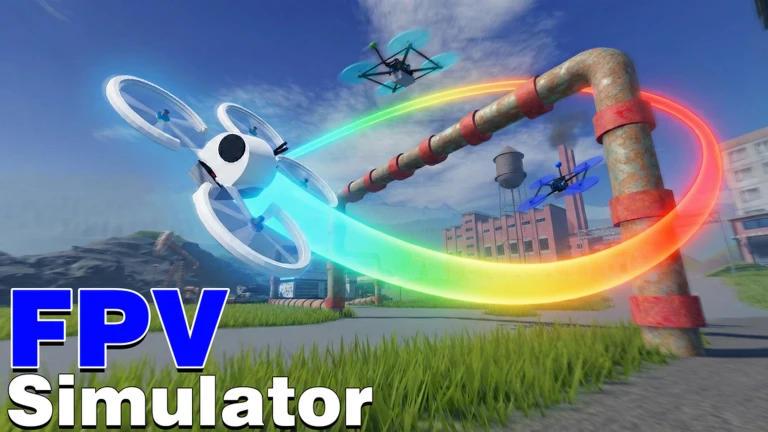
OverviewFPV Drone Sim puts you in the first-person camera of a drone with realistic physics across three game modes: Freeroam, Racing, and Warzone. This guide walks you through the controls, the modes, and what it takes to earn every badge.
What is on this page
Contents
Player notes and tips
Found a useful trick? Share it with everyone! Notes with screenshots are welcome!
Write a guide note
FPV Drone Sim [New Maps]
Keyboard controls
Table
The keyboard splits drone control across four axes.
| Key | What it does |
|---|---|
| W | Thrust — increases altitude |
| A / D | Yaw — rotates the drone left or right |
| Left / Right arrows | Roll — tilts the drone sideways |
| Up / Down arrows | Pitch — tilts the drone forward or back |
| H | Toggles flight mode |
| M | Toggles mouse control |
| R | Resets the drone to its starting position |
MetaNew Player Survey

The next survey is being prepared.
Controller layout
Table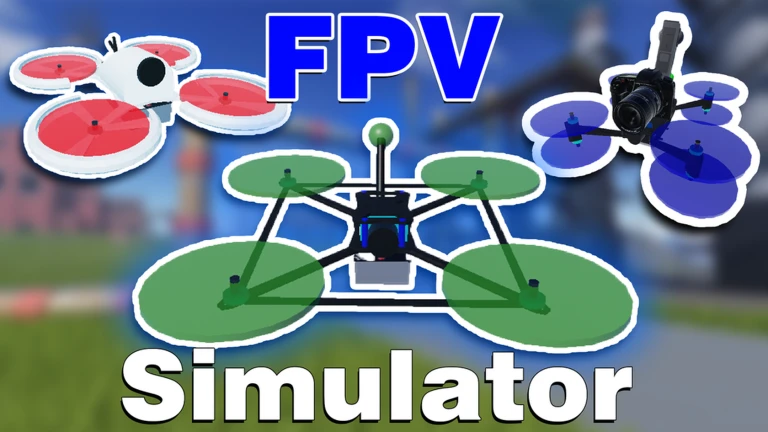
If you have a gamepad, each stick covers two axes at once.
| Left stick | thrust and yaw |
| Right stick | roll and pitch |
Three game modes
Step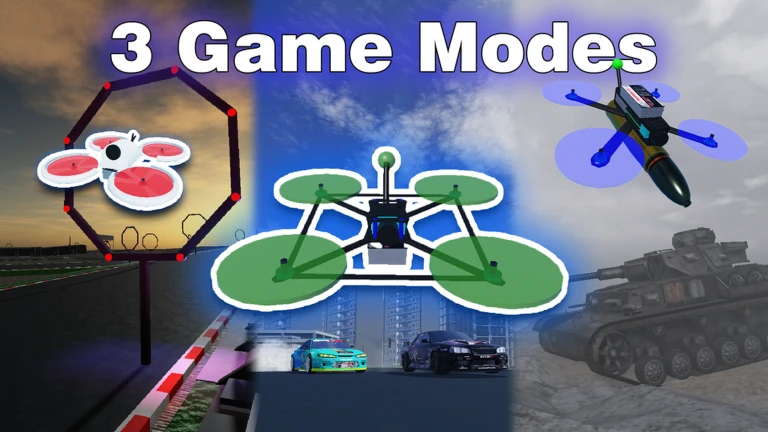
The game offers three distinct modes.
- Freeroam
fly anywhere freely
- Racing
fly timed laps on dedicated courses; your lap is rated up to five stars
- Warzone
a mode with combat elements
Five-star lap badges
CheckA five-star rating is the highest grade the game awards for a lap.
- Church earn a five-star lap time to unlock the Church badge
- Construction earn a five-star lap time to unlock the Construction badge
- Race Track earn a five-star lap time to unlock the Race Track badge
- Main Track earn a five-star lap time to unlock the Main Track badge
- Swivel earn a five-star lap time to unlock the Swivel badge
 IPromiseToLikeTheGame
free crate
Glossary
Glossary- FPV
- First-person view — you see through the drone's own onboard camera as you fly.
- Thrust
- The upward force from the propellers that controls your altitude.
- Yaw
- Rotating the drone left or right without tilting it.
- Roll
- Tilting the drone sideways, left or right.
- Pitch
- Tilting the drone forward or backward.
- Five-star lap
- The top rating the game can give you for completing a race course.
- Crate
- An in-game reward container you can obtain by entering a valid code.
Common questions
FAQMy drone flew off the course — what do I do?
Press R to reset the drone back to its starting position.
How do I unlock the race badges?
Complete a lap fast enough to earn a five-star rating. There is one badge per course, and all five courses — Church, Construction, Race Track, Main Track, and Swivel — each have their own badge.
Game updates can change what is on this page. If you spot something, get in touch and let us know.
