
Fast Fredbear Guide: PC controls you need to know

About
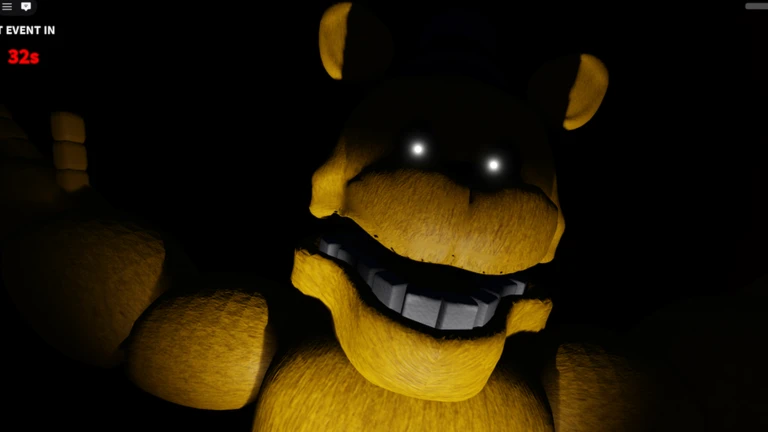
OverviewFast Fredbear [AI] is a horror survival game where you must avoid Fredbear, an enemy that can appear anywhere in the map. This guide covers the controls on every platform, how to stay hidden, and how to earn coins faster.
What is on this page
Contents
PC controls you need to know
Check
On PC, five inputs cover everything you need to survive.
- F toggle the flashlight on or off
- Left Shift run to put distance between you and Fredbear
- C crouch
- Middle Click toggle zoom so you can check distant parts of the room
- Scroll Wheel (while zoomed) adjust how far in you are zoomed
MetaNew Player Survey

The next survey is being prepared.
Console and VR controls
Table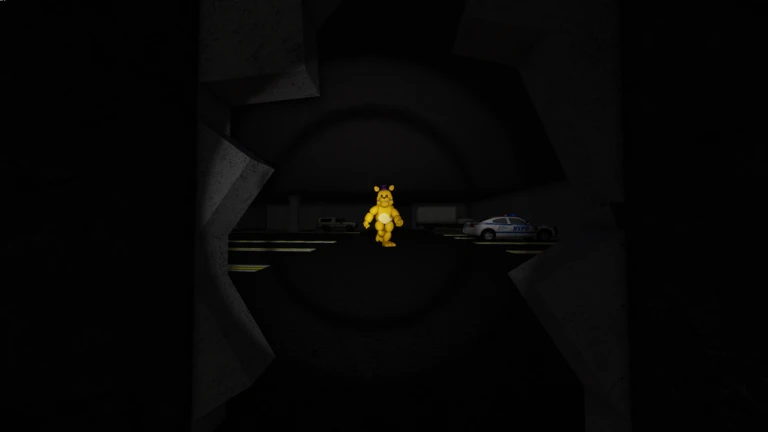
The same three core actions — running, flashlight, and crouching — are mapped to controller buttons instead of a keyboard. VR offers full immersion.
| Toggle running | L3 (press left joystick) |
| Toggle flashlight | Y on Xbox, △ on PlayStation |
| Crouch | R3 (press right joystick) |
Staying alive against Fredbear
Tips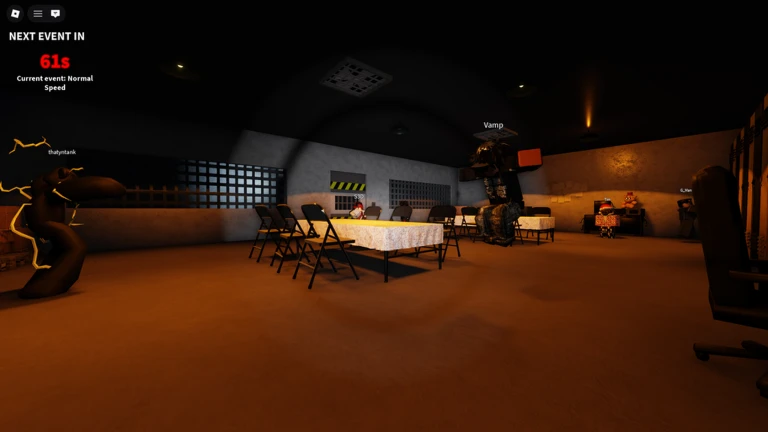
Fredbear can appear from anywhere in the room, so no position is permanently safe. Your three main tools — the flashlight, running, and crouching — each carry trade-offs you need to balance.
- Crouch to stay out of sight; it helps in tight spots.
- When you need to break away, run to reach safer ground quickly.
Earning more coins with the group bonus
Summary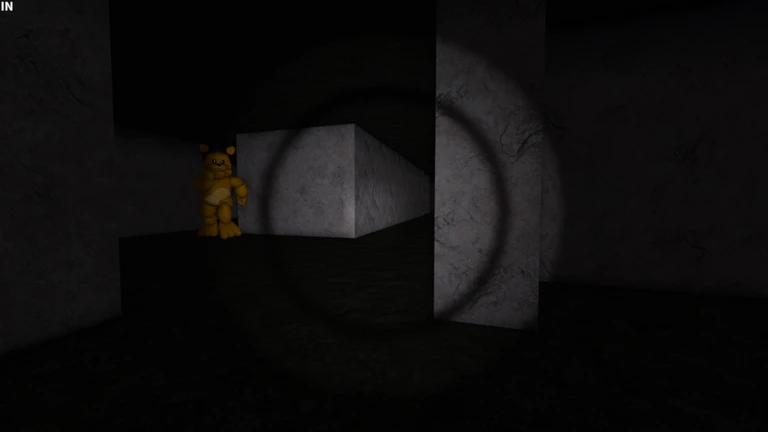
If you plan to play regularly, the group bonus adds up over time. The group wall also lets you submit ideas directly to the developers.
- Group bonus plus ten percent coins on every collection
- Group wall a place to share ideas and suggestions with the developers
Community strategy ideas
CommunityThese ideas and tips come from people playing the game. Share your discoveries too!
No strategy ideas yet. Share a tip you discovered.
Share a strategy idea
Fast Fredbear [AI]
Glossary
Glossary- Fredbear
- The enemy in this game — he can appear anywhere in the room and will hunt you down on sight.
- Jumpscare
- A sudden appearance or loud noise timed to catch you off guard, used deliberately throughout the game.
- Crouch
- An action that lowers your character's profile, helping you stay out of sight and move through narrow gaps.
- Flashlight
- A tool for lighting up dark areas, though using it also makes you more visible to Fredbear.
- Zoom
- A view mode toggled with middle click on PC that lets you inspect distant parts of the room without moving toward them.
Common questions
FAQHow many players can be in one room?
Up to fifteen players can share a single room.
What platforms does Fast Fredbear support?
The game runs on PC, laptops, mobile devices, tablets, consoles, and VR headsets.
Does joining the group actually help in-game?
Yes — members of the Small Studios Game-s group receive a ten percent bonus on every coin collection.
Game updates can change what is on this page. If you spot something, get in touch and let us know.
