
Dig & Clean Guide: The core loop from first shovel to museum
About
OverviewDig & Clean is a Roblox simulator where you dig up dirty buried items, spray them clean to reveal what they are, and display them in your own museum. This guide covers the core loop, how to earn in-game currency, when to upgrade your tools, and how to use redeem codes.
What is on this page
Contents
The core loop from first shovel to museum
Step
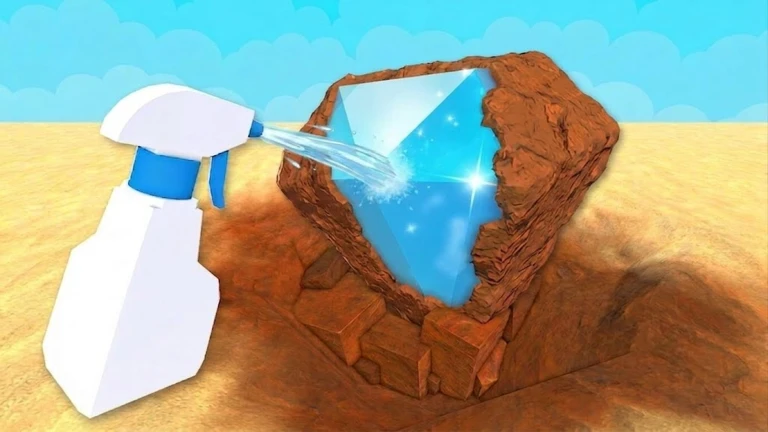
When you start the game, pick up a shovel and tap a diggable area on the ground to begin unearthing items. Once something is dug up, switch to your spray bottle and clean off all the dirt to find out what you actually found. The cleaned item then gets saved to your museum automatically.
- Grab the shovel tap any diggable patch of ground to start pulling items out.
- Spray the item clean off all the dirt so the game can identify it.
- Check the museum the identified item is saved there automatically.
- Repeat the cycle every run builds your collection and earns currency.
Earning in-game currency
Check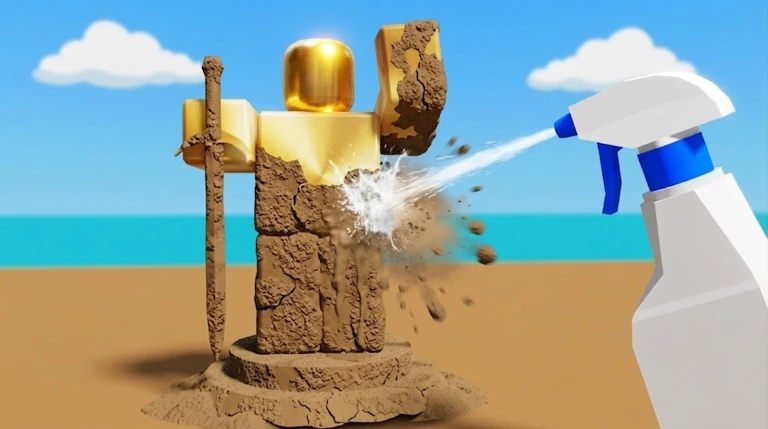
Digging up an item gives you some currency, but completing the spray step adds a bonus on top. Rarer items pay out more currency than common ones, so upgrading your tools over time creates a steady cycle of better finds and better rewards.
- Finish the spray on every item before moving on, so you collect the full bonus.
- Rarer items pay out the most currency.
Shovel vs spray bottle — upgrades
TableYour shovel and spray bottle can both be upgraded with in-game currency, and each improves a different part of the loop.
| Shovel upgrade | lets you dig faster and unearth higher-quality items. |
| Spray bottle upgrade | cleans dirt faster and increases the currency bonus you earn per item. |
Using your museum as a goal-setter
Tips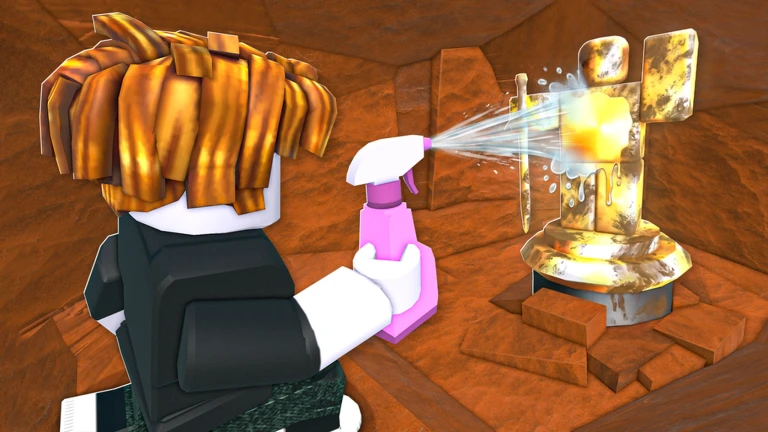
Cleaned items are saved to your museum automatically, and browsing it between sessions shows you exactly which items you are still missing.
- Open the museum after each session to see what you collected and what you still need.
- Target the gaps — knowing which items are missing helps you decide where to dig next.
Redeem codes and free rewards
WarnThe game distributes codes that give you in-game currency or items when redeemed. There are currently five working codes tracked on this site as of September 7, 2026. Each code can only be redeemed once per account, and some codes expire after a set time.
 UPDATE9
UPDATE5
UPDATE6
UPDATE3
2x Luck (30 Minutes)
UPDATE9
UPDATE5
UPDATE6
UPDATE3
2x Luck (30 Minutes)
Playing free-to-play sustainably
SummaryAll tools can be upgraded using in-game currency earned through normal play, and the museum is open to everyone regardless of spending. Paid options exist for players who want to move faster, but nothing in the free experience is locked behind them.
- Free access digging, cleaning, upgrading tools, and filling the museum are all free.
- Paid option spending real money speeds up progress rather than unlocking otherwise-blocked content.
- Platform the game runs on mobile, tablet, PC, and console.
Glossary
Glossary- Shovel
- The digging tool you use to unearth items from the ground, upgradeable with in-game currency.
- Spray Bottle
- The cleaning tool you use after digging to wash the dirt off an item and reveal what it is.
- In-game currency
- The money you earn by digging and cleaning items, used to upgrade your tools.
- Museum
- The place where all your cleaned and identified items are saved automatically for display.
- Rare item
- An item with a low chance of appearing when you dig, which pays out more currency when cleaned.
- Upgrade
- Spending in-game currency to improve the performance of your shovel or spray bottle.
- Redeem code
- A string of characters issued by the developers that you enter in-game to claim free currency or items.
Common questions
FAQWhat platforms can I play Dig & Clean on?
The game runs on mobile, tablet, PC, and console.
Why am I not finding better items when I dig?
The quality of items you unearth is tied to your tool level, so a low-level shovel limits what can appear. Upgrading your shovel opens up rarer items.
What should I do if I feel stuck and cannot afford an upgrade?
Entering any available redeem codes can give your balance a quick boost.
Can I complete the museum without spending real money?
Yes — all items can be found through normal free-to-play digging.
Game updates can change what is on this page. If you spot something, get in touch and let us know.
