
Clone Chaos Guide: How clones work
About
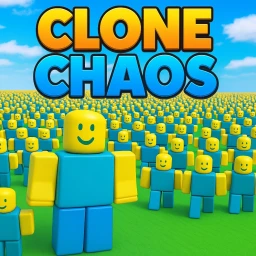
OverviewClone Chaos is a Roblox game where you fill the map with clones that copy your every move. The more you play, the bigger your army grows. This guide covers how clones work, what milestones to aim for, and how to get the most out of customization and multiplayer.
What is on this page
Contents
How clones work
Summary
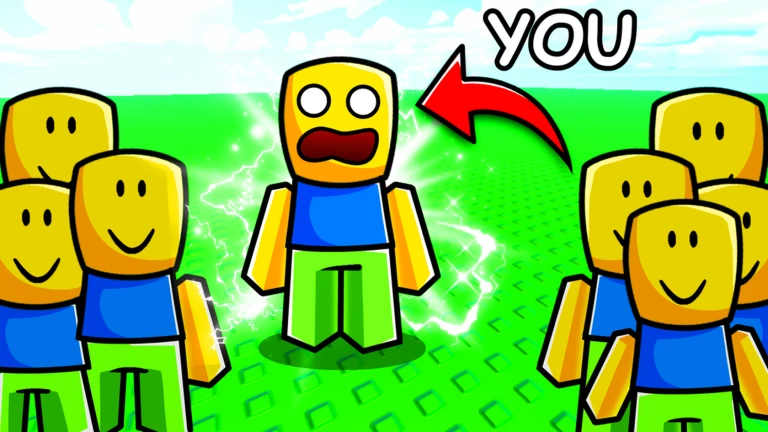
When you play, clones spawn and follow your movements exactly. Every action you take is reflected across your entire army at once.
- Clones mirror every movement you make in real time
- Animations carry over to all your clones, so your chosen animation plays across the whole army
MetaNew Player Survey
The next survey is being prepared.
Six milestones worth chasing
Step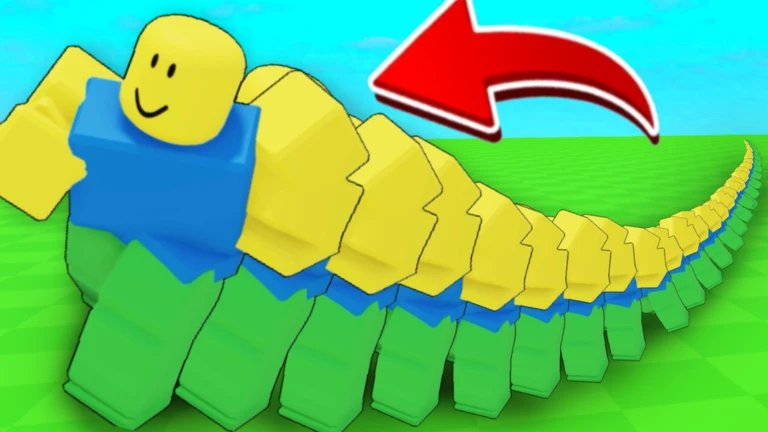
The game has six official badges tied to your total clone count. The first few arrive quickly, but reaching one million takes serious time.
- 10 clones your first badge
- 100 clones the point where the army starts to feel real
- 1,000 clones the game officially calls this a large army
- 10,000 clones your army grows to a much bigger scale
- 100,000 clones a deep-play target that takes considerable time
- 1,000,000 clones the top badge; the developers describe this as enough clones to create a country
Customization
Tips
Save your style using the built-in save feature so you do not have to set it up again next time.
- Change your appearance and the entire army changes with you
- Pick an animation you enjoy watching, because you will see it repeated across your whole army
- Save your style after you settle on a look so it carries over to future sessions
Playing with friends
Check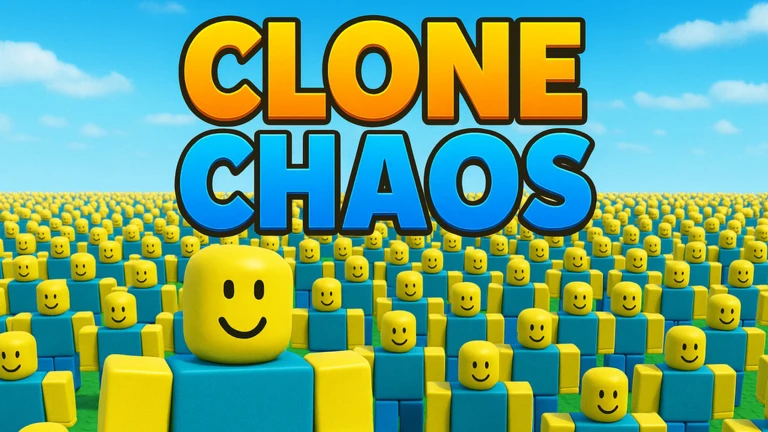
Up to ten players can share one room.
- Invite friends to the same room so you can compare clone counts directly
- Show each other your customization choices
Glossary
Glossary- Clone
- A copy of your character that spawns during play and repeats every movement and animation you make.
- Spawn
- The moment a new clone appears in the game world.
- Mirroring
- The mechanic by which clones reproduce your movements and animations exactly.
- Badge
- An official Roblox achievement awarded when you hit a set clone-count milestone.
- Style save
- A feature that stores your current appearance and animation settings so they reload in future sessions.
Common questions
FAQHow do I get more clones?
Clones spawn as you play. The longer your session, the higher your count climbs.
Do I have to start my customization over every session?
No. The game includes a style save feature that stores your look and animation settings. Set everything up once, save it, and it will be ready when you return.
How often does the game receive new content?
Updates are released weekly.
Game updates can change what is on this page. If you spot something, get in touch and let us know.
