 Live now
–
Live now
–
HALLOWEEN UPDATE!
- New halloween lucky block!

+1 Wings for Brainrots is a Roblox idle simulator where you fly across areas, collect creatures called Brainrots, and earn cash to upgrade them and expand your base. Your flight speed rises by 1 every time you progress, letting you reach farther areas and find more Brainrots over time.
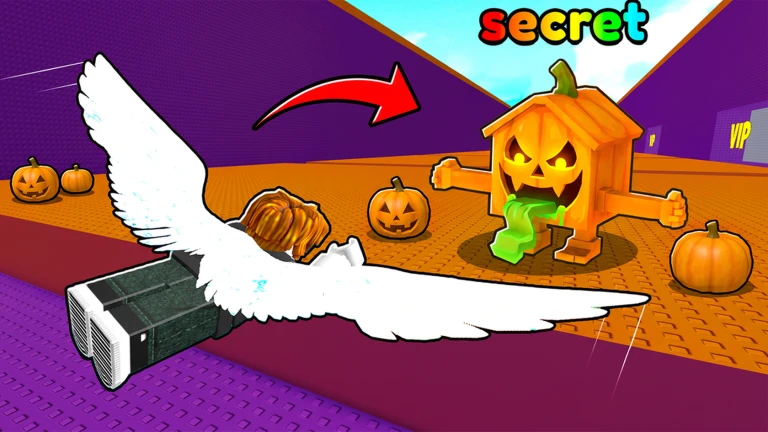
The game hands out free Brainrots when you like it and join the group, so do both before anything else. Once you have claimed those, hit the fly button to begin moving through areas and collecting more Brainrots.
The next survey is being prepared.
Each time you progress through a flight, your speed goes up by 1. Higher speed lets you travel farther in a single run, which means you reach new areas sooner and find Brainrots you cannot get closer to home.
Events running now or coming soon. They have fixed dates, so check them first.
Live now
–
- New halloween lucky block!
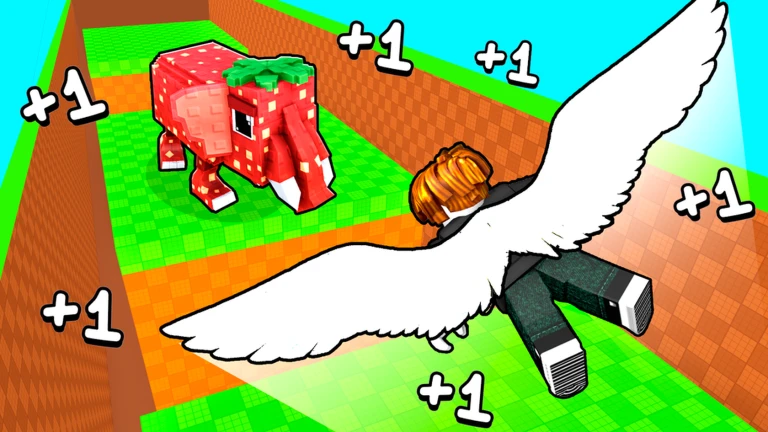
Your base holds storage slots, and those slots set the ceiling on how much cash your Brainrots can bank while you are offline. If the storage is full, cash stops accumulating. Upgrades make each Brainrot produce more.

Each Brainrot type has its own income output, and mixing several together keeps your earnings steady. The free Brainrots from liking the game and joining the group help seed your early collection.
Brainrots generate cash automatically while the game is closed, but that cash stops accumulating the moment your storage slots fill up.
The game includes a Rebirth mechanic that multiplies the cash your Brainrots earn.
Yes — your Brainrots keep producing cash automatically while you are offline. Earning stops once your storage slots are full.
Collecting several different types gives you more income sources and keeps earnings more stable.
New areas open when your flight distance crosses the threshold to reach them, which happens naturally as your speed climbs with each flight.
The game offers free rewards from liking the game and joining the group, so the core loop works with those free Brainrots.
Rebirth multiplies your cash output.
Before you start
Please check the following before using MetaNew.
* You can change your email preference any time from your profile.
